5. Parameters 5-55
5.7.4 Multi-function analog output : H3.01~H3.03
5.7.4.1 Setting multi-function analog output : H3.01
Parameter
No.
Name Unit
Setting
range
Factory
Setting
Changeable
during
operation
H3.01
Analog Monitor
Function Setting
- 0~7 1 X
• H3.01 is used to select the function of the analog monitor output
terminal.
• Setting
Setting
constant
Function Reference
0 Frequency command U0.01
1 Output frequency U0.02
2 Output current U0.03
3 Output voltage U0.04
4 DC voltage U0.05
5 Output power U0.06
6 Motor speed U0.07
7 Estimated torque U0.08
5-56 MOSCON-E7 User’s Manual
5.7.4.2 Adjusting the monitor output : H3.02, H3.03
Parameter
No.
Name Unit
Setting
range
Factory
Setting
Changeable
during
operation
H3.02
Analog Monitor
Gain setting
0.1%
0.0
~200.0
100.0 O
H3.03
Analog Monitor
Bias setting
0.1%
-100.0
~100.0
0.0 O
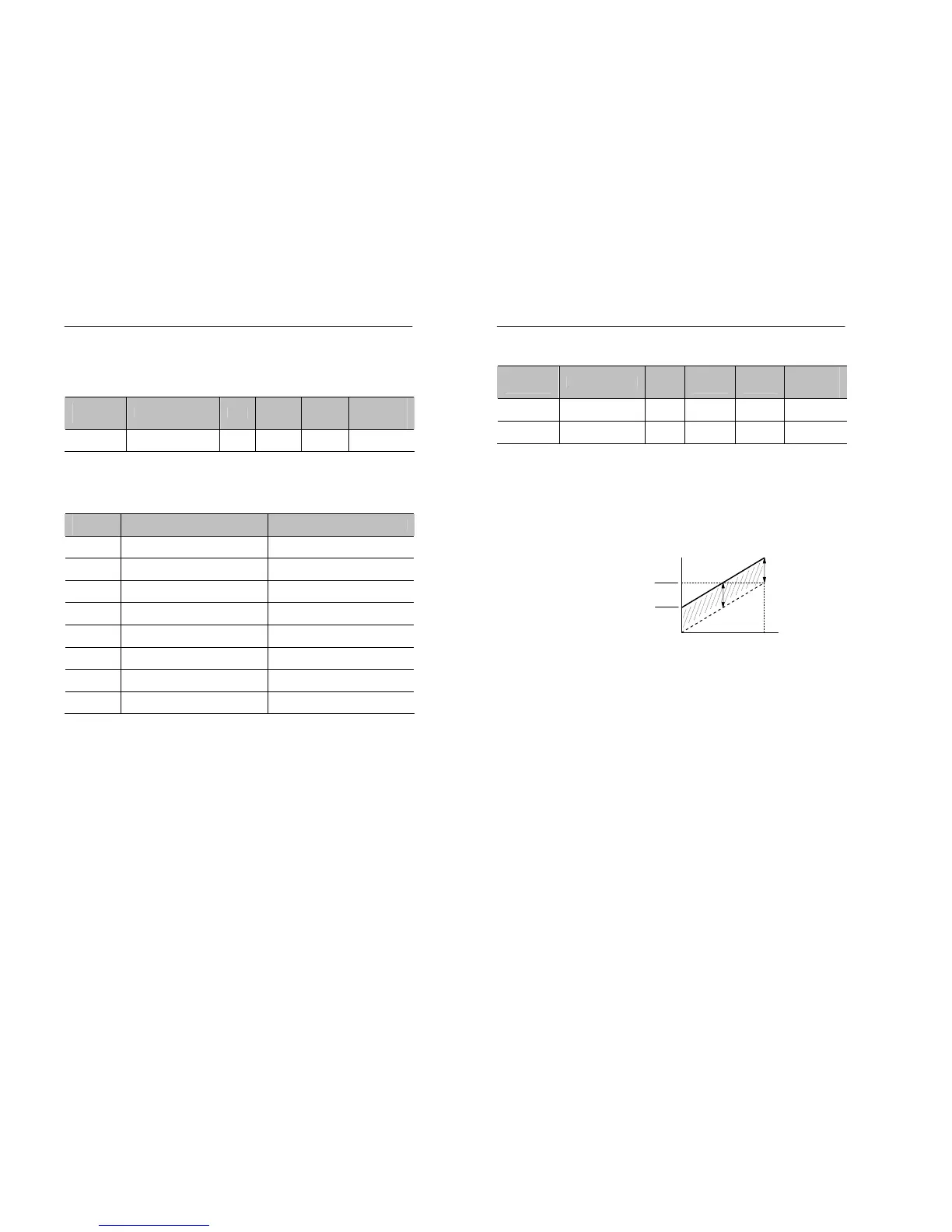
• H3.02 and H3.03 are used to set the gain and bias of monitor output.
• H3.02 : set what multiple of 10V will correspond to a 100% output of
the monitored item.
• H3.03: set the amount that the output characteristic will be shifted
vertically. Set this amount as a percentage, with 10V corresponding to
100%.
Figure 5.23 Monitor output adjustments
Analog output
Max. Out


 To Next Page