06-2017
CAP. 5
5 / 24
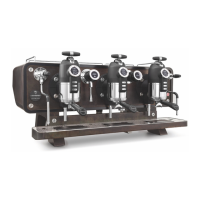
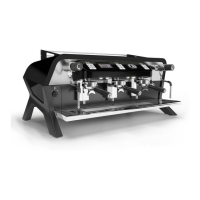
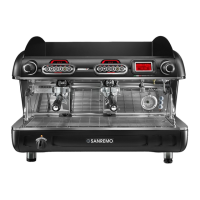
OPERA
Operation of the machine
EN
I
3
1
2
A
A
1
B
C
4
5
6
7
8
9
Fig. 2
Fig. 3
Fig. 4
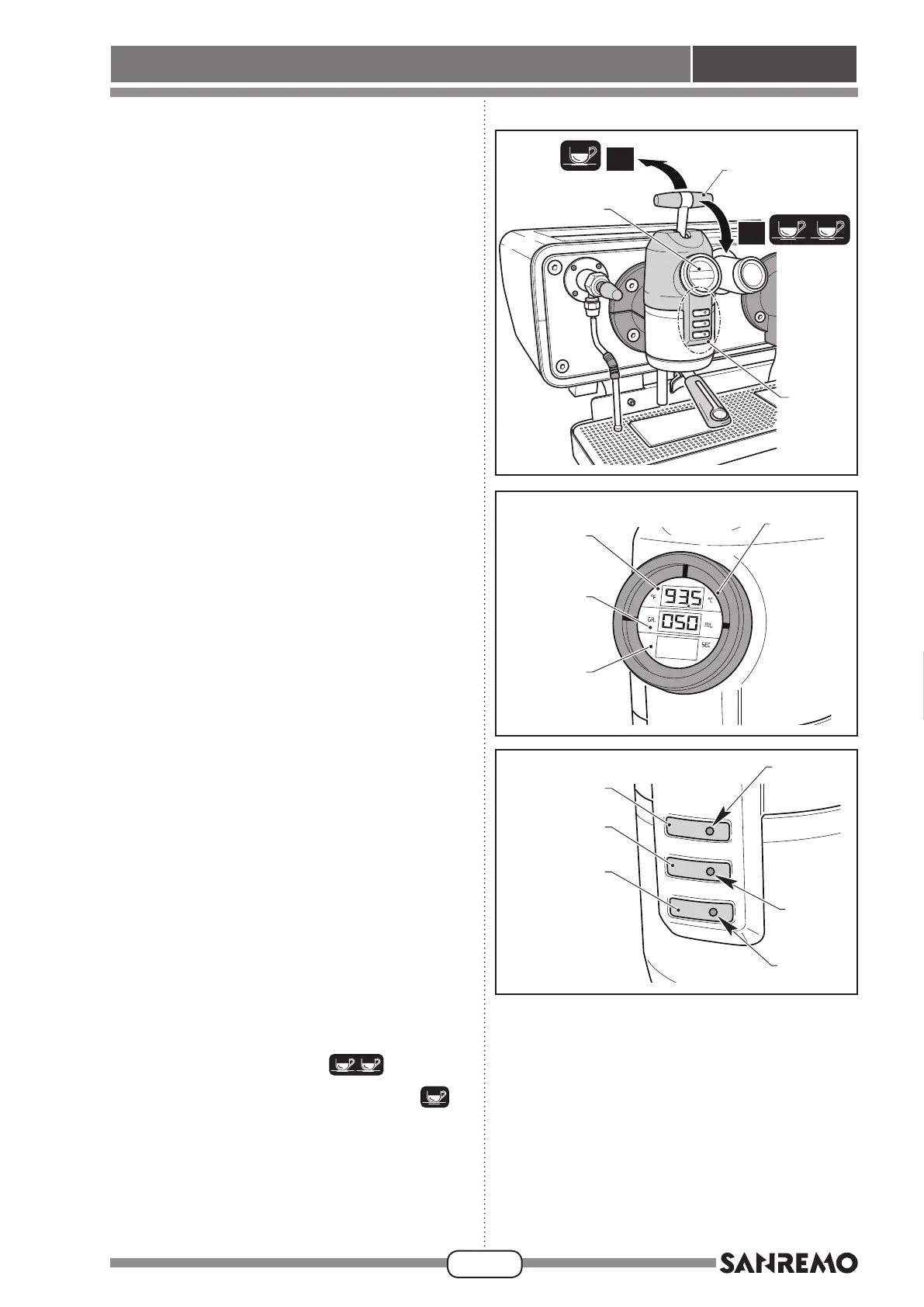
5.3 - COFFEE DISPENSING UNIT
(FIG. 2)
A display (1), button panel (2) and a lever (3) are locat-
ed on the dispensing units, to control coffee dispensing.
5.3.a - Display (1) (Fig. 3)
The display is divided into 3 separate areas:
Zone “A”
With the machine in stand-by, the temperature of the
coffee water inside the unit is shown.
When dispensing coffee, the dispensing pressure is
shown.
Zone “B”
With the machine in stand-by, displays the volume (ml)
of water required for the extraction selected by means
of the button panel (2) is shown.
Zone “C”
When dispensing coffee, the coffee dispensing time
(in s) is shown.
5.3.b - Button panel (2) (Fig. 4)
Three buttons are present on the unit to select the
volume of coffee in the cup.
Button (4)
The volume of brewing corresponds to a “LONG
COFFEE”.
Press button (4) until the relevant LED (5) turns on; the
(ml) programmed appears on zone “B” of the display.
Button (6)
The volume of brewing corresponds to a “ESPRESSO
COFFEE”.
Press button (6) until the relevant LED (7) turns on; the
(ml) programmed appears on zone “B” of the display.
Button (8)
The volume of brewing corresponds to a “SHORT
BLACK COFFEE”.
Press button (8) until the relevant LED (9) turns on; the
(ml) programmed appears on zone “B” of the display.
5.3.c - Lever (3)
A lever (3) is located on the top part of the display, to
control coffee dispensing.
Move the lever (3) forward “A”
to dispense
for two coffee; move lever (3) backward “I”
to
dispense for two coffees.
By moving the lever forward, and holding it for more
than 1 sec., operating the continuous delivery (man-
ual).
Release the lever (3), to block the delivery.








 To Next Page