42 CSP-204 ● CSP-208 ● CSP-104 ● CSP-108 SATEL
9.3 Using the virtual panel
Note: The Web browser for communication with the CSP-ETH module uses port 80. The
Java applet, which is downloaded from the module by the web browser, uses port
11010 for communication.
1. Start the web browser.
2. Enter the module IP address into the address bar and press ENTER key.
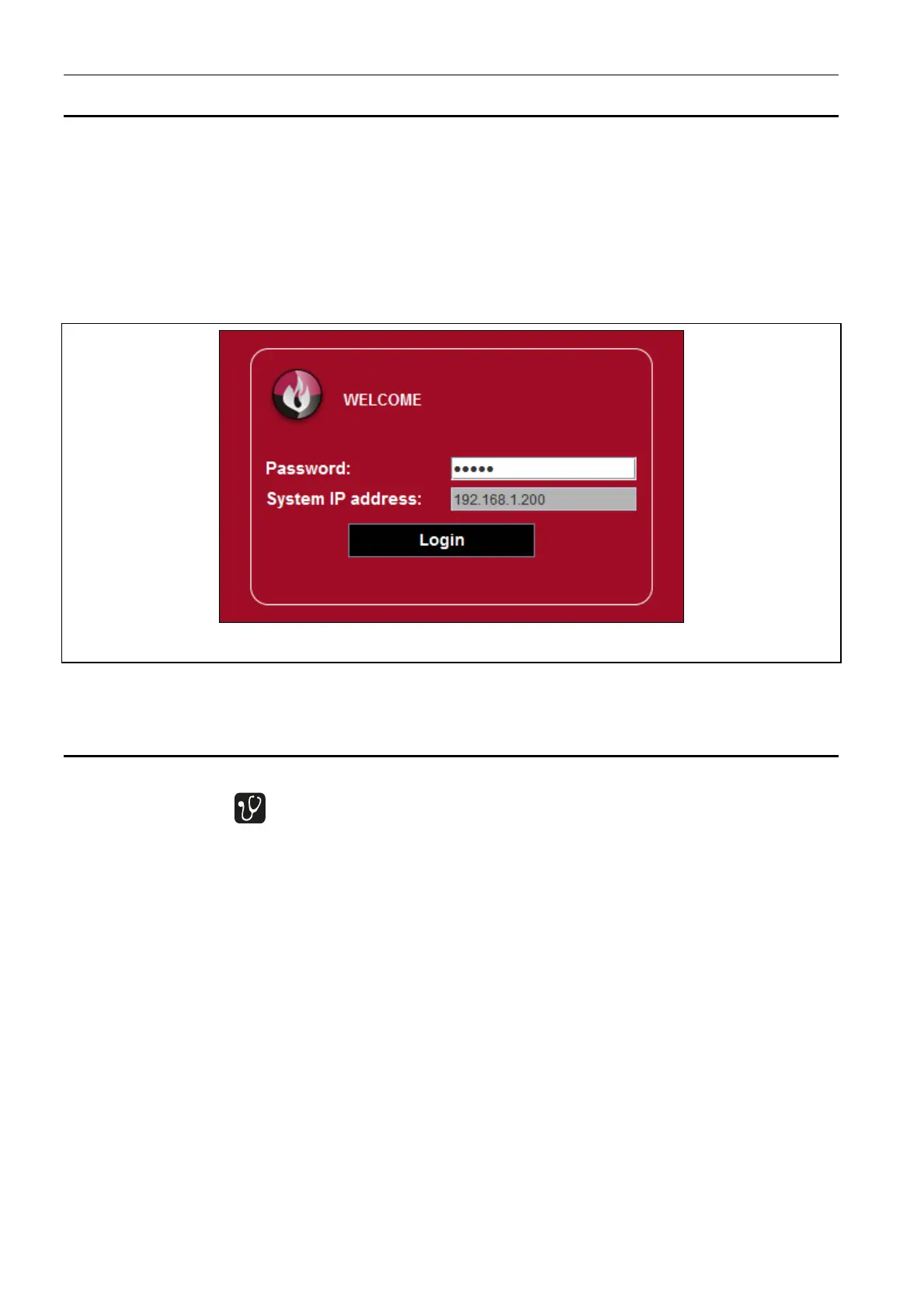
3. The login page will open in the web browser. Enter the code (by default: satel) to get
access to the virtual panel.
Fig. 23. Login to the virtual panel.
4. The virtual panel will be displayed.
10. Checking the fire alarm control panel for proper functioning
I. Carry out a test of the control panel LEDs and acoustic signaling. To do this, press and
hold down the button for approx. 3 seconds at access level 1. All the LEDs should
start blinking uniformly and an intermittent audible signal should be heard.
II. Make sure that the control panel is correctly powered (the green LED, described as
POWER, should be ON).
III. Make sure that the control panel is signaling no faults, disablements or alarms (at
access level 1 no LED should be ON or blinking, except for the green LED described as
POWER).
IV. In the case of CSP-204 and CSP-208 control panels, make sure that the actual time is
shown on the display.
V. Check that the control panel correctly detects any faults.
Note: Testing for faults should result in activation of the fault warning routing output, if the
output is enabled.
1. Disconnect the 230 V AC mains supply.
2. After about 25 minutes:
the green LED described as POWER should start blinking;
the yellow LED described as FAULT should turn ON;
the yellow LED described as POWER should start blinking;



 To Next Page