10 CSP-204 ● CSP-208 ● CSP-104 ● CSP-108 SATEL
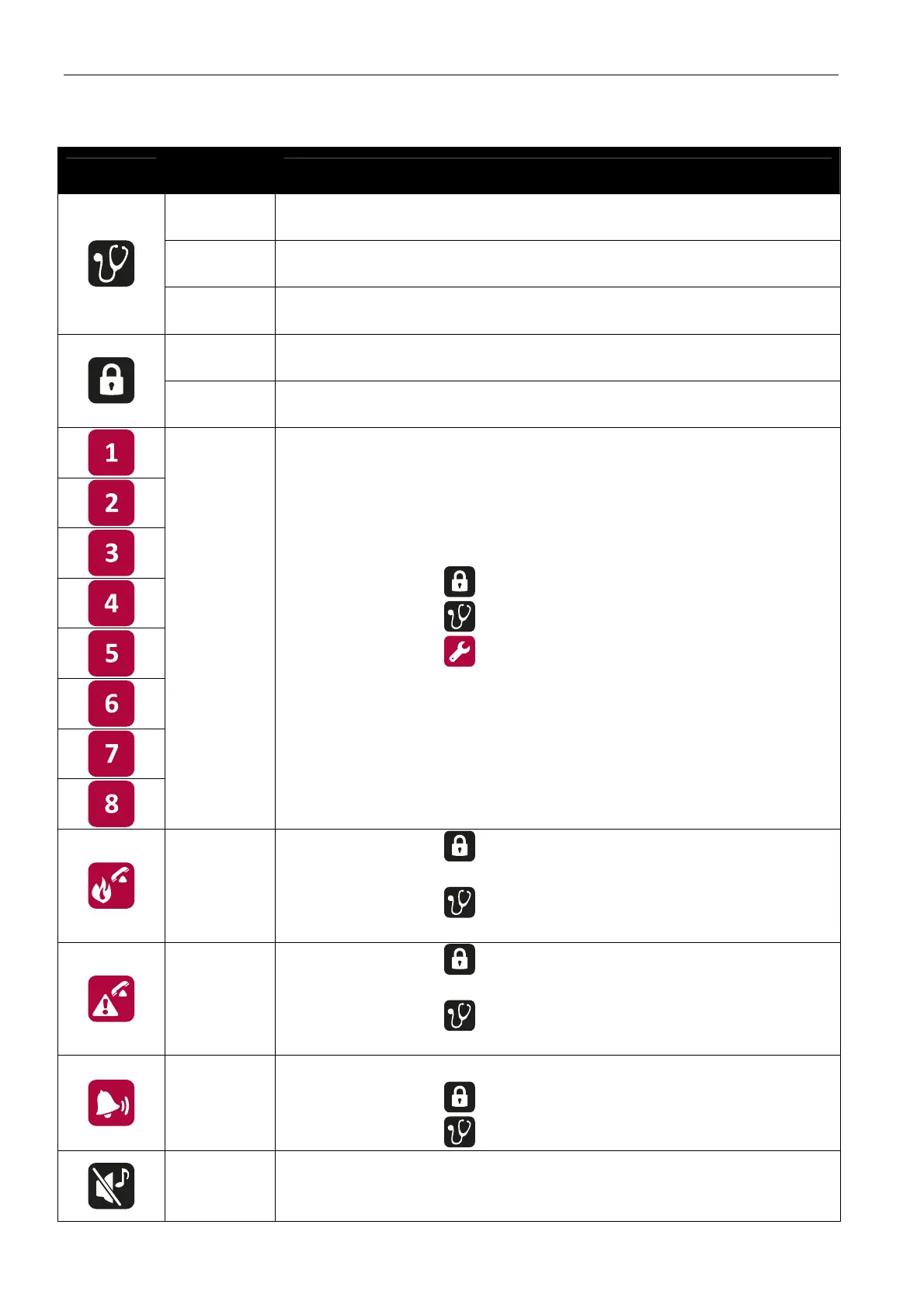
4.2.2 Buttons
Button
Access
level
Function
1
- starts the test of LED indicators and built-in sounder of control
panel / repeater panel
2
- starts the function of testing zones, sounders, fire alarm routing
output or fault warning routing output
3
- allows to check the function number [CSP-104 and CSP-108
panels only]
2
- starts the function of disabling zones, sounders, fire alarm
routing output or fault warning routing output
3
- allows to check the data programmed in the control panel
[CSP-104 and CSP-108 panels only]
2
- after pressing the
button – disables / enables the zone
- after pressing the button – starts / stops the zone test
- after pressing the button – the buttons 1-4 allow to enter the
level 3 access code (programming)
2
- after pressing the
button – disables / enables the fire alarm
routing output
- after pressing the button – starts a test of the fire alarm
routing output
2
- after pressing the
button – disables / enables the fault
warning routing output
- after pressing the
button – starts test of the fault warning
routing output
2
- deactivates / activates sounders during a fire alarm
- after pressing the
button – disables / enables the sounders
- after pressing the button – starts a test of the sounders
1 or 2
- acknowledges the alarm or fault warning and silences the
acoustic signaling in control panel and repeater panel
- resets the fault memory



 To Next Page