28
Schaerer Barista operating instructions
Operation | Steam options
3.8.1 Autosteam
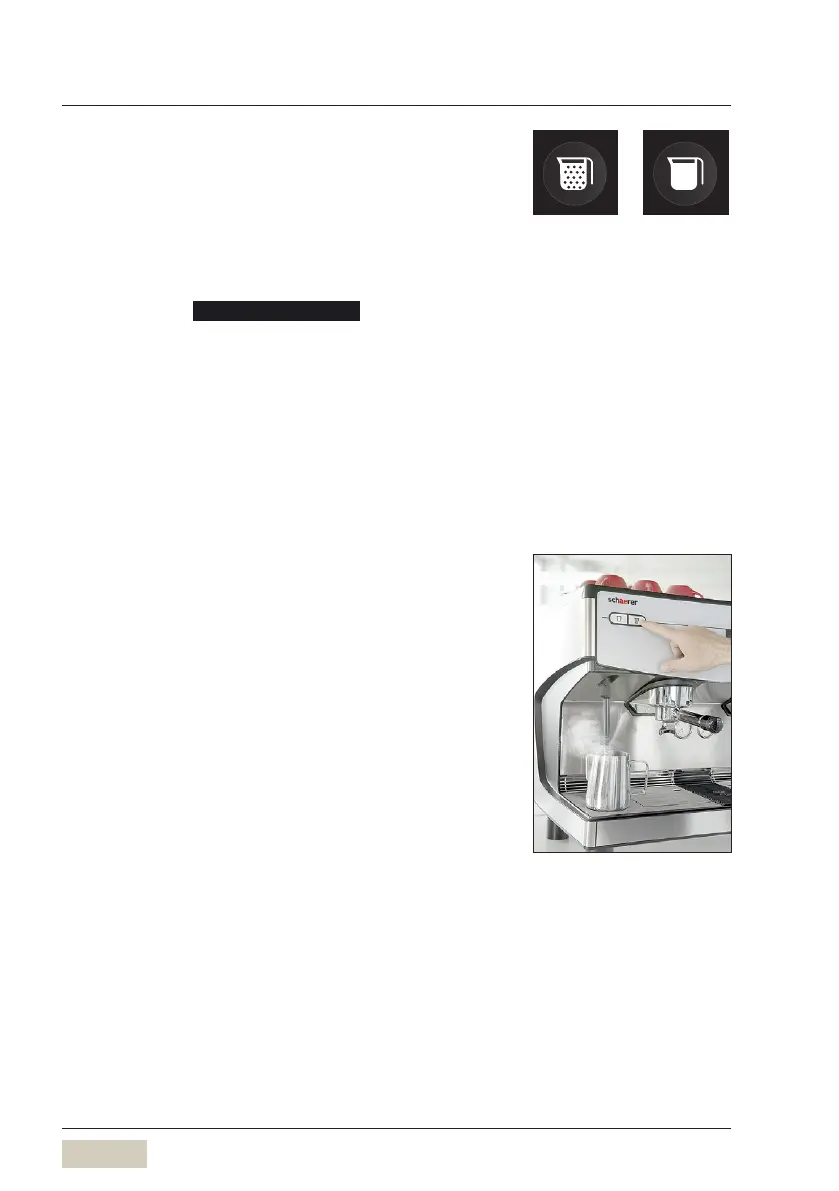
Milk is heated or foamed with the Autosteam option.
Foam button
Milk can be foamed with the set foam quality using
the foam button.
A milk foam quality is available as a standard
setting.
After activating milk foam selection, 3 individually
adjustable foam qualities are available. The
selection is shown on the display after pressing the
foam button.
Possible foam qualities are:
• Standard
• Fine
• Very ne
Milk button
Milk is heated using the Milk button.
Heating up or foaming milk
* Use a tall and narrow container with a handle
* Fill the container no more than halfway so that
milk does not overow during foaming
* Place the container in the centre below the steam
wand
The steam wand must dip into the milk.
* Briey press on the desired Autosteam button
Steam is dispensed according to the Autosteam
button functions.
Steam dispensing will end when the programmed
temperature is reached or when the Autosteam
button is pressed again.
* Put away the container and press the Autosteam
button again briey
The remainders in the steam wand are rinsed out.
* Clean the steam wand externally with a clean,
damp cloth after use
Foam button Milk button
Milk foam selection
w System
page 47
Button functions
w Software
w Change recipes
page 39













 To Next Page