37
Schaerer Barista operating instructions
Software | Readiness for use
5.2 Readiness for use
Ready for operation display
The display shown when the machine is ready for
use depends on the options of the coffee machine
and individual settings.
5.3 Ready for operation display
elds
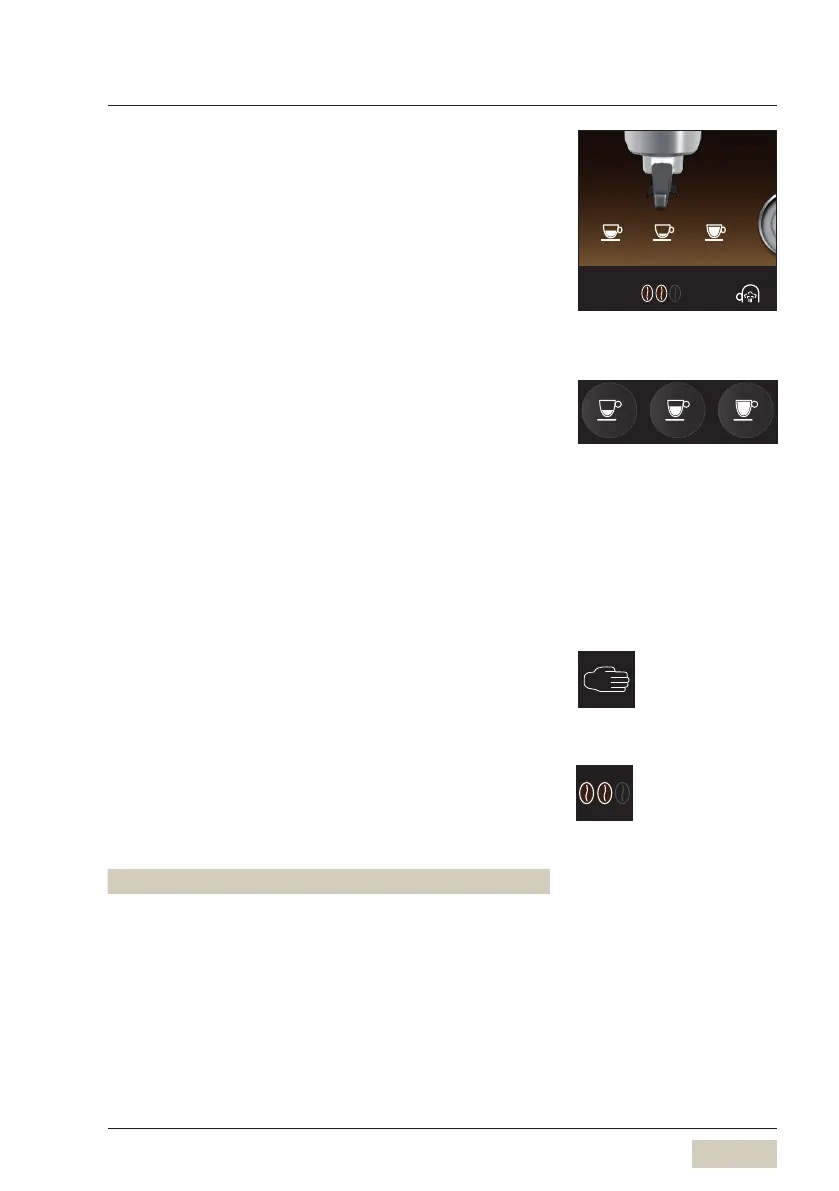
Beverage buttons
All output-ready beverage buttons are illuminated.
Up to 3 different beverage recipes can be congured
per brewing group for each portalter type; these
recipes can be selected using the beverage buttons.
The portalter type is automatically detected after
insertion.
Depending on the setting, the beverage names or
the bean types can also be displayed now.
Function key
Manually adding coffee grounds
w Operation, page 26
External grinding
w System, page 48
Barista - coffee strength
The coffee strength is changed one time for the next
brew. This function is available for both brewing
groups.
Display Coffee strength
Standard 2 beans Normal, as set
Tap 1 x 3 beans 15% stronger than set*
Tap 2 x 1 bean 15% weaker than set*
* Maximum coffee ground
quantity per brew
Portalter holder 11 g
Double portalter 16 g
2
2 Espresso Espresso Lungo
Display texts
w System
page 46
Function key
Barista eld active/inactive
wSystem
page 45













 To Next Page