72
Schaerer Barista operating instructions
Notications and notes | Troubleshooting
Error description Instruction
9516
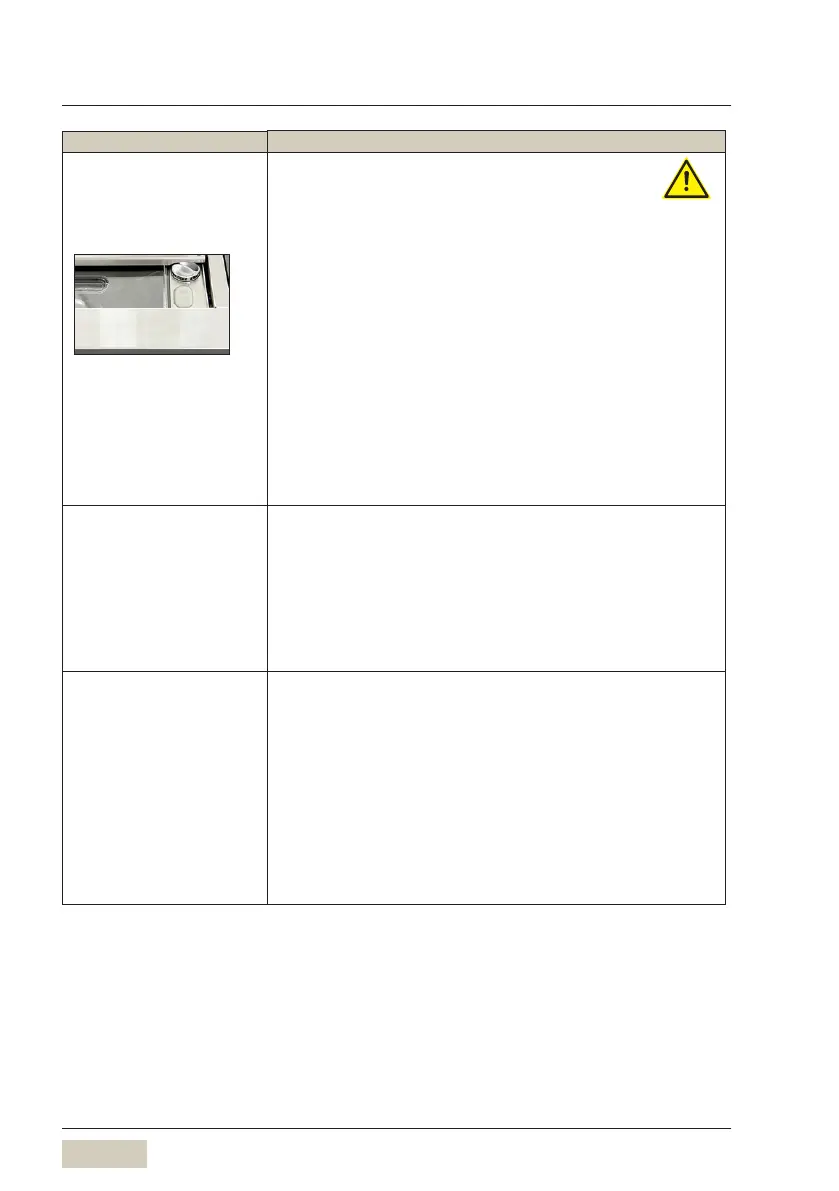
Left grinder blocked
* Switch the coffee machine off
* Note down the grind level setting
* Unlock and remove the bean hopper
* Vacuum the grinder with the vacuum cleaner
* Set the grind level to a coarser setting
* Mount the bean hopper again and lock it
* Add coffee beans as needed
w Other settings w Setting grind level, page 33
* Switch the coffee machine on
* Dispensing a coffee beverage
* Set the grind level to the old grind level while the
grinder is running
Iftheerrorisnotxed
* Switch the coffee machine off
* Call Schaerer Support
9517
Right grinder blocked
9543
Standardisation error,
right
* Check that the correct sieve is inserted in the
portalter
* Check whether the coffee grounds slide needs
cleaning
* Switch the coffee machine OFF and ON again
Iftheerrorisnotxed
* Call Schaerer Support
9560/9561
Too little ground coffee
in the portalter (left/
right)
* Check that the correct sieve insert is inserted in
the portalter
* Clean the coffee grounds slide
* Manually clean the brewing group
* Increase the coffee ground quantity by 0.1 grams
in the recipe for the beverage that was dispensed
last
Iftheerrorisnotxed
* Switch the coffee machine off
* Call Schaerer Support













 To Next Page