25
Operation
CPC III Manual
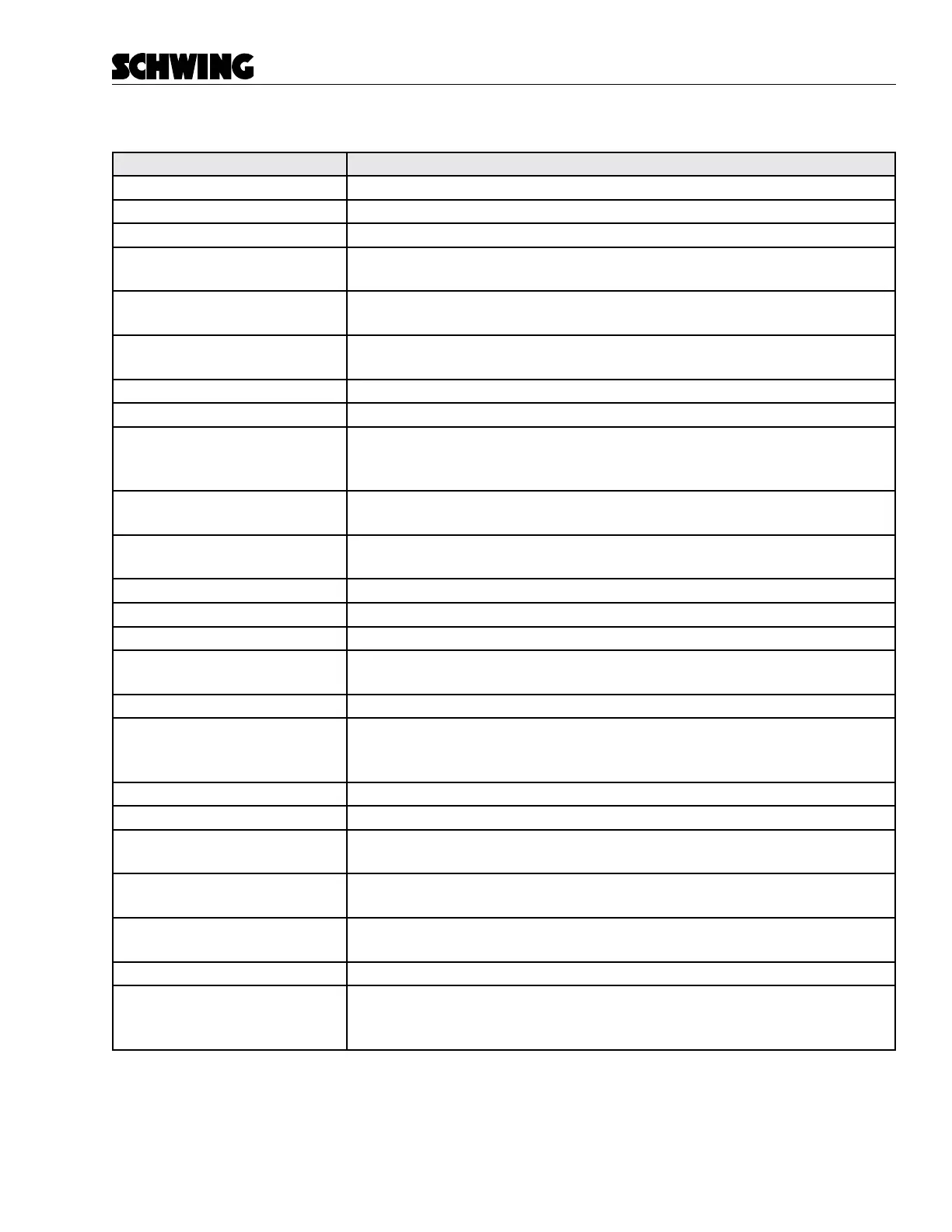
Display Messages
Screen Settings
“Slew Limit [Left/Right]” Normal message when slew limits are reached.
“E-Stop [Rear/Boom/Remote]” An E-Stop is triggered. Check your E-Stops.
“Hopper Grate Open” Hopper Grate circuit is open
“Soft Stop-Neutral all switches” Appears when switching to remote mode and a remote switch is on. Take all
remote switches to neutral.
“Reset E-Stop Request” Appears when switching modes and during rst startup. Honk the horn to reset
the e-stops.
“No comms Keypad<>PLC” There is no comms to the rear keypad. Check the CAN lines and power/
ground wires to the rear keypad then replace keypad.
“Dirty Oil Filter” Change the Oil Filter
“Telescopic Boom Limit” Boom Limitation is preventing further telescoping.
“No Driveshaft Speed Detected” Check prox sensor on drive shaft and make sure the pickup bolts are 2-4mm
away from the sensor. Then replace sensor. There is a light on the prox that
tells you when it is triggered.
“No Alt D+ Voltage” This is a normal message when the vehicle is not running. This signal comes
directly from the alternator.
“Hydraulic Oil Temp High” Oil Temperature has been exceeded. Verify Oil Cooler is running and let the
unit cool down.
“Ram Change Mode Enabled”
“Teach Mode Enabled”
“Oil Pressure Sensor Fault” Check the connections to the sensor. Replace sensor or troubleshoot wiring.
“Water Tank Level Low” Normal message when no water is in the tank. Check the connections to the
sensor. Replace sensor or troubleshoot wiring.
“Maintenance Switch Enabled” The maintenance switch is activated. MOST functions of CPC III are disabled
“VBB4 Volts Low-Check CB[#]” There is no voltage on one of the circuits. Open the PDM and check the in-
dicated circuit breaker. Some features will not work when you get this error
because it does not have full power.
“No Comms HMI<>PLC” No communication between the display and the PLC
“PLC Temp High” The PLC is overheating. Open cabinet door and turn system o until cooled.
“Pump RPM High-Check Gear” The ratio between the engine RPM and the driveshaft is not correct. Make sure
you’re in the correct gear.
“Error Code-Goto Maint. Page” Go to the Maintenance page and check the error code. Use the Error Code
manual to see what it means.
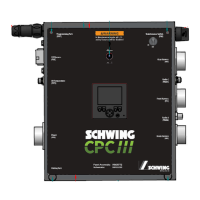
“No Comms PLC<>Receiver” Ensure Cable A and Cable C on side of panel is plugged in and the Radio Re-
ceiver is lit up.
“Oil Temp Sensor Fault” Check the connections to the sensor. Replace sensor or troubleshoot wiring.
“Operate Oil Cooler Manually” If this error comes up the CPC III system has determined an error in the Oil
Cooler System. Either the D+ signal is not working, or the Oil Temp sensor is
not working. Run the Oil Cooler manually from keypad.
-



 To Next Page