The Status LED acts as a clipping indicator and will flash red if the amplification level is too high.
15.2.5.2 Adjust headphone volume (ultrasound sensors and accelerometers)
Increase or decrease the headphone volume using the Right and Left arrows until reaching a level of signal which is
comfortable for you.
15.2.6 Getting and saving data
Press the M button:
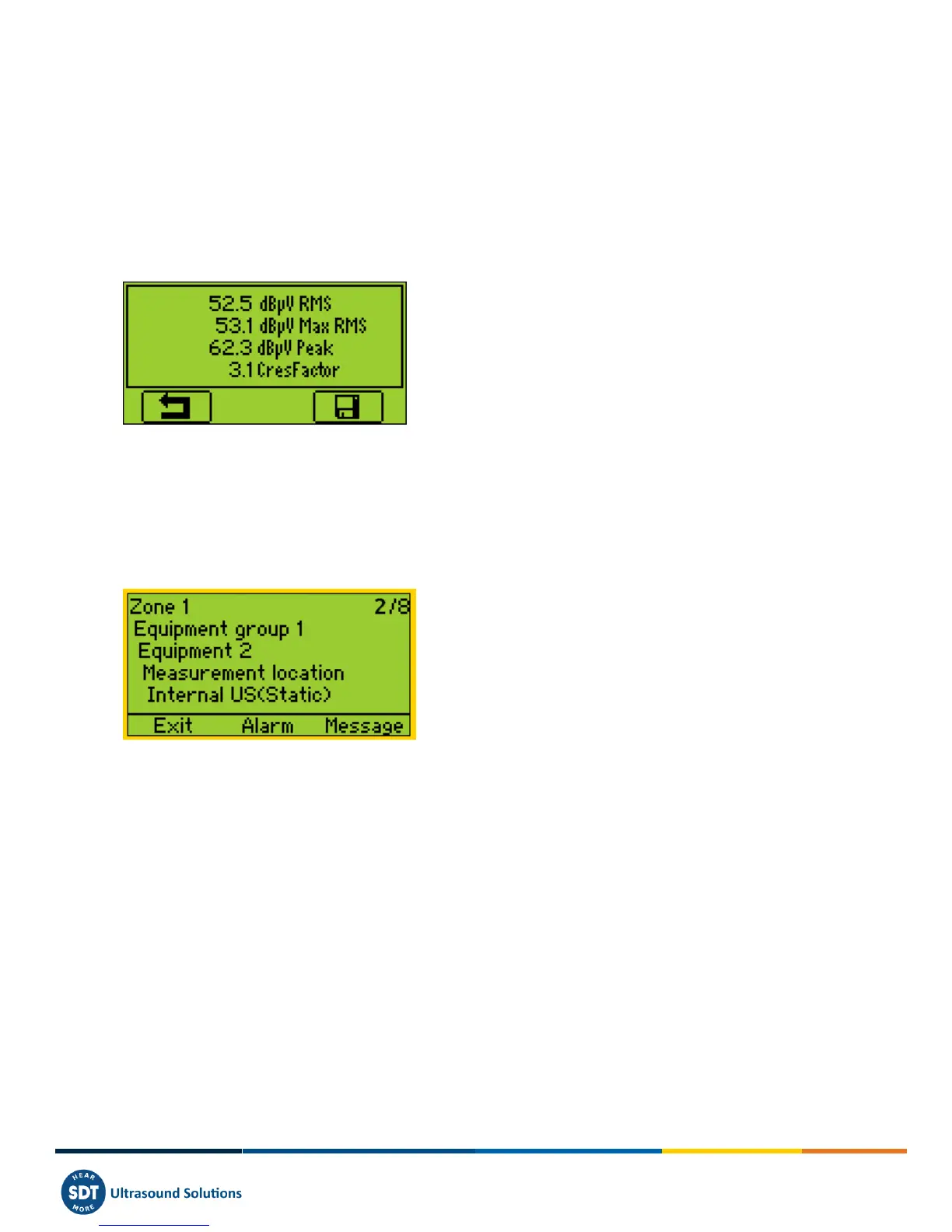
For ultrasonic sensors and accelerometers, at the end of the computation time, a screen detailing RMS, Max RMS (for
Us sensors), Peak and Crest factor values, is displayed.:
For RPM, temperature, hygrometer, and mass flow, the value is frozen.
Press the F3 button (or the Disc button) to save the data. A message on the screen confirms the measurement has been
saved.
15.2.7 Selecting the next measurement
Press F1 Key to continue and come back to the measurement selection screen. The SDT270 selects automatically the
following Measurement of the Survey.



 To Next Page