第 57 页
[Type] choose "DNS"
[Enable]: ■ means it is chosen
[Sever IP]: IP address of DDNS server
[Port]: Port No. of device, related DDNS server listen port
[User name] the user name that device can log in DDNS server
[Password] the password related to the user name.
[Refresh cycle]:Time interval between device and DDNS when chynchronously.
Note: Please set up server before using DDNS.
【Alarm center】
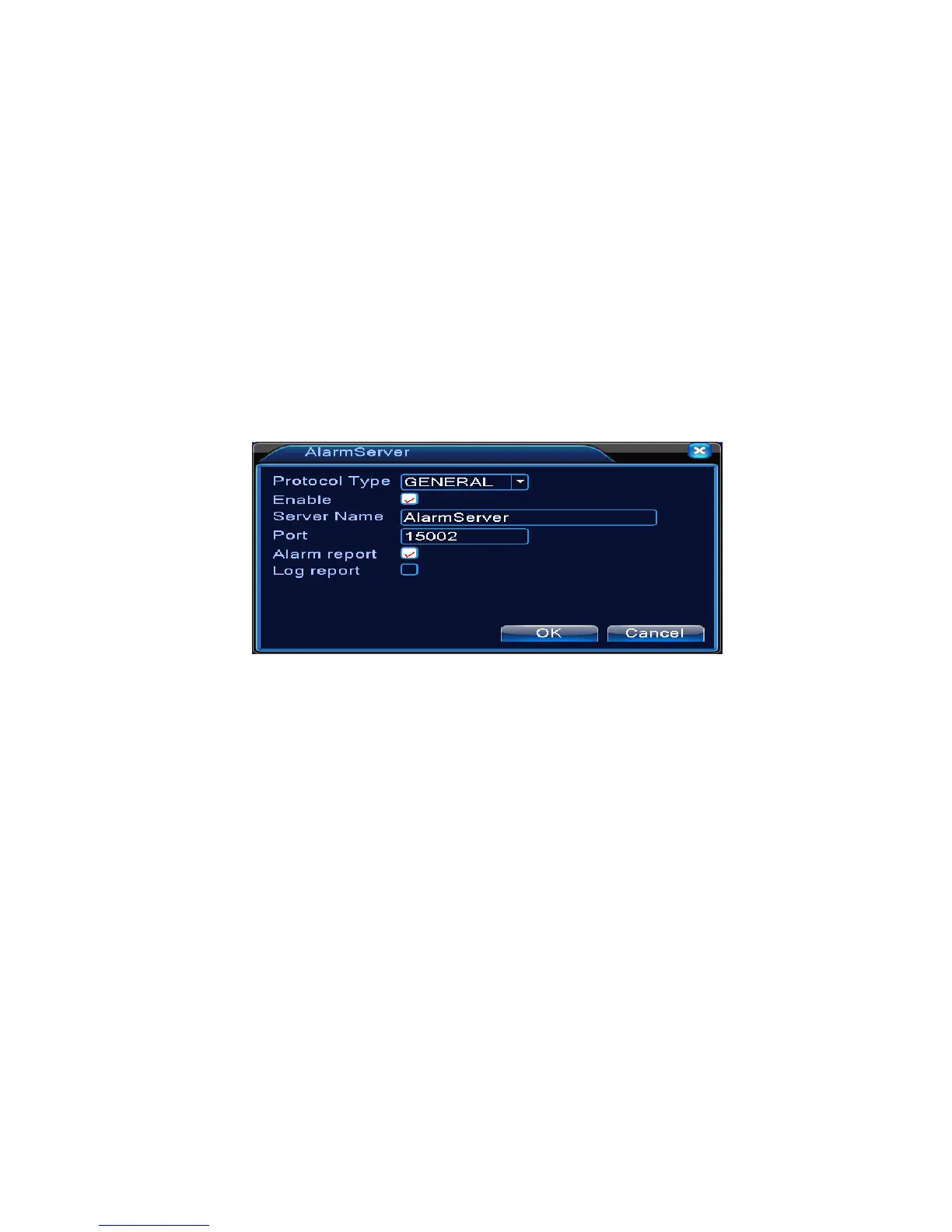
When alarm occurring, report alarm information to alarm server.
Pic: 4.30 alarm server setting
【Protocol type】GENERAL
【Enable】To tick it means enable.
【Server IP】IP address of Alarm Server
【Port】Device Port No.
【Alarm Report】Tick it means to report alarm information to server.
【Log Report】Tick it, means to report log to server.
【Wireless Config】
ADSL through 3G net card,use CMS to visit and config the device



 To Next Page