第 58 页
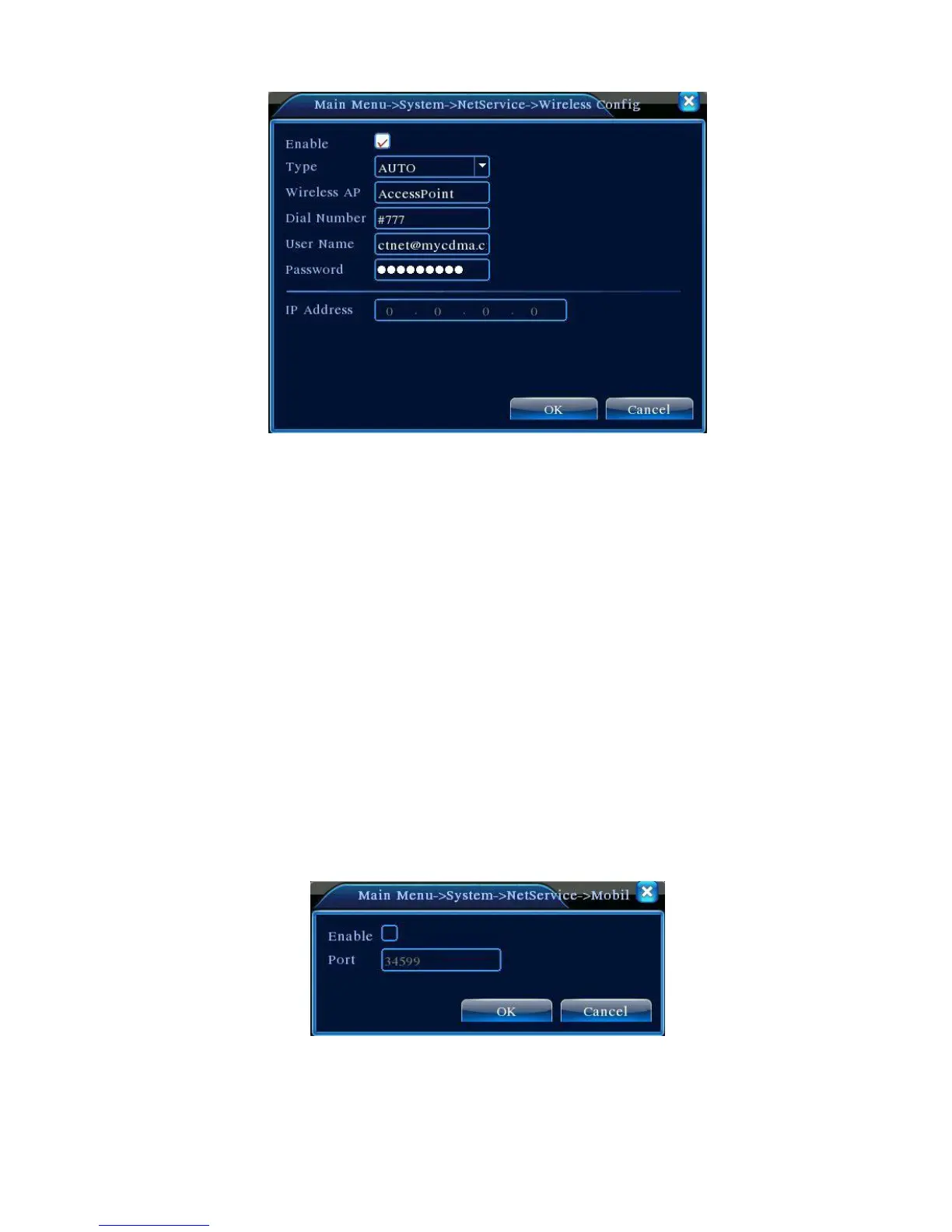
Picture 4.31 Wireless Config
【Enable】Choose Enable to make all settings available
【Type】Dial type,default AUTO
【Wireless AP】3G access point
【Dial Number】3G Dial Number
【User Name】User name of 3G
【Password】Password of dial user
【IP Address】IP address,got from dial
Note:parts of A series and T series don't support this function.
【Mobile Monitor Setup】
To visit the device by mobile,please make a router mapping of this port and use CMS to monitor and
operate it by protocol.
Picture 4.32 Mobile Monitor Setup
【Enable】 Select it to make sure abnormal function workable
【Port】 It’s a port of mobile monitoring which you need to make a router mapping of if want to visit



 To Next Page