第 59 页
it by mobile
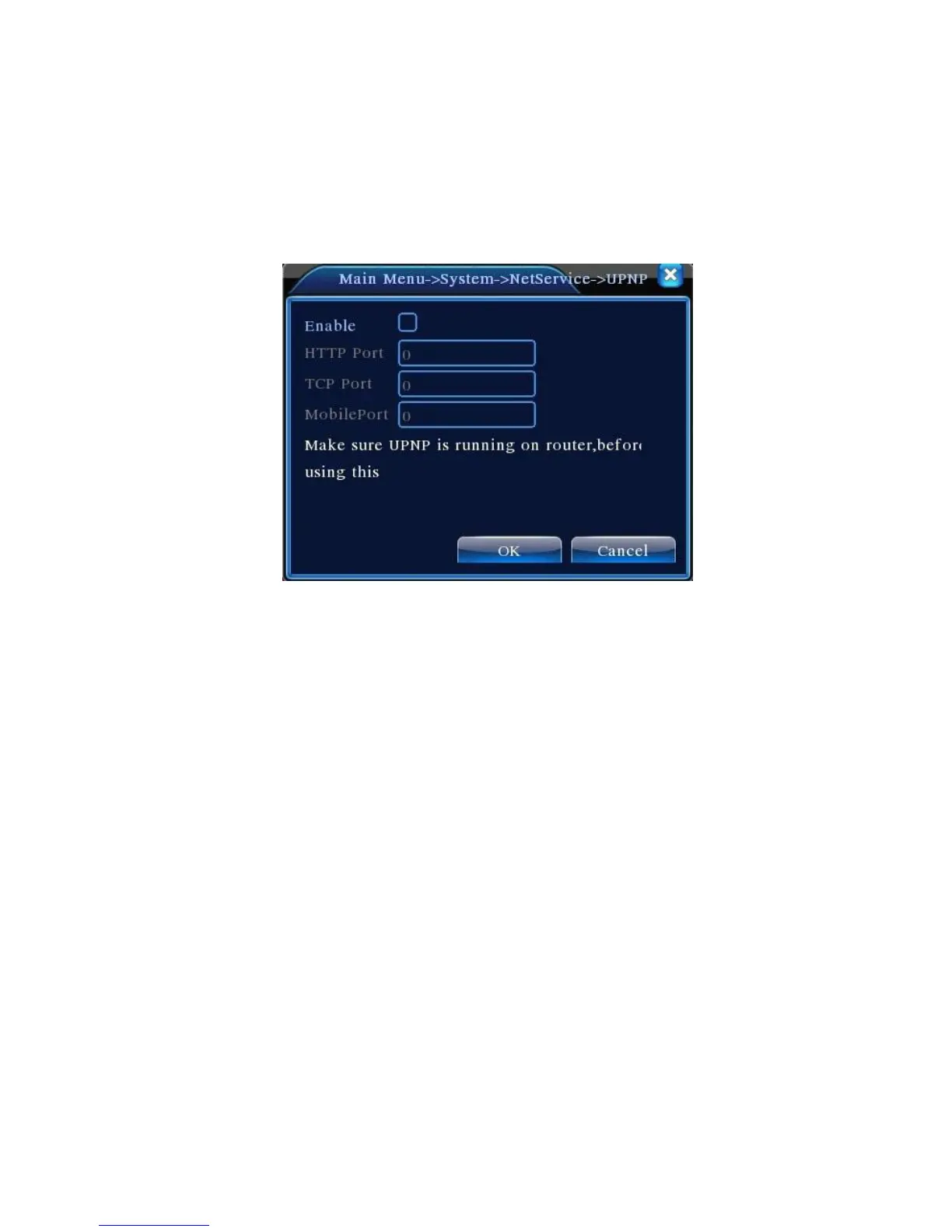
【UPNP】
UPNP protocol is to realize auto port forwarding on router, precondition of using this function is to
make sure the UPNP function of router is enabled.
Picture 4.33 UPNP
【Enable】Choose Enable to make sure all UPNP settings available
【HTTP】Route will automatically distribute HTTP port for the device,when IE viewing,it need this
port
【TCP】Router will automatically distribute TCP port for the device,when monitoring via CMS,it need
this port.
【Mobile Port】Router will automatically distribute Mobile Port for the device,when mobile monitor,it
need this port.
【WIFI】
DVR connect to wireless router via WIFI module, then to visit it through IP address, the precondition
of using this function is to make sure the DVR have connected with WIFI modern.



 To Next Page