OmniHub CMP203– User Manual
Page 93 of 109
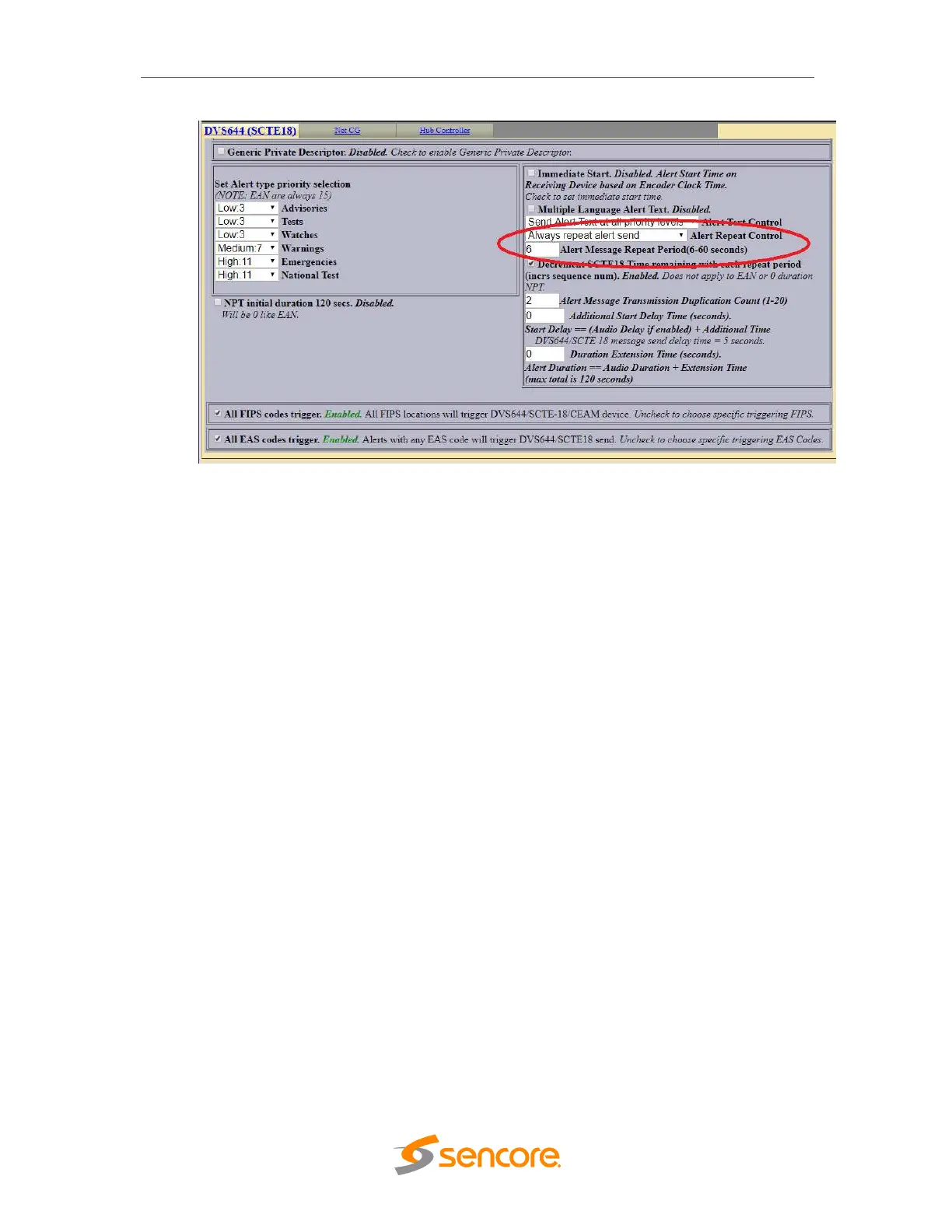
DVS644-SCTE18 Page (Monroe R189SE)
9. Click the Accept Changes button and that should be the last of the configuration.
EAS Testing with Monroe Box
1. To force the Monroe box to do a test and send an SCTE18 message, press the
Select button on the front panel of the unit TW0 TIMES.
This will cause the unit to:
a. Display an EAS screen on the CVBS video output
b. Send two SCTE18 messages
c. Start playing the alert audio
2. The SCTE18 messages will be sent during the playing of the EAS audio
message every 6 seconds. When the EAS audio message is finished playing,
the SCTE18 messages will no longer be sent.
3. When the CMP203 receives the first SCTE18 message on the management port,
a trigger is sent to replace all outgoing services on routed encoders with its AVI
input. 15 seconds after the last SCTE18 is received, the CMP will replace all
encoder outputs with the original inputs (encoded HDMI,SDI, etc.).



 To Next Page