ENGLISH
Pag. 44
3. System power up and operation
The chapter explains the procedures for the operation, powering on and maintenance of the
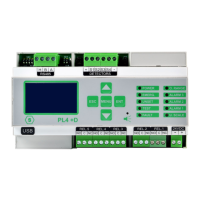
PL4 +D gas control unit. The PL4 +D gas control unit can only be programmed by means of
a personal computer with the appropriate software.
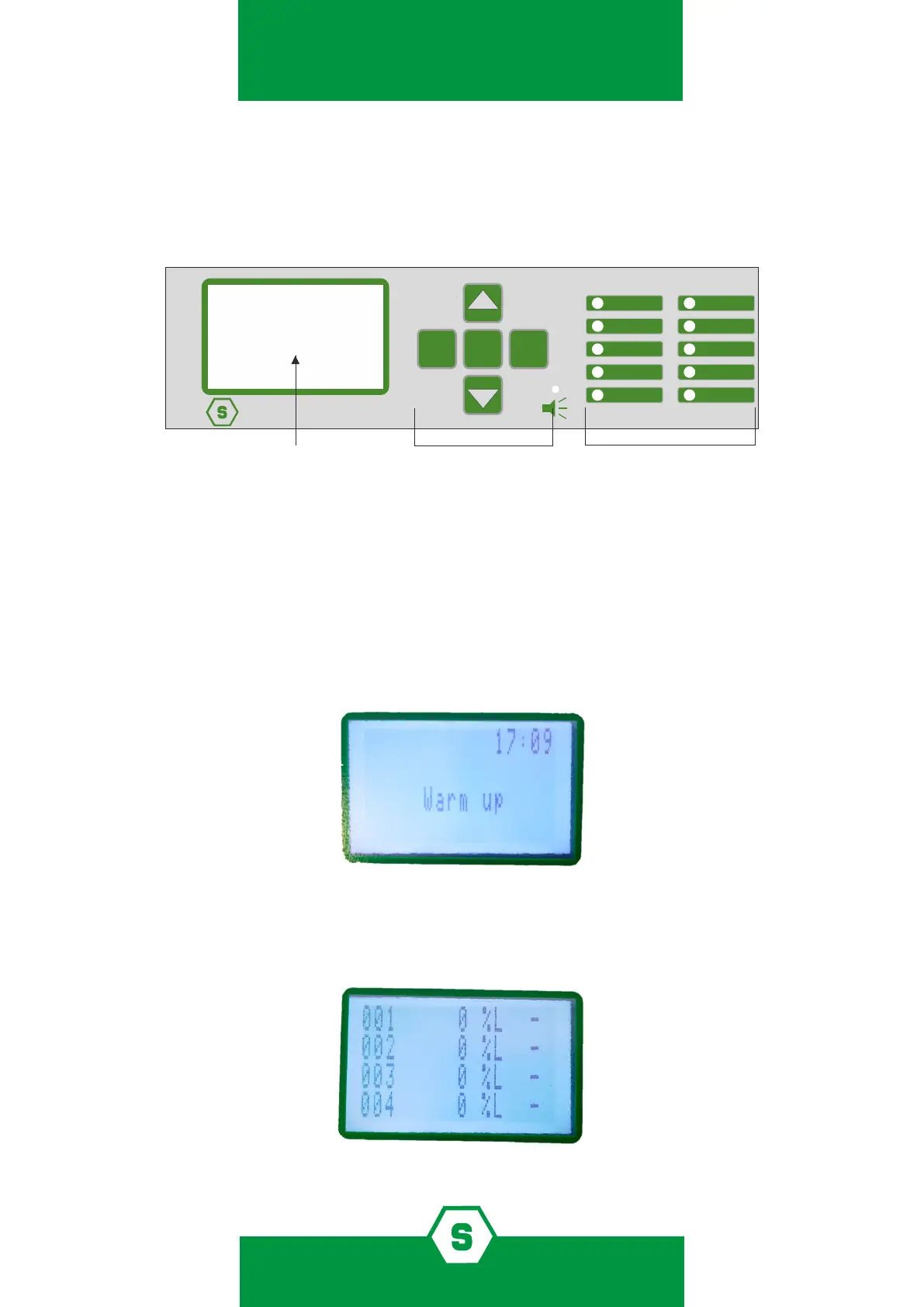
Figure 19) Front panel of the gas control unit
3.1 Power ON
After ensuring correct installation of the system, the gas control panel PL4 +D can be swi-
tched on. When the gas control unit is switched on for the very rst time, the display won’t
have any screen, since the gas control unit must be programmed. Please refer to separate
manual of the conguration software.
If the gas control panel has been programmed, when it is switched on, the Warm Up screen
appears. The default Warm Up time is 3 minutes.
Figure 20) Warm up screen
If the system has been congurated, the display will show dierent channels, which corre-
spond to the detectors connected. A maximum number of 4 channels can be visualised in a
screen.
Figure 21) Display in normal status
POWER
EMERG.
UNSET
TEST
FAULT
O. RANGE
ALARM 3
ALARM 2
ALARM 1
U. SCALE
PL4 +D
MENU
ESC
ENT
INDICATION LED
OPERATIVE KEYS



 To Next Page