ENGLISH
Pag. 49
SHOW RETRY visualization of failed interrogations on bus RS485
SYSTEM INFO information about the gas control unit (name, FW and HW ver-
sions, etc.)
ACTIVE EVENTS (appears only if there are active events, i.e. Alarms or Faults that
have not been reset)
(*) sub-menus available only if the login is as Engineer (E).
3.4 Active events and event management
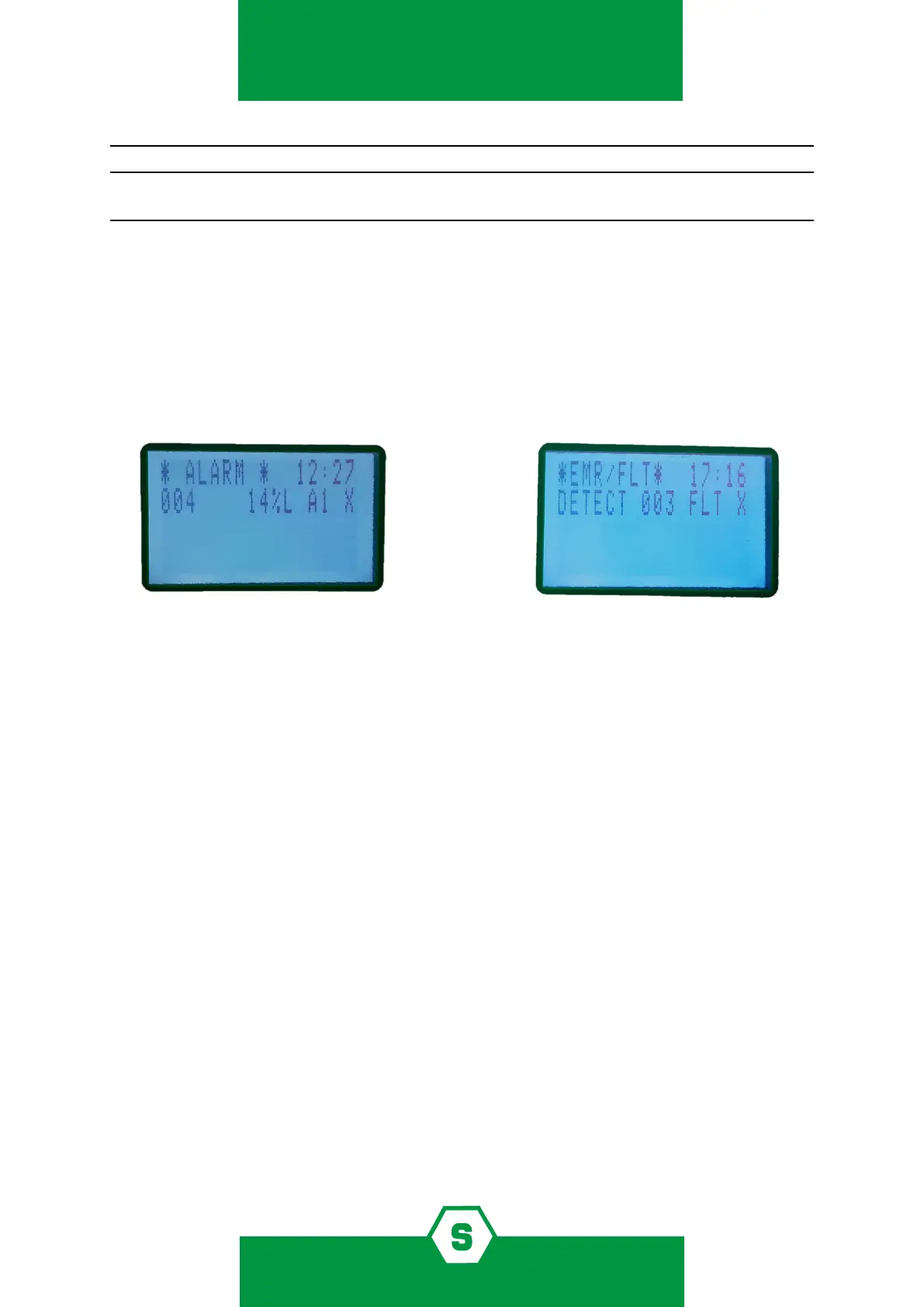
By selecting ACTIVE EVENTS and pressing ENT, a list of current active events is displayed. If
there are active Alarms and Faults/Emergency situations, they will be shown on two screens.
Figure 26) Active Events Screens: Alarm and Fault screen
When a new event occurs, the screen will automatically switch to the ACTIVE EVENTS list
and the buzzer of the gas control unit will sound. Until MENU is pressed for the new event, it
will not be possible to go back to the main screen.
The screens in the gure above show events for which acknowledge has already been per-
formed. Once the event has been acknowledged (by pressing MENU), an “X” is shown in the
right column.
It is possible to perform 3 operations for active events:
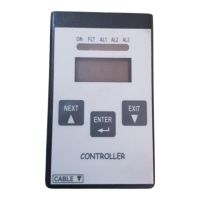
³ press ENT for additional details about the event
³ press MENU to acknowledge the event and silence the buzzer of the gas control unit
³ press MENU to restore the gas control unit to its normal status (this is only possible if
the alarm condition has been acknowledged before and if the gas detector is no lon-
ger in the alarm and/or fault status)
ACKNOWLEDGE
When an event occurs (alarm or fault), the buzzer of the gas control unit will sound and the
display will switch to the Active Events page, which will indicate the sensor in Alarm and/
or Fault. To silence the buzzer of the gas control unit, press the MENU key (insert the login
password if asked); the gas control unit buzzer will stop and an X will appear to the right of
the event line.



 To Next Page