ENGLISH
Pag. 46
³ The events are ordered by severity, as follows: Over-range, Alarm3, Alarm2, Alarm1;
³ Over-range is seen as an Alarm event with the highest severity.
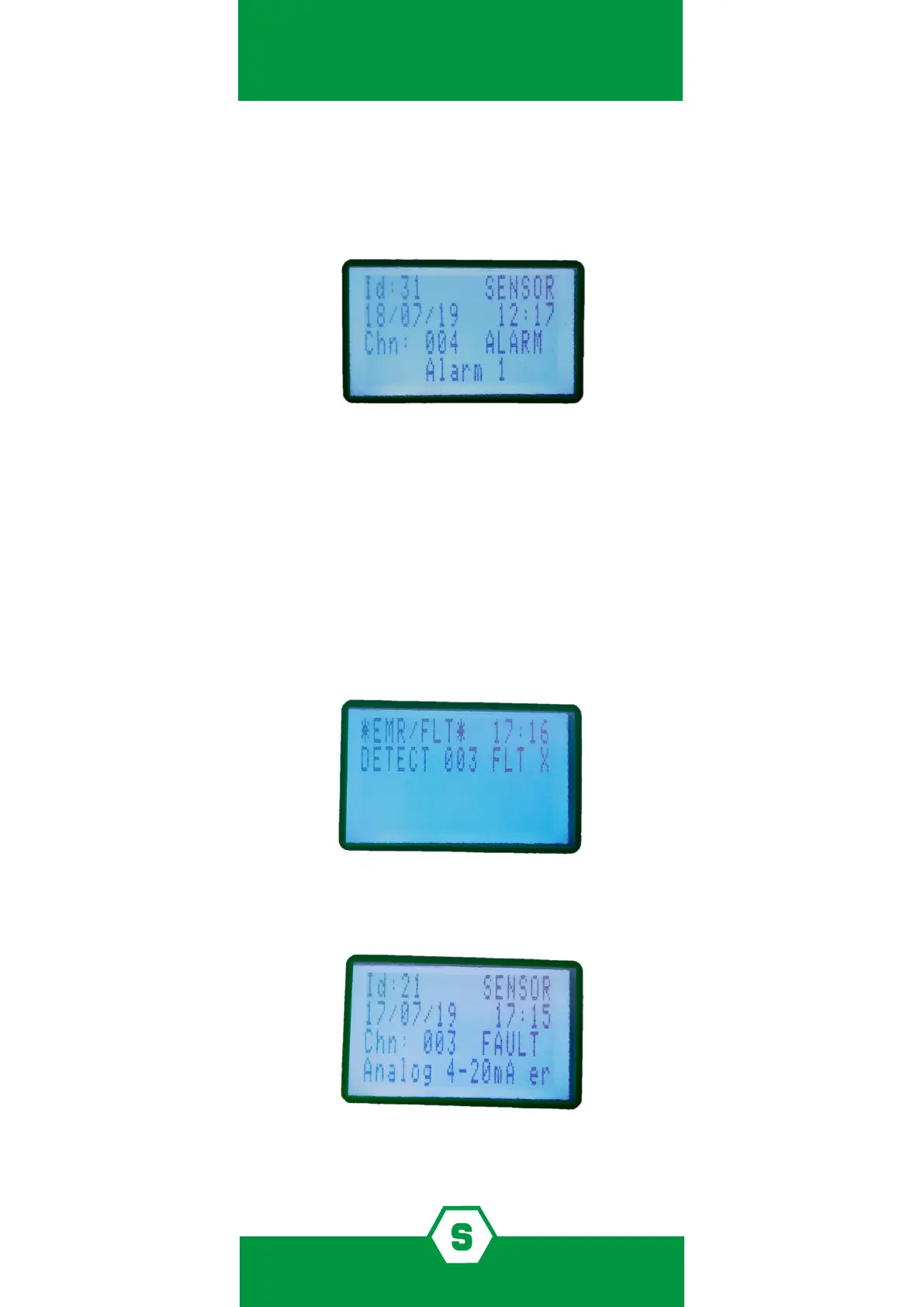
By pressing the Enter key, with an alarm event selected, a screen opens that shows the event
details:
Figure 23) Alarm1 event detail screen
From the main screen, by pressing the MENU button and selecting ACTIVE EVENTS, it is pos-
sible to view the channels in Alarm/Fault status that have not yet been reset.
FAULT
The Fault status will be activated in the following situations:
1. Short circuit, open circuit, or channel malfunction
2. Removal or malfunction of a STG/IN8S or STG/OUT16S module
3. Detector in Under-scale (signal below “0”)
4. Detector in over-range (signal over 100% of the scale)
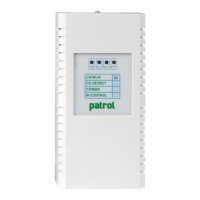
Figure 24) Screen in Fault status
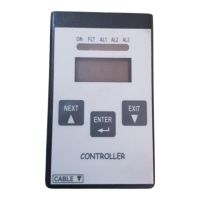
By pressing the Enter key with a fault event selected, a screen opens that shows the event
details:
Figure 25) Fault event details



 To Next Page