5
Take 5 User’s Guide
Setting Up the Take 5
To choose a program:
1. Hold down the button then press a (1-8)
button to specify the “hundreds” bank of the program.
2. Release the button and press a button (1-16)
to select one of the 16 presets in the chosen bank.
To choose program 512, for example:
1. Hold and press 5. Release the button.
2. Press button 12.
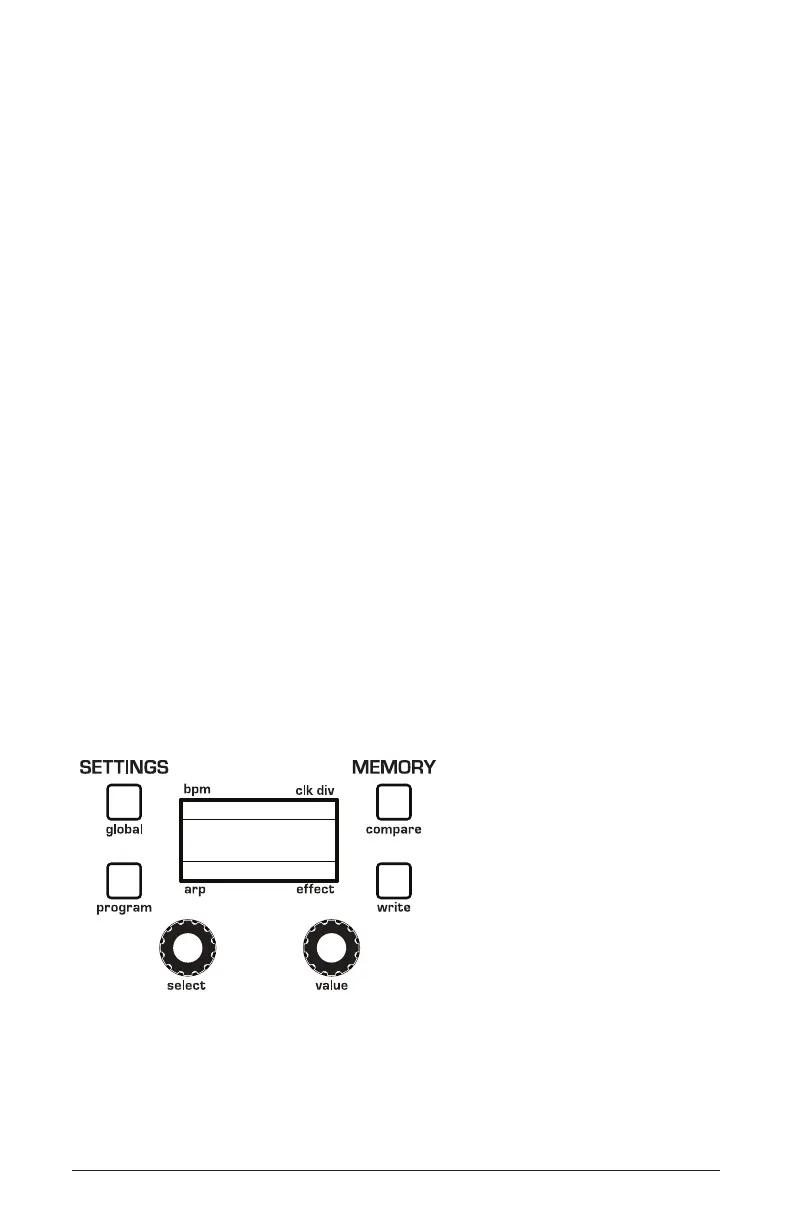
Using the Main Display
The most frequently used controls on the Take 5 are on its front panel.
But there are additional Global settings and Program-specic settings
accessible in its main display.
For example, pressing the
program settings button gives you access to
several program-related parameters such as pitch bend wheel range,
unison detuning, envelope delay time, and more. You can select and edit
these additional parameters using select and value knobs located below
the display.
The
select knob is for scrolling through the list of available parameters
and commands. The value knob is for setting values.
120
Basic Program
1/16
BBDUp+Down
The main display















 To Next Page