51
Take 5 User’s Guide
Transpose
Transpose
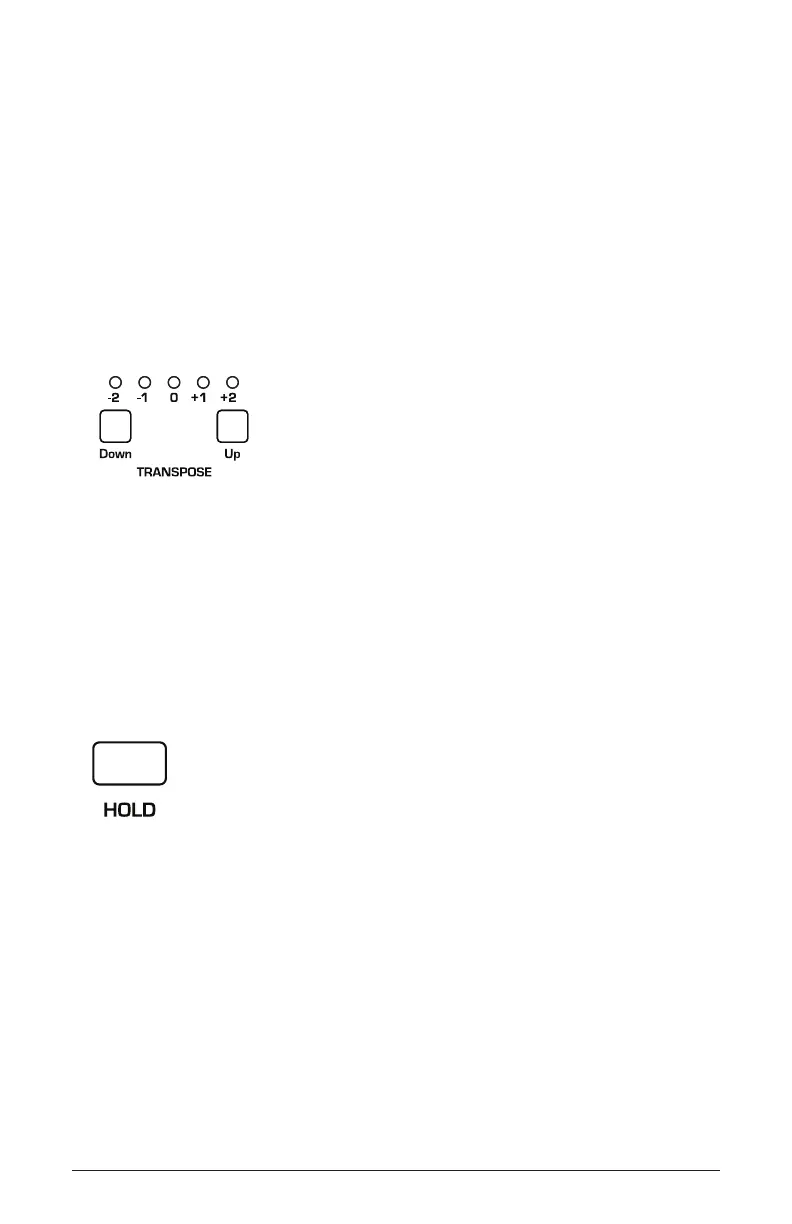
The up and down buttons in the transpose section transpose the keyboard
up or down in octaves. The LED indicates the current keyboard trans-
position state. Transposing the keyboard also changes the MIDI note
numbers of the keys so that MIDI notes sent are also transposed. Trans-
pose settings are global and are not saved with individual programs. Note
that press one of the Transpose button won’t affect any keys currently
held down. It only affects keys/notes played after you have transposed
the keyboard.
The Transpose controls
Hold
When hold is on, any notes played will continue to play until hold is
turned off. When used in conjunction with the Arpeggiator, notes are
latched on.
The Hold button















 To Next Page