21
Take 5 User’s Guide
Filter
Filter
The function of the lter is to subtract frequencies from the sound
produced by the oscillators and noise generator, thereby changing the
overall harmonic content of the synth’s sound. This change is varied over
time using the Filter Envelope to produce more dynamic timbres.
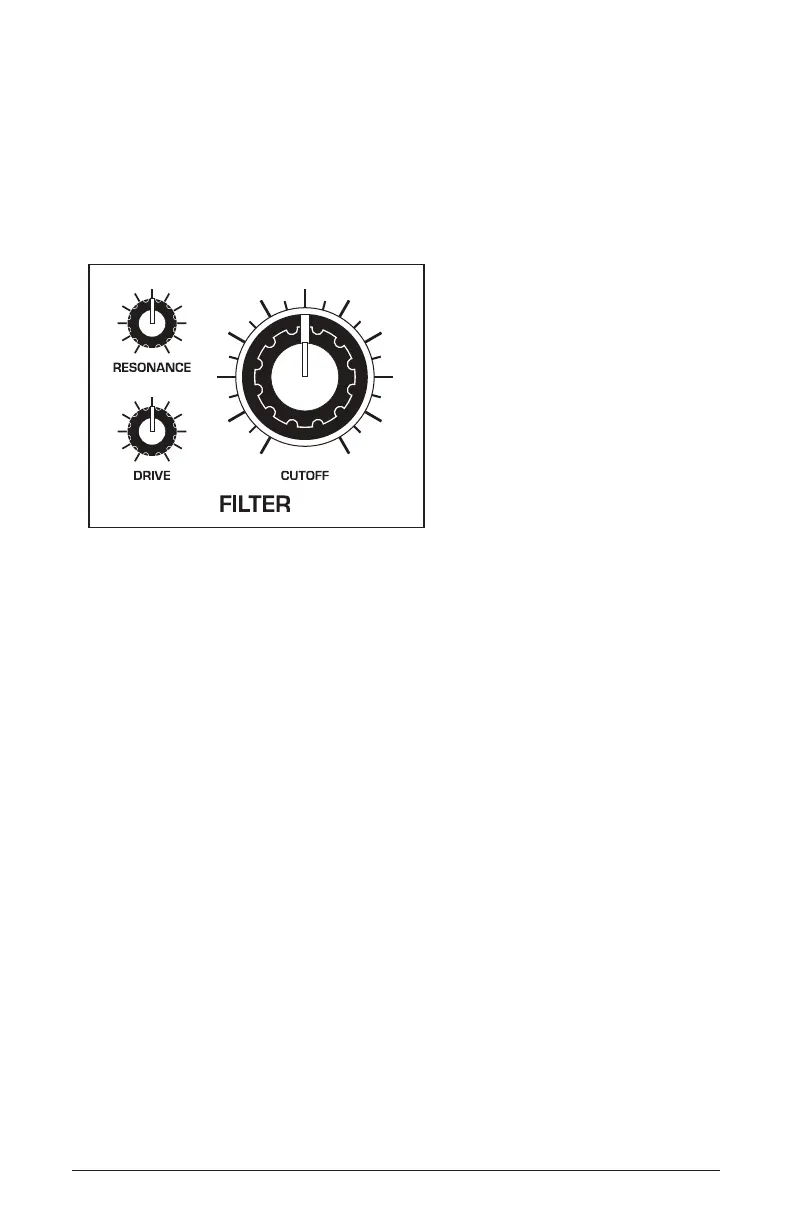
The Filter section
To hear the effect of the lter:
1. Recall the Basic Program by pressing the global button and using the
select knob to navigate to the basic program command, then press
write.
2. Hold down a note and rotate the lter’s cutoff knob. Notice how it cuts
the high frequencies as you rotate counter-clockwise, making the sound
of the oscillator less bright. If you turn the cutoff knob fully counter-
clockwise you’ll lter out all frequencies and hear nothing.
3. Return the cutoff knob to its halfway position, hold down a note again
then turn the resonance knob about halfway up.
4. Rotate the lter’s cutoff knob again and listen to the sound change as a
band of frequencies near the cutoff is amplied. This is how to create a
classic resonant lter sweep.
In the previous example, you controlled the lter cutoff by hand. In most
cases, you will use the Filter Envelope to do this. To learn more about the
Filter Envelope, see “About the Filter Envelope” on page 24.















 To Next Page