50 Master Volume/Program Volume
Sequential
Master Volume/Program Volume
The master output level of the Take 5 is controlled by the front-panel
volume knob. In addition, the volume of an individual program can be
set with the
prog volume parameter in the program menu. This is useful
for ensuring that your sounds have roughly the same volume from
program to program.
120 PROGRAM
127
1/16
BBDUp+Down
15. ProgVolume
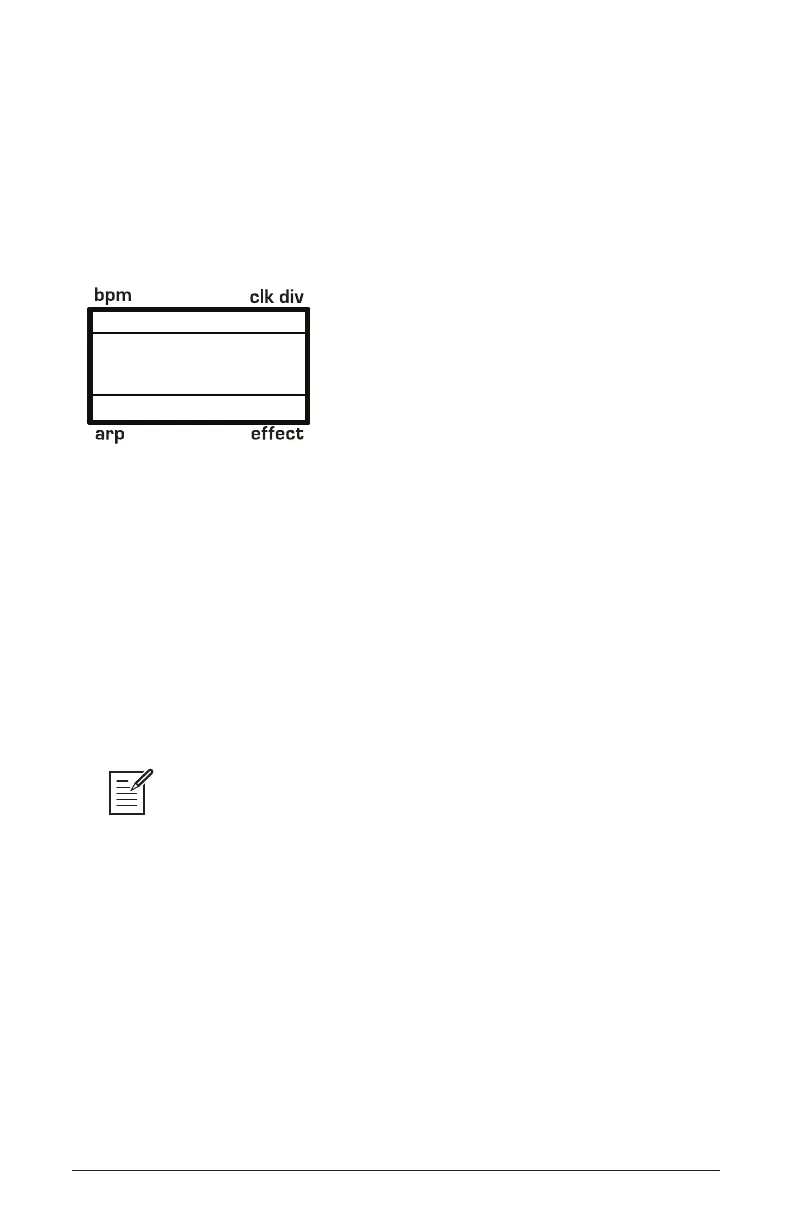
Setting Program Volume in the program menu
To set the volume of an individual program:
1. Choose a program.
2. Press the program button to the lower left of the display.
3. Use the knob to locate the parameter.
4. Use the knob to set the volume level.
5. Press the write button twice to save the program.
MIDI volume can also inuence the overall volume of the Take 5 if you are
controlling it from an external MIDI source.















 To Next Page