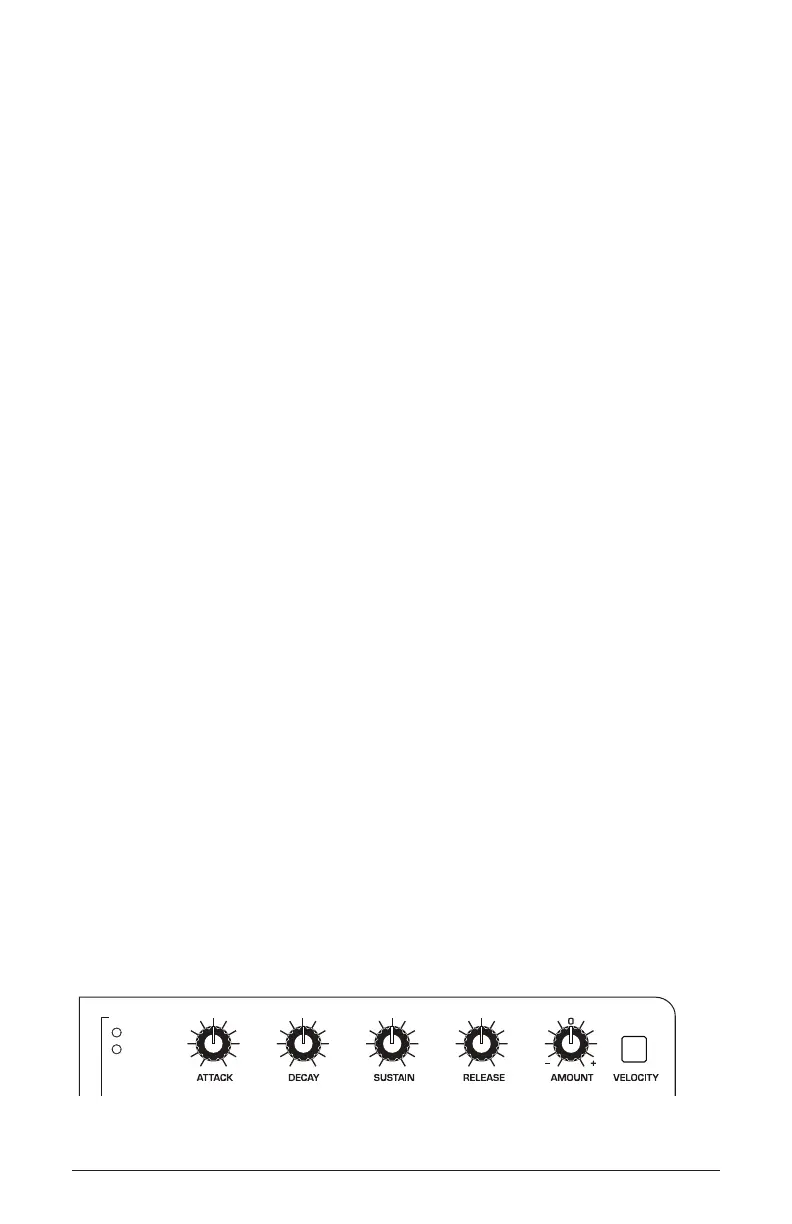
24 About the Filter Envelope
Sequential
Env 1 Destinations:
• filter - Envelope 1 controls Filter Cutoff frequency
•
aux - Envelope 1 functions as an auxiliary envelope that can be used
to modulate a destination selected through the Mod Matrix. The Aux
setting is available when Env 2 is set to filter + amp or filter + gate.
Env 2 Destinations:
• amp - Envelope 2 controls the Amplier (loudness)
•
filter + amp - Envelope 2 controls both Filter Cutoff frequency and the
Amplier (loudness). Note that if the Env 2 velocity button is on, it
affects only Filter Cutoff and not Amplier volume.
•
filter + gate - Envelope 2 controls Filter Cutoff frequency while
Amplier volume is simply triggered (gated) on/off each time you
press a key on the Take 5 keyboard. Note that if the Env 2 velocity
button is on, it affects only Filter Cutoff and not Amplier volume.
About the Filter Envelope
Routing Envelope 1 or 2 to the Filter shapes the harmonic characteristics
of a synthesized sound by giving you ltering control with each of the
envelope stages (attack, decay, sustain, release).
A lter envelope is one of the most important aspects of a synthesized
sound. Without an envelope, the lter would be static and unchanging. It
would stay open or closed by a xed amount that wouldn’t change over
the duration of a sound. That’s not very expressive or interesting to listen
to — and it’s not how most real-world instruments behave.
In general, sounds produced by an acoustic instrument are brighter at their
beginning (the attack stage) and grow mellower as they die out (the decay
and release stages). In other words, their harmonic content changes over
time. This is exactly what the lter envelope is designed to emulate.
ENV 1
Filter
Aux
Envelope 1 parameters















 To Next Page