48 Step Sequencer
Sequential
Clock Parameters
BPM: 30…250—Sets the tempo for the Arpeggiator in BPM (beats per
minute). The tap tempo LED ashes at the BPM rate. When sync is enabled
on the low-frequency oscillator, or enabled in the Effects section, the BPM
rate affects the LFO frequency and/or delay effect. When syncing to an exter-
nal MIDI clock source, the BPM setting has no effect.
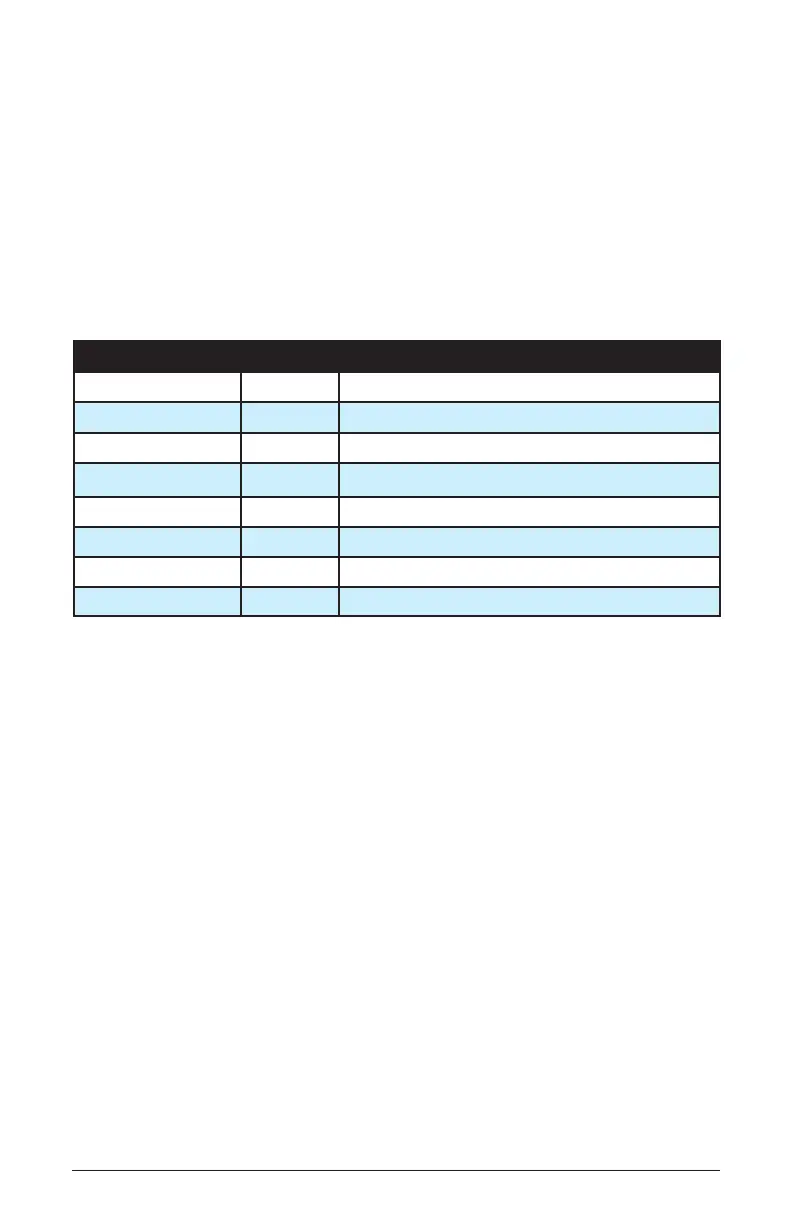
Clock Divide—Selects a basic note value relative to the BPM. See the table
below:
Name Tempo Timing Division
1/2 BPM/2 Half note
1/4 BPM Quarter note
1/8 BPM x 2 Eighth note
1/8 T BPM x 3 Eighth note triplets
1/16 BPM x 4 Sixteenth note
1/16 T BPM x 6 Sixteenth note triplets
1/32 BPM x 8 Thirty-second note
64th BPM x 16 Sixty-fourth note
Tap Tempo—
Pressing the tap tempo button 4 times sets the tempo. The
LED ashes at the BPM rate you set.
Step Sequencer
e step sequencer allows you to record a series of notes and chords of up
to 64 steps in length. You can record up to a 5-note chord on each step.
It records note and velocity data, but not timing. You can add ties and
rests aer you have recorded the notes/steps. Once you have recorded a
sequence, you can play it back and adjust its playback speed with the
control. You can also play along with a sequence (if there are voices avail-
able), and transpose its playback.
To program a note sequence:
1. Press the button.
2. Play the notes of your sequence on the keyboard. e display indicates
the current step as you play.















 To Next Page