38 Unison
Sequential
Unison
When unison is on, the Take 5 acts like a monophonic synthesizer in
that only 1 note can be played at a time. However, that one note can be
powered by as many as ve voices, depending on how many you choose
to use.
To use Unison:
1. Press and hold the unison button.
2. With the unison switch held down, use the value knob to choose the
number of voices to stack, then release the Unison switch.
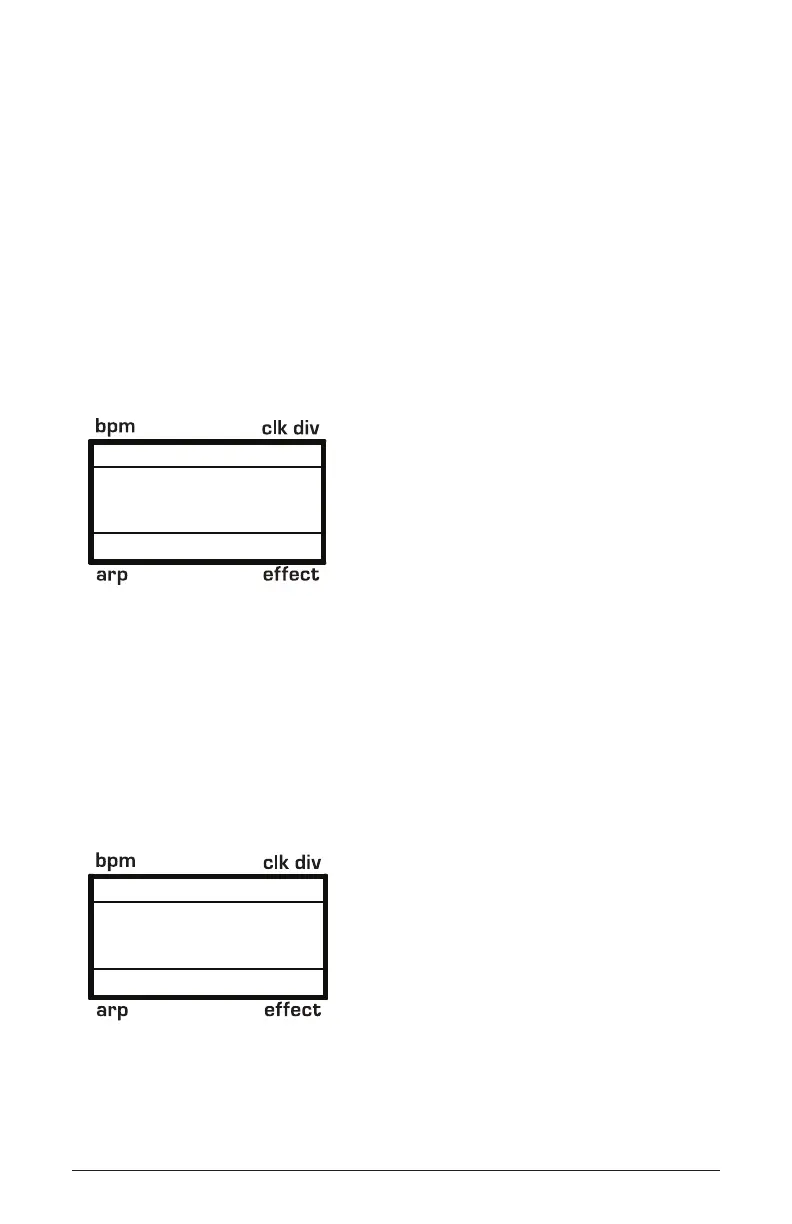
120 UNISON 1/16
BBDUp+Down
4 Voices
Setting the number of Unison voices
To detune the oscillators in Unison:
1. Press program settings button.
2. With the knob, choose the command
3. Use the value knob to set the amount of detuning. A setting of 0 is
minimum detuning. A setting of 7 is maximum detuning.
120 PROGRAM
3
1/16
BBDUp+Down
11. Unison Detune
Detuning Unison voices















 To Next Page