44 Arpeggiator
Sequential
To prevent the Arpeggiator from adding new notes to an arpeggio when keys
are continuously held (and instead start a new arpeggio each time you change notes),
turn arp relatch on in the Arpeggiator. To do this, press the program button and use the
select knob to scroll to the arp relatch parameter. Use the value knob to set it to on.
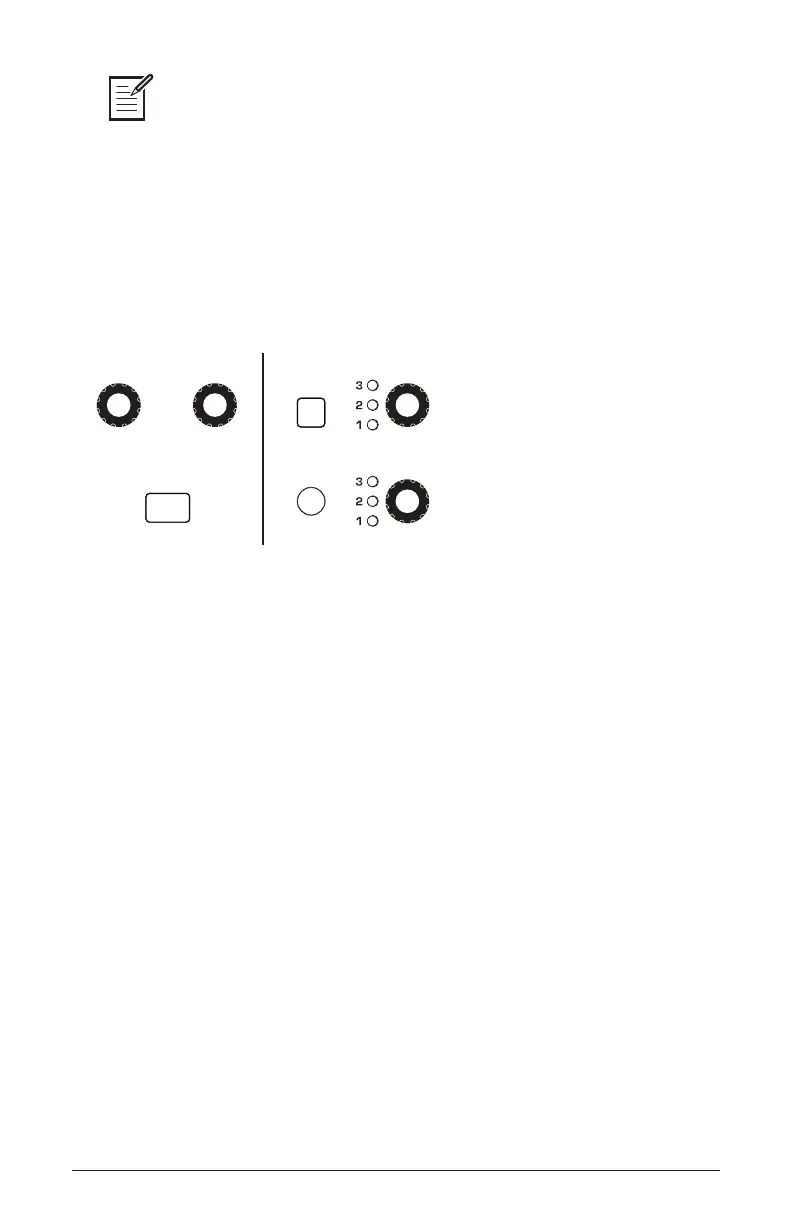
Set the tempo of the Arpeggiator with the tap tempo or bpm and divide
controls. To use tap tempo, tap this button 4 times to set the tempo. You
can also sync the Arpeggiator to external MIDI clock.
CLOCK ARPEGGIATOR
REPEAT
TAP TEMPO
BPM CLK DIVIDE ON OCTAVE
MODE
The Arpeggiator
To use the Arpeggiator:
1. Press the arpeggiator on/off button to turn it on.
2. Hold down one or more notes on the keyboard. The Arpeggiator plays
them according to the settings you’ve chosen.
3. To latch arpeggiation on (so that you don’t have to continuously hold
down notes) press the hold button.
4. In the display menu, adjust settings such as mode, octave range,
repeats, and bpm.
5. To synchronize a delay effect to the Arpeggiator, enable Effect 1, choose a
delay, then turn on sync in the delay’s parameter page in the display. Adjust
the delay’s time parameter as desired.















 To Next Page