62 Creating Synth Brass
Sequential
To add a “pitch blip” to the brass sound:
1. In the mod section, press the source button.
2. Use the
select knob to scroll to Mod Slot 3 if it’s not already displayed.
3. Use the value knob to scroll through the various mod sources and
choose
env 1.
4. Use the select knob to to the value eld then use the value knob to set
it to +5.
5. Use the
select knob to scroll to the destination eld then use the value
knob to choose osc2 fine.
6. Play some notes in the upper range of the keyboard. Classic synth
brass!
7. Experiment with different envelope
amount and decay settings.
120 MOD 3
Env 1
+5
Osc2Fine
1/16
P
BBDUp+Down
P
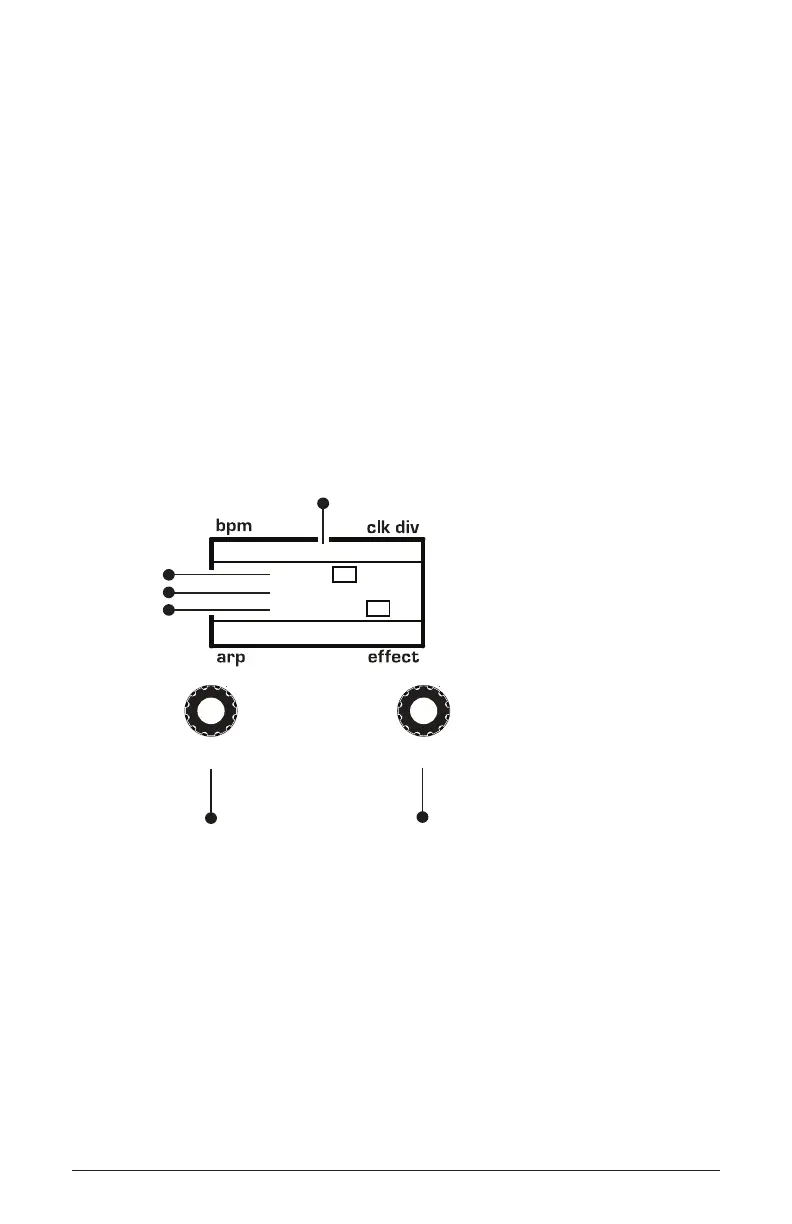
Indicates mod slot number
amount
source
destination
Use this knob to
scroll through
mod slots and
source/amount/destination
Use this knob to
set the mod source
mod amount
mod destination
select
value















 To Next Page