66 Creating a Hard-Sync Lead
Sequential
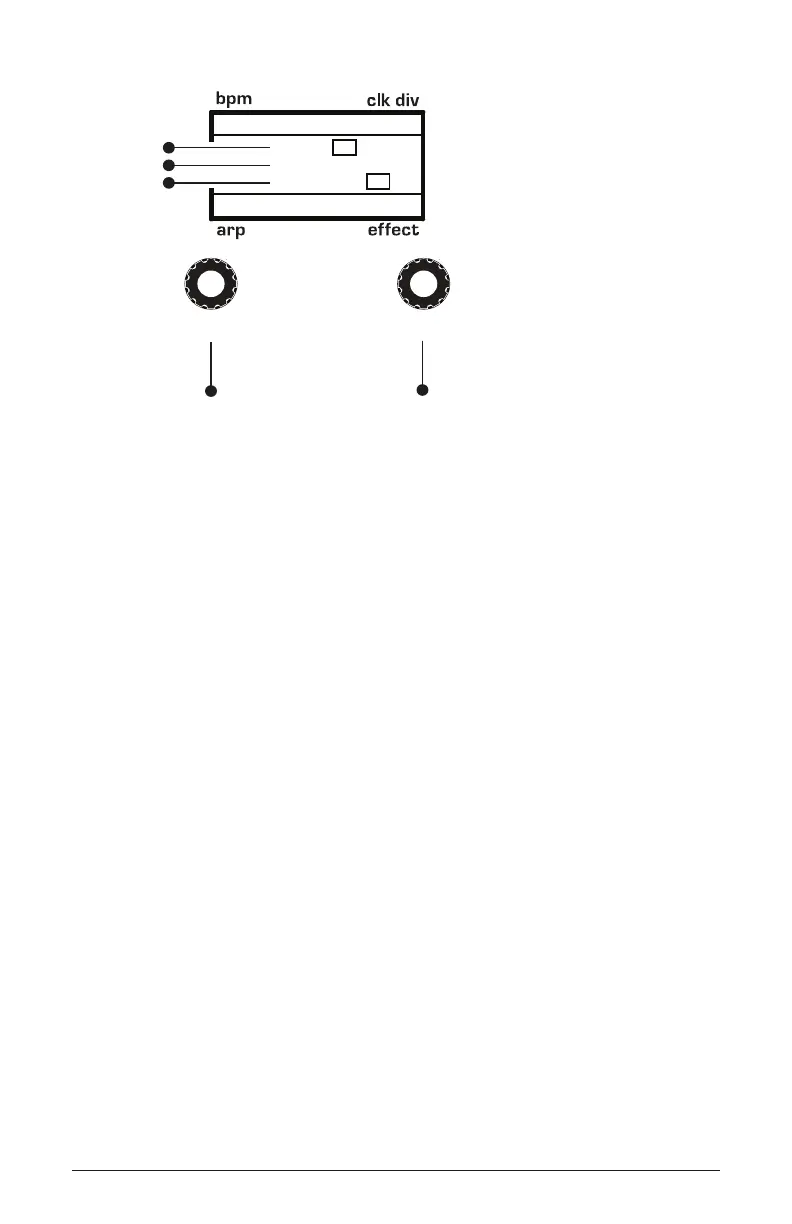
120 MOD 3
Env 1
+127
Osc1Fine
1/16
P
BBDUp+Down
P
amount
source
destination
Use this knob to
scroll through
mod slots and
source/amount/destination
Use this knob to
set the mod source
mod amount
mod destination
select
value
Adding Effects to the Lead
You can enhance the sync lead by adding some delay and reverb.
To add effects:
1. In the effects section, press the effect 1 button.
2. Use the type knob to select delay.
3. Set time to 12 o’clock.
4. Set depth/mix to 9 o’clock.
5. Set feedback/misc to 9 o’clock.
6. Play some notes. Perfect hard-sync lead!















 To Next Page