5-9
CHAPTER5
MISFEED REMOVAL
COPIER TROUBLE? Misfeed removal
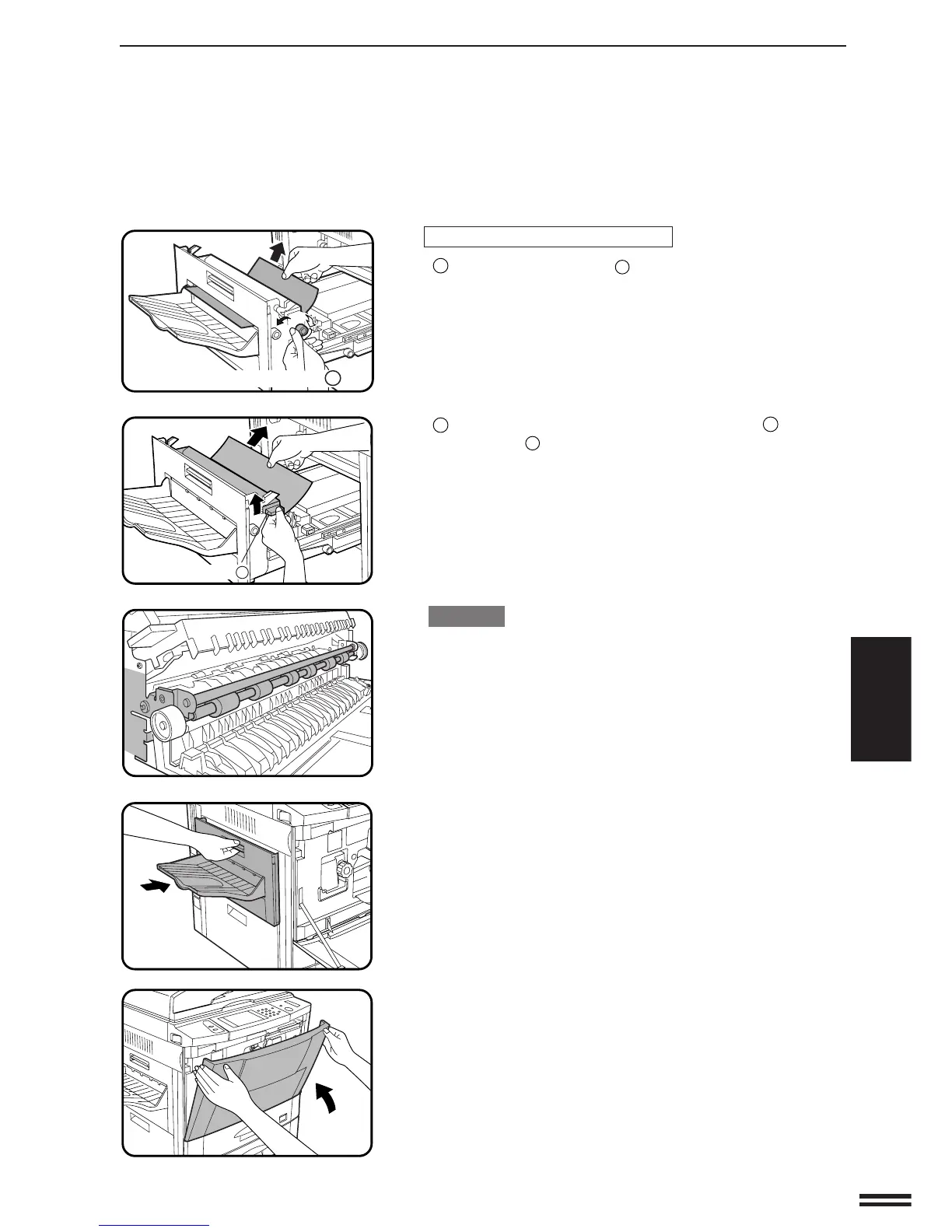
If the misfed paper is in the exit area:
1
Turn roller rotating knob
C
and remove the paper.
2
If the misfed paper cannot be removed in step
1
, raise exit
area lever
C
and remove the paper.
CAUTION
The part of exit area shown in the illustration may be hot. Use
sufficient care not to touch it.
4
Close the exit area cover.
5
Close the front cover.
●
Confirm that the misfeed display is cleared.
Exit area lever
C
Roller rotating knob C



 To Next Page