34
INSERTS
MAKING COPIES
Inserts
6
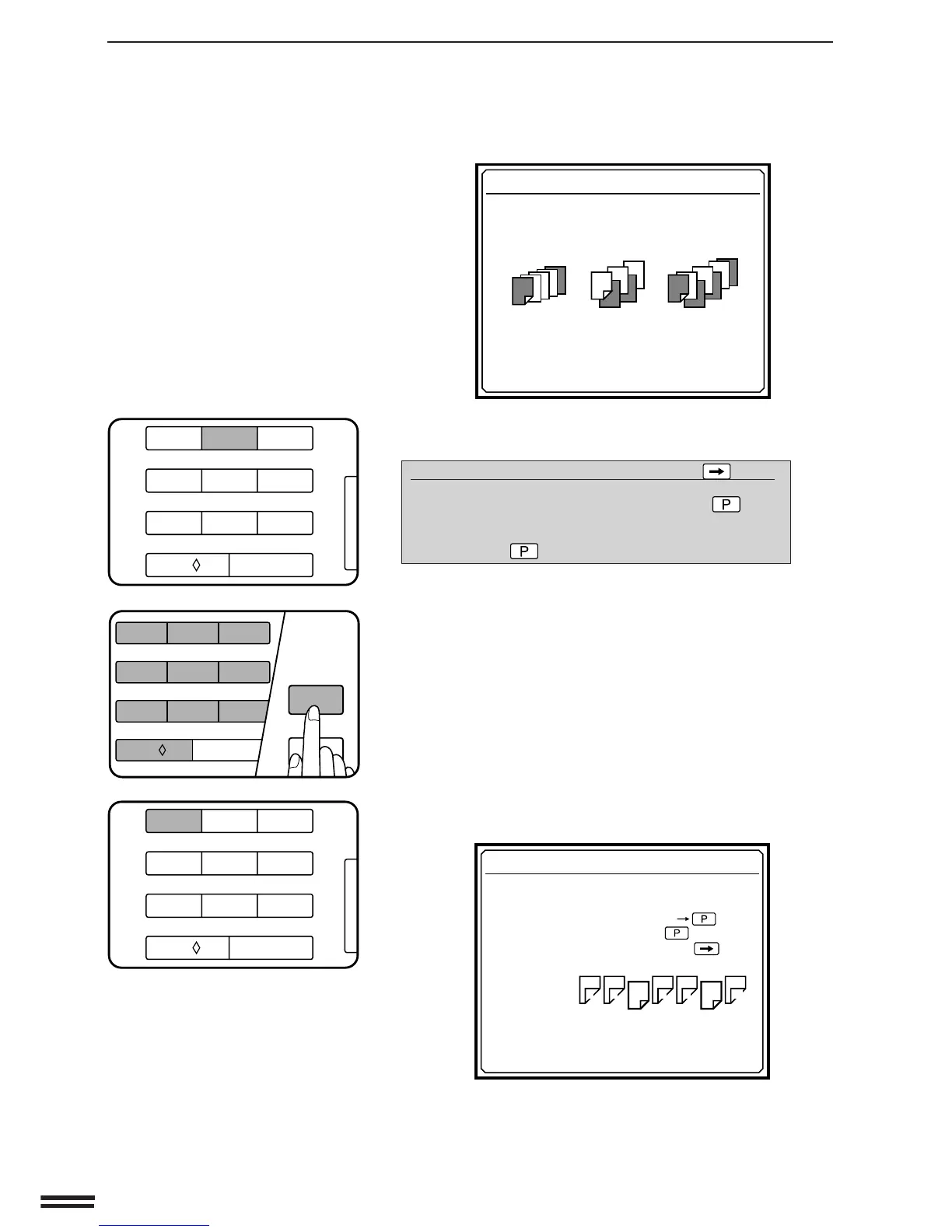
Press key 2 on the 10-key pad.
●
The following message will appear.
INSERTS TO RETURN : PRESS
PLEASE INPUT THE NUMBER OF ORIGINALS
BY 10-KEY PAD AND THEN PRESS THE
KEY.
OR 0
PRESS THE KEY FOR AUTO-COUNT.
●
If you press the SCROLL DISPLAY key, the screen which was
displayed before the current screen will appear.
7
Enter the number of originals using the 10-key pad and
then press the PROGRAM key. If the number of
originals is not known, press only the PROGRAM key.
●
If only the PROGRAM key is pressed, the number of originals
will be counted. When counting is completed, replace the
originals in the document feeder tray.
●
The message “PRINT ON THE CHAPTER PAGES? USE 10-
KEY PAD TO SELECT. YES: PRESS 1 NO: PRESS 2” will
appear.
8
Press key 1 on the 10-key pad to select YES.
●
The following message will appear.
●
The insert sheets can be copied on, but only on the front sides.
The rear side of a 2-sided original designated as an insert will
not be copied.
COVERS AND INSERTS
USE 10-KEY PAD TO SELECT COVERS /
INSERTS MODE.
COVERS
: PRESS 1
INSERTS
: PRESS 2
COVERS+INSERTS
: PRESS 3
INSERTS
PLEASE DESIGNATE ORIGINAL POSITIONS
WHICH ARE TO BE CHAPTER PAGES.
•ENTRY SEQUENCE : 10-KEY KEY
•TO END SEQUENCE : PRESS KEY
•TO CORRECT SEQUENCE : PRESS KEY
OUTPUT
SAMPLE
PLEASE INPUT AN ODD NUMBERED PAGE.
P
1
3
5
79
01
8
6
24
3/4
11
12
123
456
7
8
9
C
0/
AUDIT CLEAR
123
456
7
8
9
C
0/
AUDIT CLEAR
P
CA
PROGRAM
CLEAR ALL
123
456
7
8
9
C
0/
AUDIT CLEAR



 To Next Page