56
MISFEED REMOVAL
COPIER
TROUBLE?
Misfeed removal
4
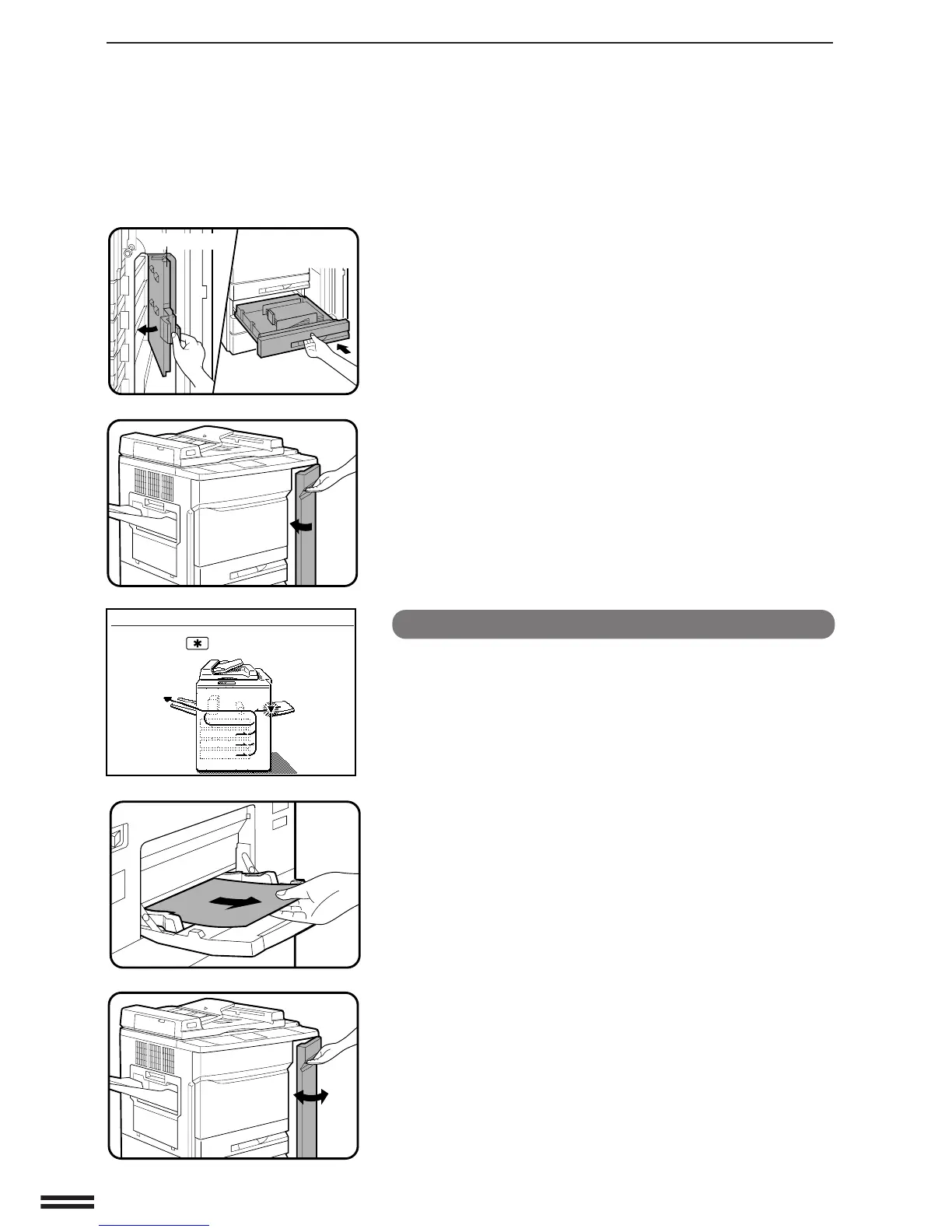
Close the paper guide and gently push back the paper
tray.
5
Close the right front door.
●
Confirm that the misfeed display is cleared.
Misfeed in the manual feed tray
1
Pull out the misfed paper.
2
Open the right front door of the copier and then close it
to cancel the misfeed display.
A MISFEED HAS OCCURRED.
CLEAR INDICATED AREA.
PRESS THE KEY FOR RECOVERY
INSTRUCTIONS.
Paper guide



 To Next Page