30
Open the DIS-CCU System Interface
Follow these instructions to open the browser interface on a computer.
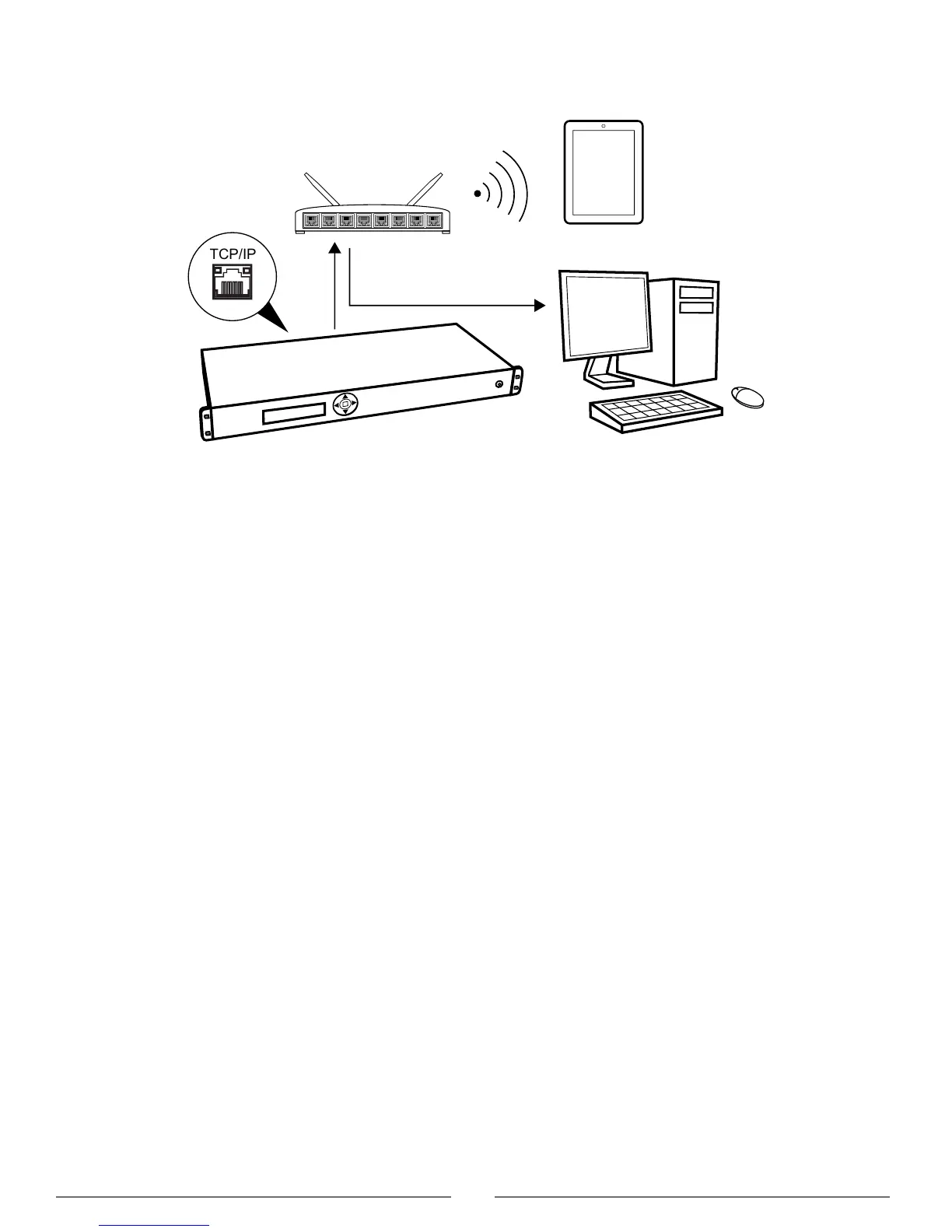
Connect to the CCU
1. Connect the computer to the TCP/IP port on the CCU.
2. Power on the equipment.
3. Assign the computer to automatically obtain an IP address. This enables the computer to automatically connect to the
CCU.
4. Acquire an IP address by selecting Dynamic from the LAN Setup > Acquire IP addr. window.
5. View the IP address: LAN Setup > IP address setup.
6. Open the internet browser in the computer.
7. Type 'http://IP-address', where 'IP address' is the address noted from the CCU.
8. The browser interface opens.



 To Next Page