66
Firmware Update
Use the Firmware Update Utility (FUU) to update the
system firmware.
1. Make sure the system is on and operating properly.
2. Download the latest firmware from the Shure website.
The FUU is bundled with the firmware download.
3. Install the application and save the firmware folder to the
computer.
4. Launch the application.
5. Select the proper firmware library for the equipment.
a) Close the missing dialog box
b) Navigate to the FUU library (FUU_upgrade_library)
c) Select the open button to use this folder.
6. Assign the connection method for the computer and
equipment and select the OK button to exit the setup
window:
• Ethernet: Type the IP address of the CCU and use IP port
3142.
7. Information about the CCU and all connected units
display in the main window.
8. Select the desired firmware release (typically the
highest/latest) in the
Selected Release Id drop-down list.
9. Select the Upgrade System button to begin the firmware
update process. A status window will appear and show
the progress of the firmware upgrade.
Factory Default Reset
From the Hardware
This will erase all participant, system and IP settings.
a) Go to the front panel of the CCU.
b) Scroll the main menu to Restore factory def.. Press the center
button to enter menu.
c) Press the center button to select OK and confirm the reset.
d) Wait for the system to reboot. The computer will lose connection to
the browser interface during this time.
From the Browser Interface
This will erase all participant and system settings.
e) Open the CCU browser interface
f) Go to System > Factory Defaults
g) Select the Reset button to reset the system.
h) Wait for the system to reboot. The computer will lose connection to
the browser interface during this time.
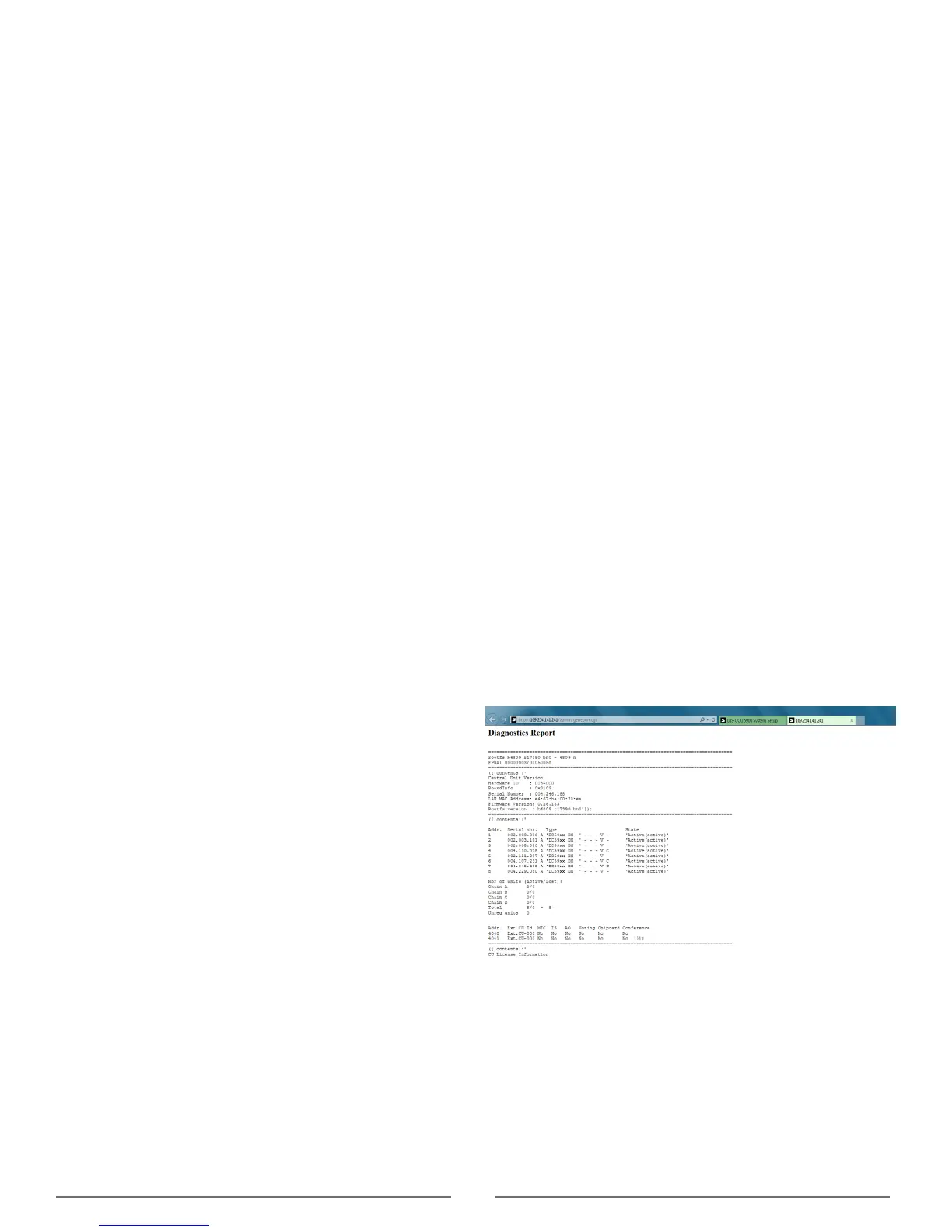
Diagnostic Report
To assist in troubleshooting, a system-wide report is
available from the moment the CCU powers on.
1. Go to Diagnostics > Report
2. Select Generate to view the report in a new window.
3. Save the file as an HTML document and mail it to the
Shure support group to diagnose the issue.
Generated System Report



 To Next Page