36
Security
DIS components use a proprietary codec algorithm to prevent unauthorized devices from listening to the audio signal. To
further protect the meeting, assign a password to the browser interface and enable security features on wireless routers.
Password Protect the Browser Interface
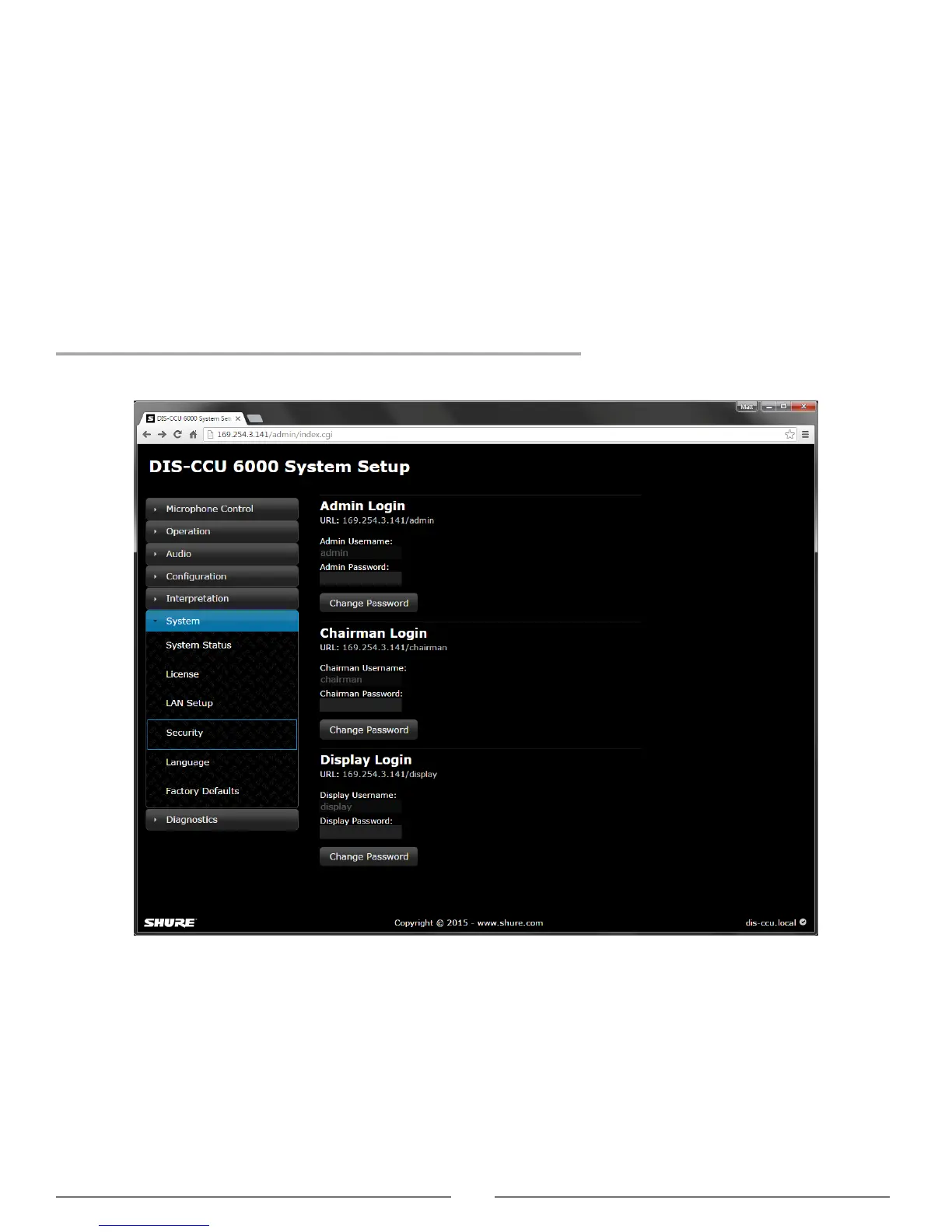
You can assign a password to restrict access to the browser interface. An independent password is assignable to each of
the three interface addresses: administrator, chairman, and display.
1. Sign into the browser interface as an administrator.
2. Go to the Security page (System > Security)
3. Enter a password.
4. Select Change Password to save the login information.
Note: passwords are cleared when the unit is reset from the CCU hardware.



 To Next Page