29
System Set Up
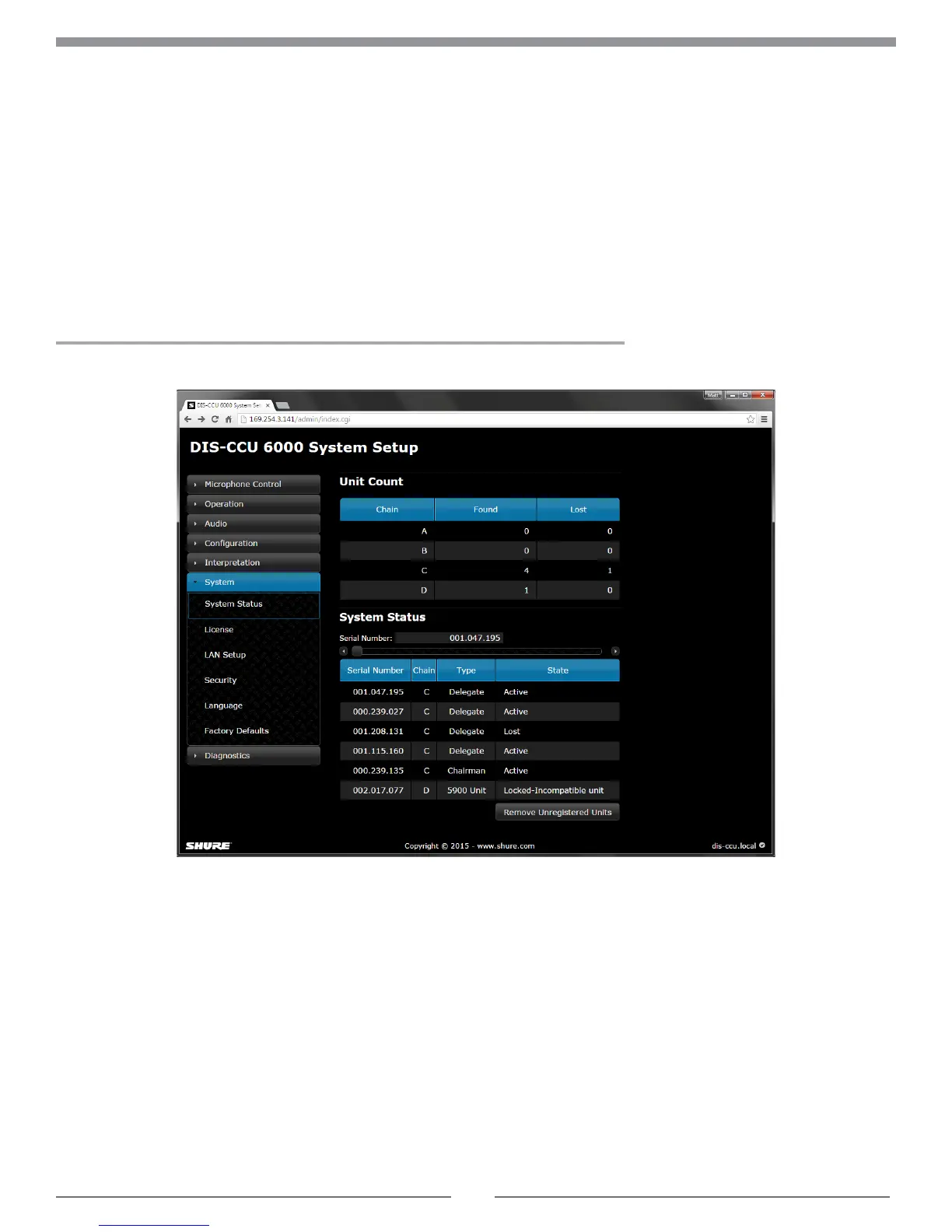
Web Interface
For comprehensive management and remote control of the system, open the web interface on a computer or tablet. The
central control unit (DIS-CCU) provides a web server for system control from a web browser on a networked computer.
The web interface offers advanced parameters for setting up the system, and enables the chairman or moderator to
manage microphones using participant names and seat numbers.
Note: The computer network is separate from the component network (DCS-LAN).
DCS 6000 Web Interface
System Requirements
For best performance, always update the browser to the latest released version. The following browsers function properly
with the system interface:
• Internet Explorer (IE) 8+
• Firefox 10+
• Safari
• Chrome
• Opera



 To Next Page