9
Adding the License to the DIS-CCU
After purchasing the license file, upload it to the unit using the DIS-CCU web interface:
1. Save the license file (.xml extension) to the computer or USB drive.
2. Connect the DIS-CCU and open the web interface. Sign in as the Admin if a password has
been set.
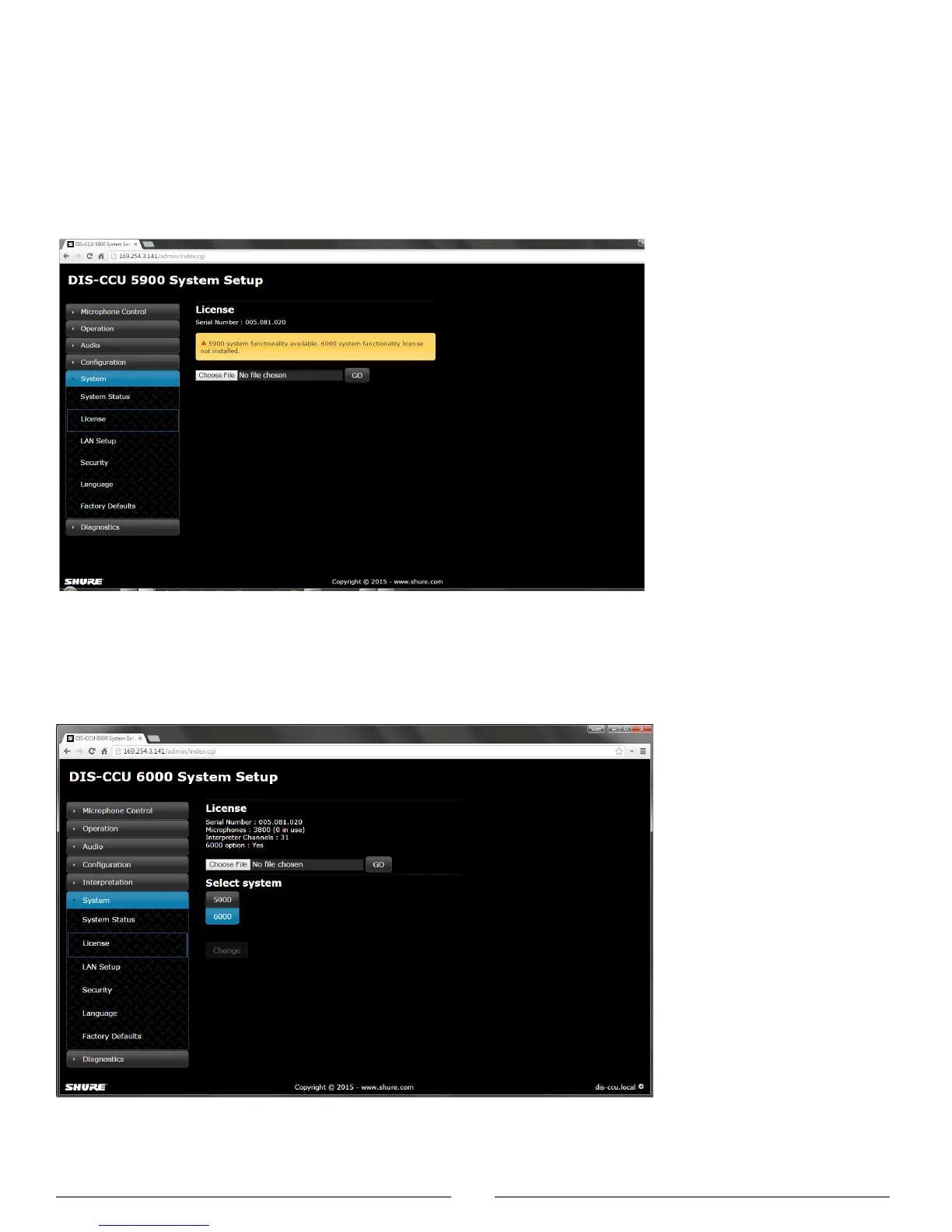
3. Go to the License page (System > License).
License Page without Upgrades
Before the license is loaded to the system, only the DDS 5900 mode is available
4. Select Browse to locate the license file.
5. Select Go to install the file to the DIS-CCU. The unit will reboot.
After Installing the License File
The features are listed at the top of the web page and the mode is selectable for
operation with the DDS 5900 or DCS 6000 system.



 To Next Page