45
Adding Ambient Sound
The ambient microphone unit improves the experience of listening to a conference on headphones. The microphone
provides natural noise from the room during pauses in a speech or brief breaks between agenda items. This is especially
helpful for interpreters or other participants that are not in the same room as the conference. The ambient room sound
informs participants that these pauses in speech are not a connection or audio problem.
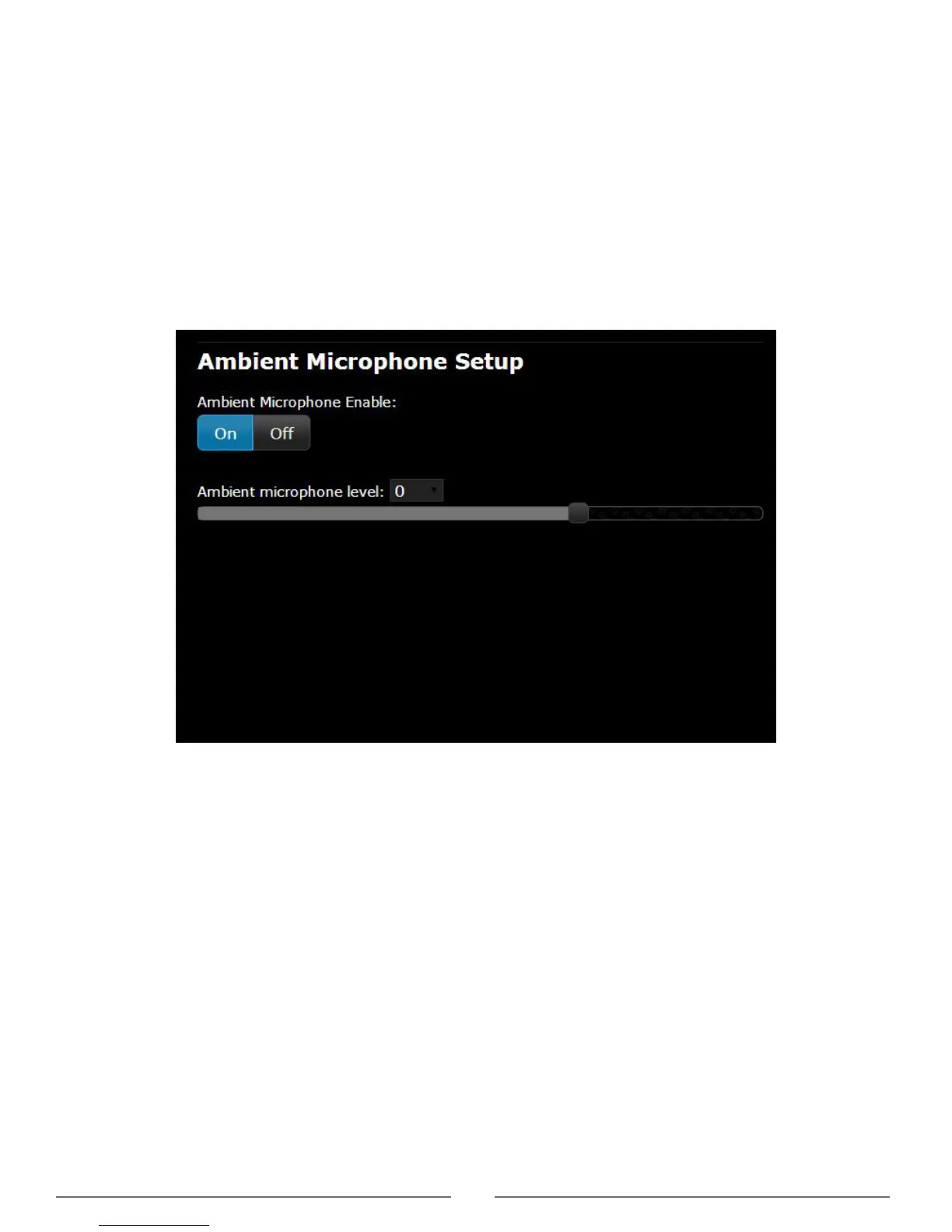
Activate and adjust the level of the microphone from the web browser: Audio > Ambient Microphone.
The ambient microphone consists of the AM 6040 Ambient Microphone Unit microprocessor and a microphone. The
following microphone options are available:
• GM 652x gooseneck microphones
• HM 4042 handheld microphone
Ambient Microphone
Audio > Ambient Microphone



 To Next Page