44
Emergency Audio Signal
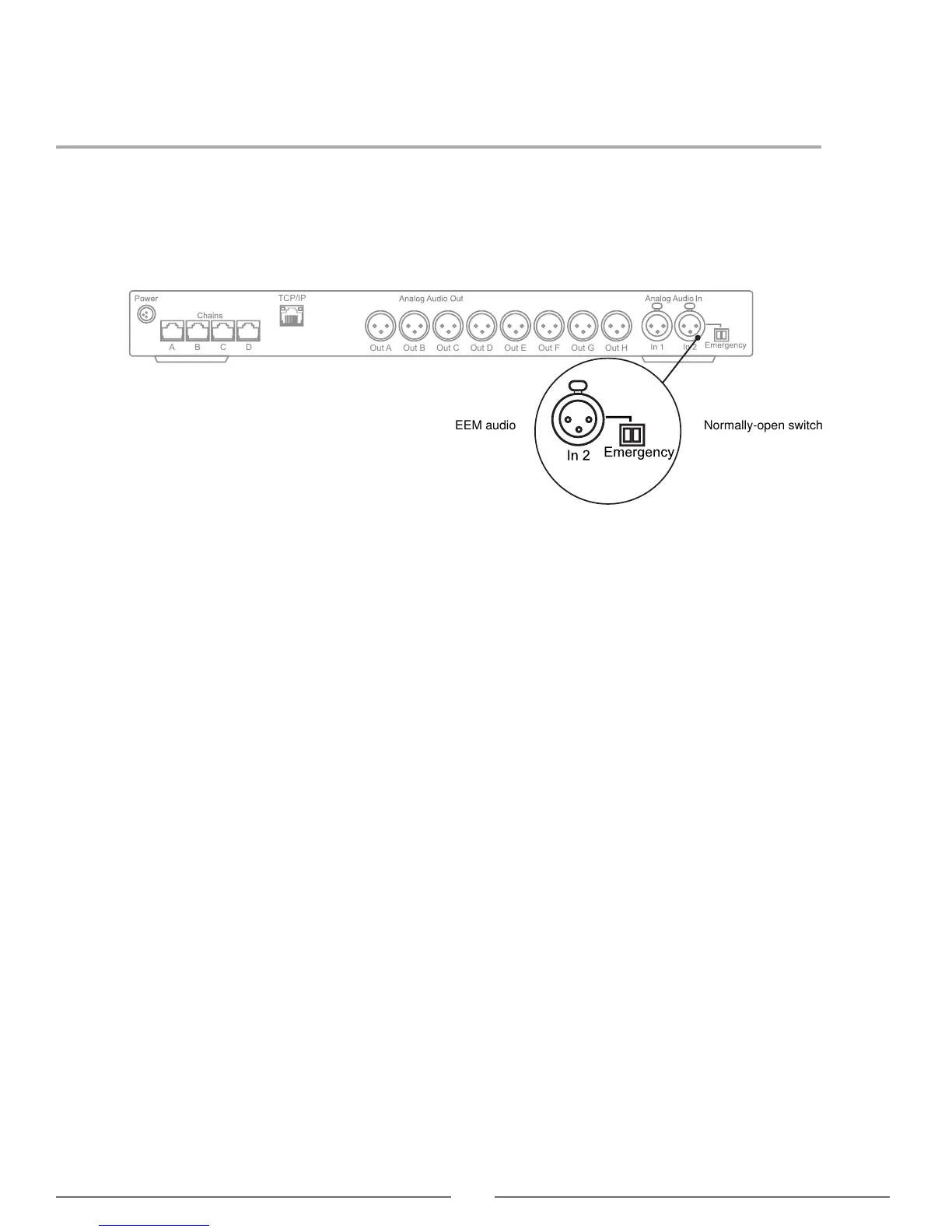
To prepare for an emergency, connect an Emergency Evacuation Message (EEM) audio signal to Input 2. The block
connector provides a 'normally-open' switch that when closed, distributes the emergency signal to the loudspeakers and
all input and output connections.
Important: When the switch is used for Input 2, the EEM audio signal bypasses the volume and on/off settings.
Control the volume of the EEM signal at the source output.
1. Connect the EEM signal to Input 2.
2. Connect a switch to the block connector.
3. Close the switch and test the audio signal. Adjust the volume at the audio source to the desired level.



 To Next Page