38
3. Draw a seating chart, or diagram, that represents the room. Number each seat that requires a microphone unit. Add
participant names to the seating chart.
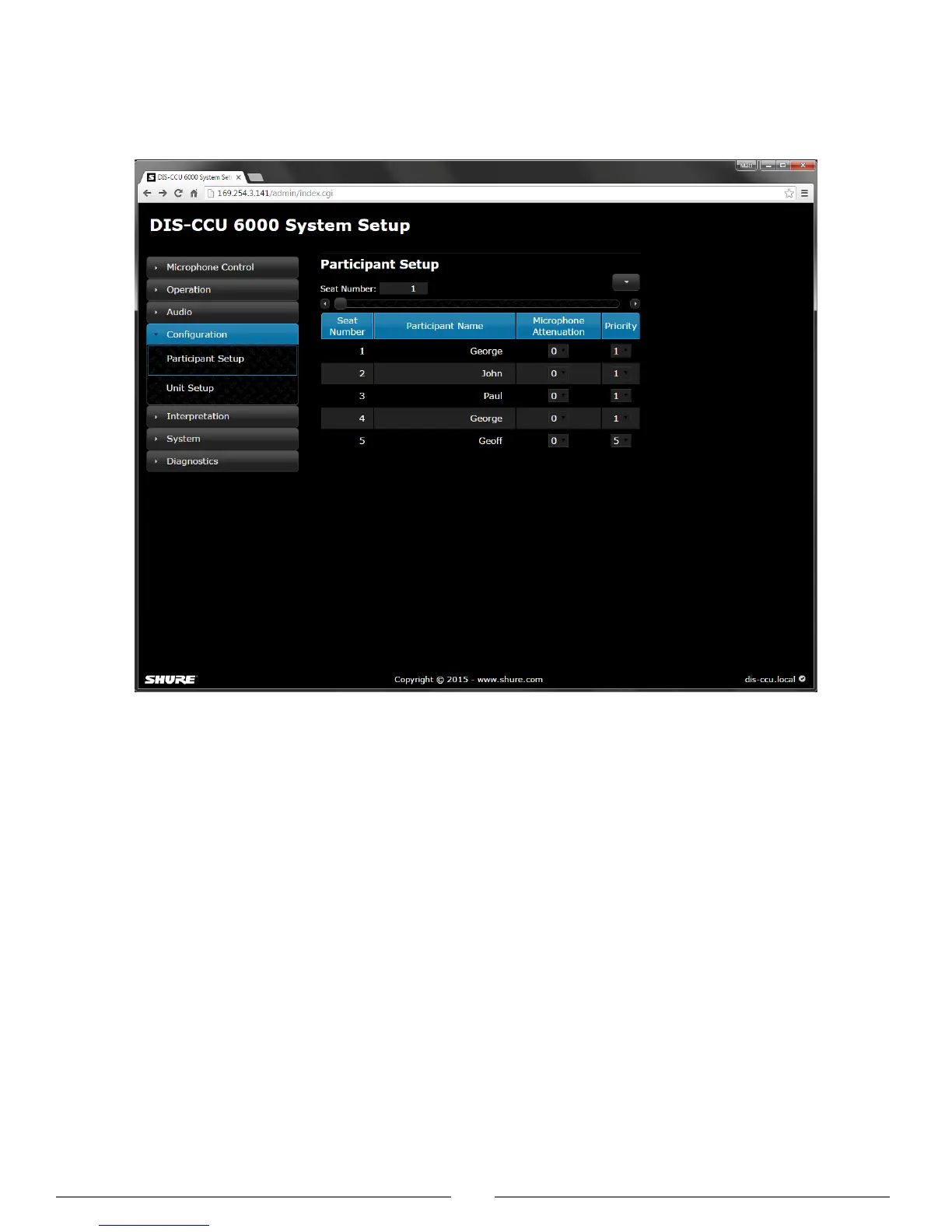
4. Go back to the Participant Setup page
Conguration > Participant Setup and change the descriptions next to the assigned
seat numbers to the appropriate participant names.
Add Participant names



 To Next Page