3.4.3 Operating pushbuttons
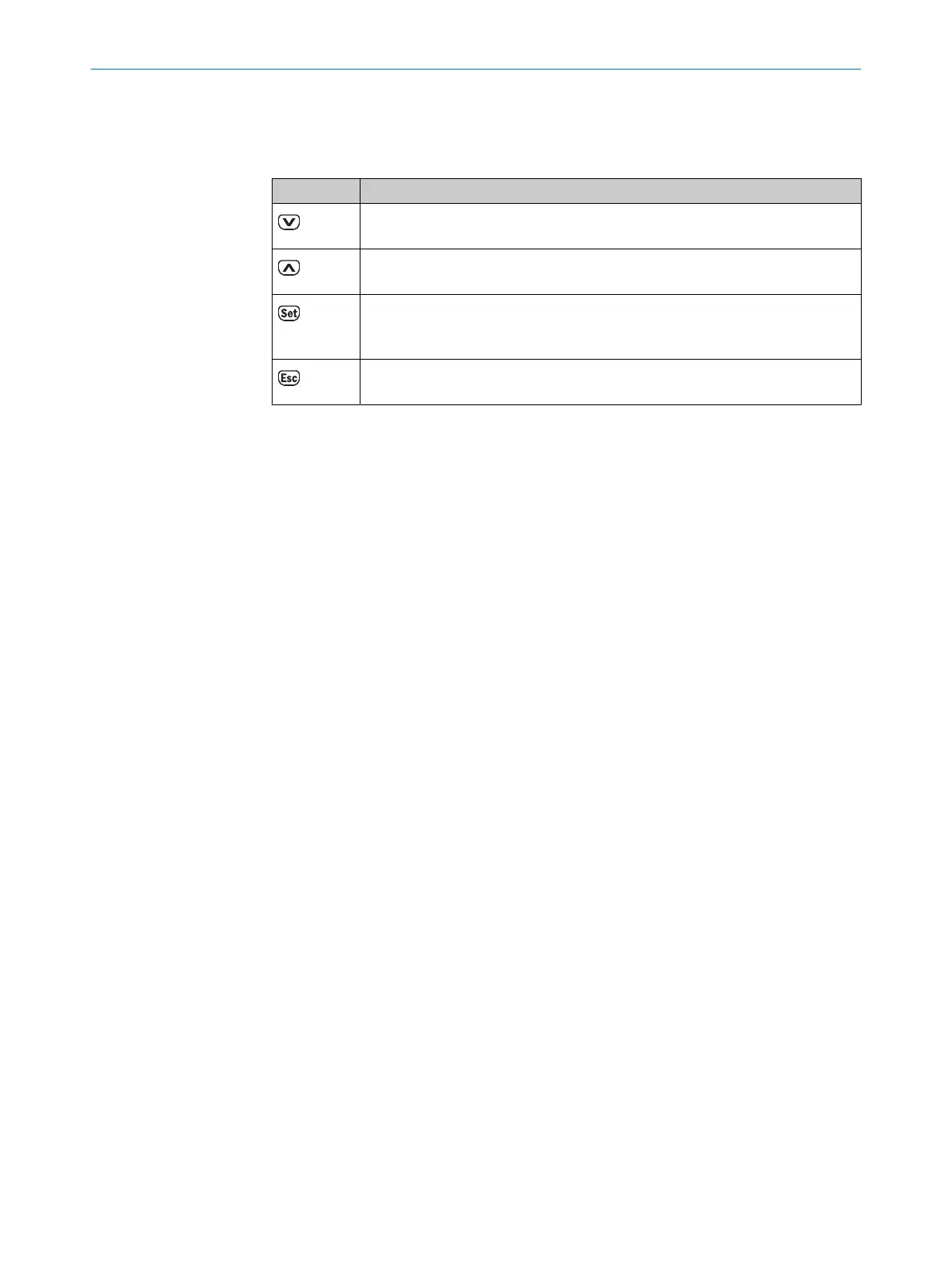
The device can be operated using the following 4 pushbuttons:
Table 5: Pushbuttons
Button Description
■
Scroll through process values or (main) menu
■
Reduce value
■
Scroll through process values or (main) menu
■
Increase value.
■
Enter menu operation
■
Switches to the next lower menu level
■
Confirm selection
■
Leave value/option input of a parameter without saving.
■
Jump back to the next highest menu level or to the measured value display.
3 FUNCTION AND USE
16
O P E R A T I N G I N S T R U C T I O N S | DL100 Pro CANopen 8015418/19HA/2022-12-15 | SICK
Subject to change without notice












 To Next Page