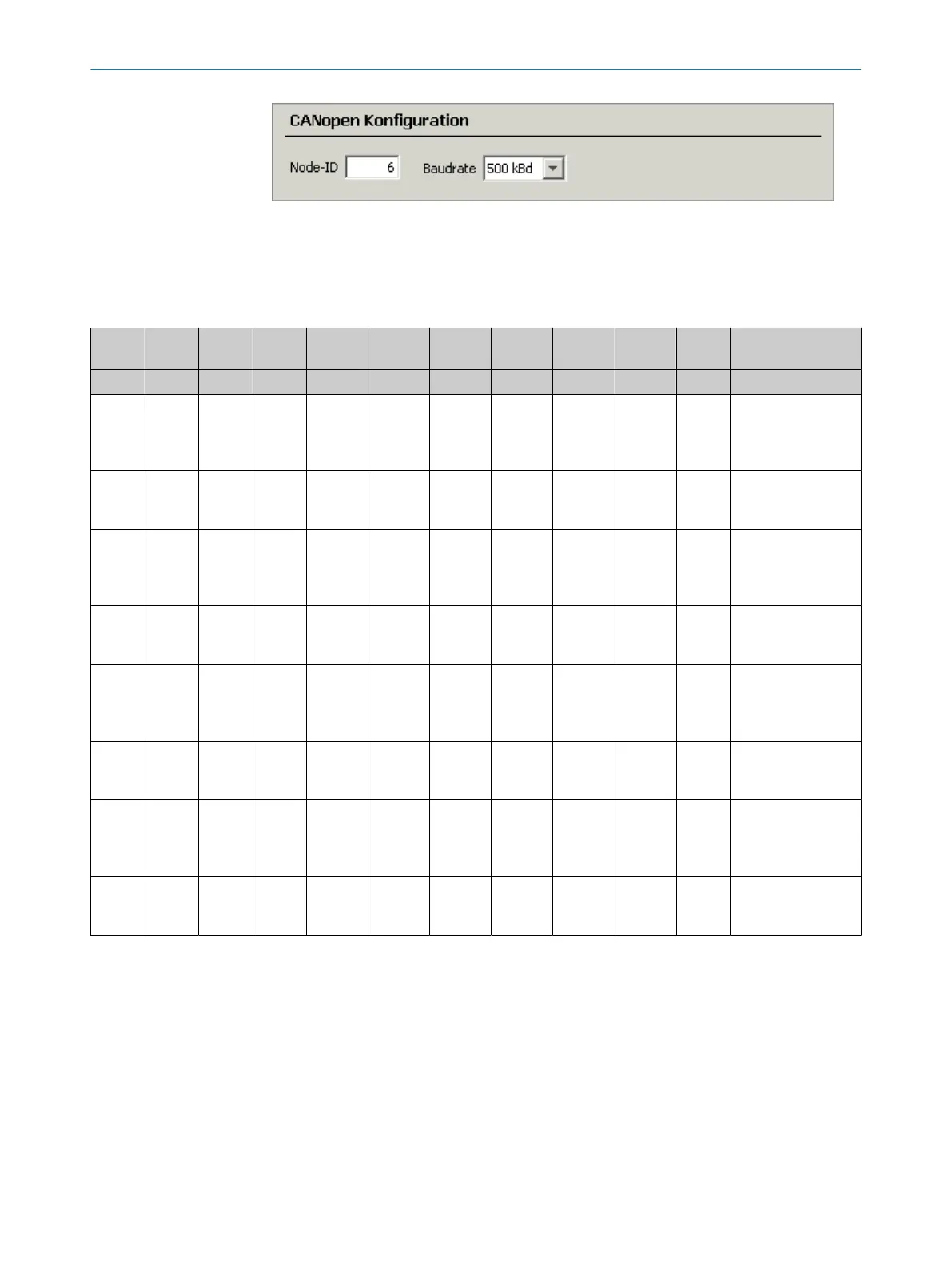
Setting node ID via LSS
The following table shows an example of how node ID is set to 4 (D1 = 04h) via LSS. For
further details, see CiA 305 “CANopen layer setting services (LSS) and protocols.”
Table 51: Input via LSS
Dir COB-ID DLC Com‐
mand
L-byte
index
H-byte
index
Subin‐
dex
L-byte
byte 0
Byte 1 Byte 2 H-byte
byte 3
Description
D0 D1 D2 D3 D4 D5 D6 D7
CAN‐
open
Con‐
troller
07E5h 08h 04h 01h 00h 00h 00h 00h 00h 00h lss switch_glob 1
Sets LSS network
to Configuration
mode.
CAN‐
open
Device
– – – – – – – – – – Note: There is no
feedback from the
CANopen device.
CAN‐
open
Con‐
troller
07E5h 08h 11h 04h 00h 00h 00h 00h 00h 00h LSS Set Node ID (in
this example Node
ID=4).
CAN‐
open
Device
07E4h 08h 11h 00h 00h 00h 00h 00h 00h 00h Feedback set node
ID=4 “successful.”
CAN‐
open
Con‐
troller
07E5h 08h 17h 00h 00h 00h 00h 00h 00h 00h Saves the setting.
CAN‐
open
Device
07E4h 08h 17h 00h 00h 00h 00h 00h 00h 00h Save feedback
“successful.”
CAN‐
open
Con‐
troller
07E5h 08h 04h 00h 00h 00h 00h 00h 00h 00h lss switch_glob 0
sets LSS network to
operating mode.
CAN‐
open
Device
– – – – – – – – – – Note: There is no
feedback from the
CANopen device.
10.5.2 Baud rate setting
All CANopen devices must be set to a uniform baud rate specified in the configuration
of the controller.
The device supports the following baud rates:
•
125kBit/s
•
250kBit/s
•
500kBit/s (default)
•
800kBit/s
•
1,000kBit/s
You can set the baud rate of the device via the display, SOPAS ET or via CANopen LSS
(Layer Setting Service).
CANOPEN INTERFACE 10
8015418/19HA/2022-12-15 | SICK O P E R A T I N G I N S T R U C T I O N S | DL100 Pro CANopen
89
Subject to change without notice












 To Next Page