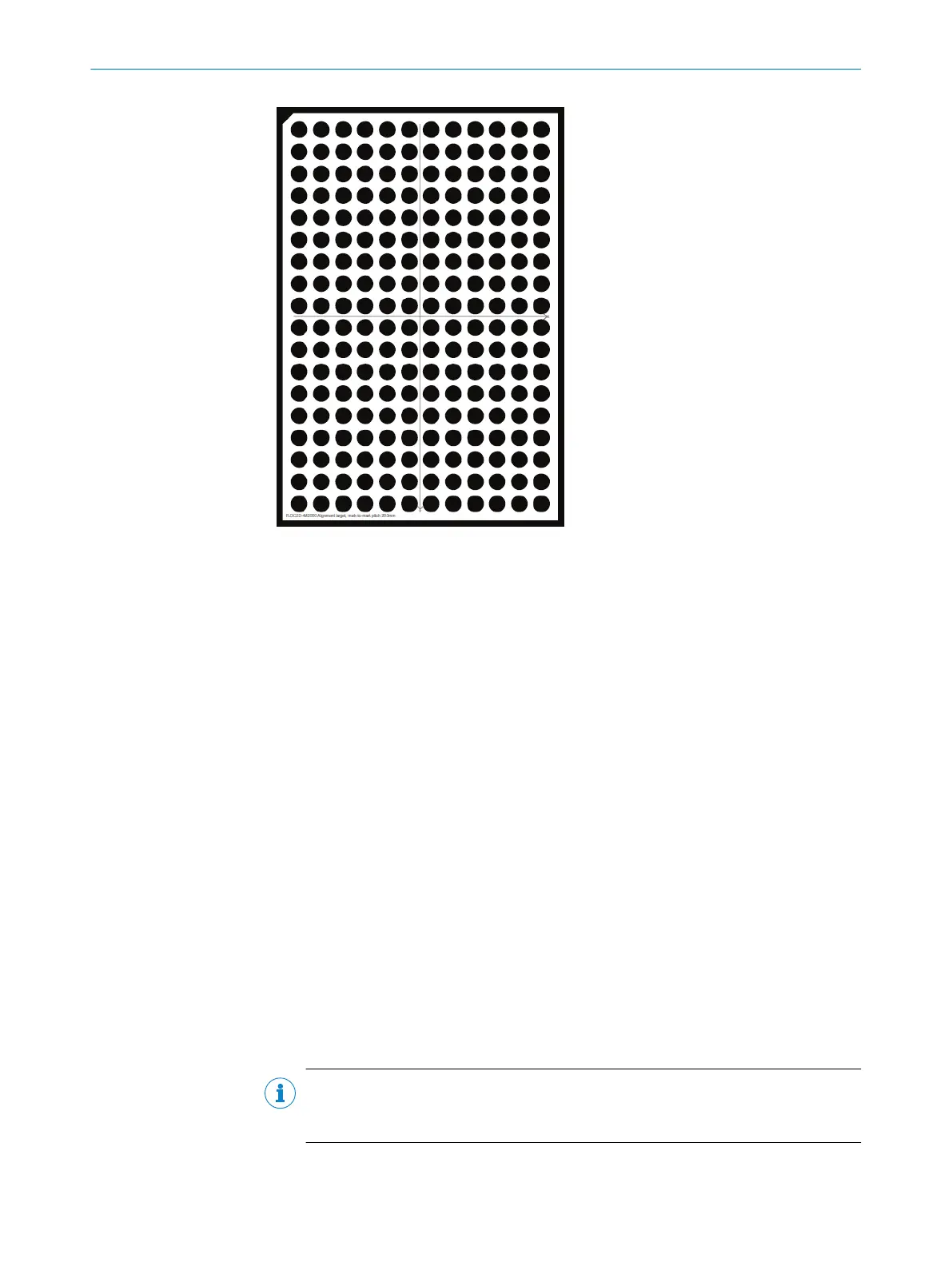
Figure 17: Example of a PLOC2D alignment tar‐
get
7.2.3.1 Stationary sensor
If you use a stationary sensor, the coordinate systems are aligned to one or more
predefined work planes. The alignment procedure requires that the robot is manually
jogged to specified points on the alignment target. The result will be expressed in
coordinates relative to the defined work plane.
Align to a work plane
You can align the sensor to 16 different work planes.
1. In the user interface, go to the Alignment page.
2. Click Auto adjust exposure in the Advanced section to update the image exposure
settings.
3. In the Alignment of list, click the work plane you want to align the sensor to.
4. In the Alignment target list, click the alignment target you are using.
5. Place the alignment target on the target surface in the same plane and at the
same height as the parts to be located.
6. Position the alignment target to allow the robot to measure the work frame as
defined by the coordinate system on the target. The target should be completely
visible in the camera image.
7. Click Align to acquire an image and align the sensor coordinate system with the
alignment target.
8. If alignment fails, adjust the exposure settings to obtain a clear image.
9. Repeat steps 6. – 8. until an "Alignment successful" message is displayed in the
user interface.
NOTE
Do not remove orreposition the alignment target after sensor alignment until the
robot work plane has been defined.
OPERATION 7
8020736/1K3Z/2023-06 | SICK O P E R A T I N G I N S T R U C T I O N S | PLOC2D 4.1
43
Subject to change without notice



 To Next Page