For implementation details of the fieldbus protocol, see "PROFINET and EtherNet/IP
communication specification", page 77.
Select a byte order in the Byte order list:
•
Little-endian: Least significant byte first
•
Big-endian: Most significant byte first
A description of the options is shown when they are selected.
7.2.6.4 Illumination settings
The robot guidance system can be configured to use either internal or external illumina‐
tion, or a combination of both. The illumination configuration is applied system wide.
For information about connecting external illumination, see "External illumination",
page 36.
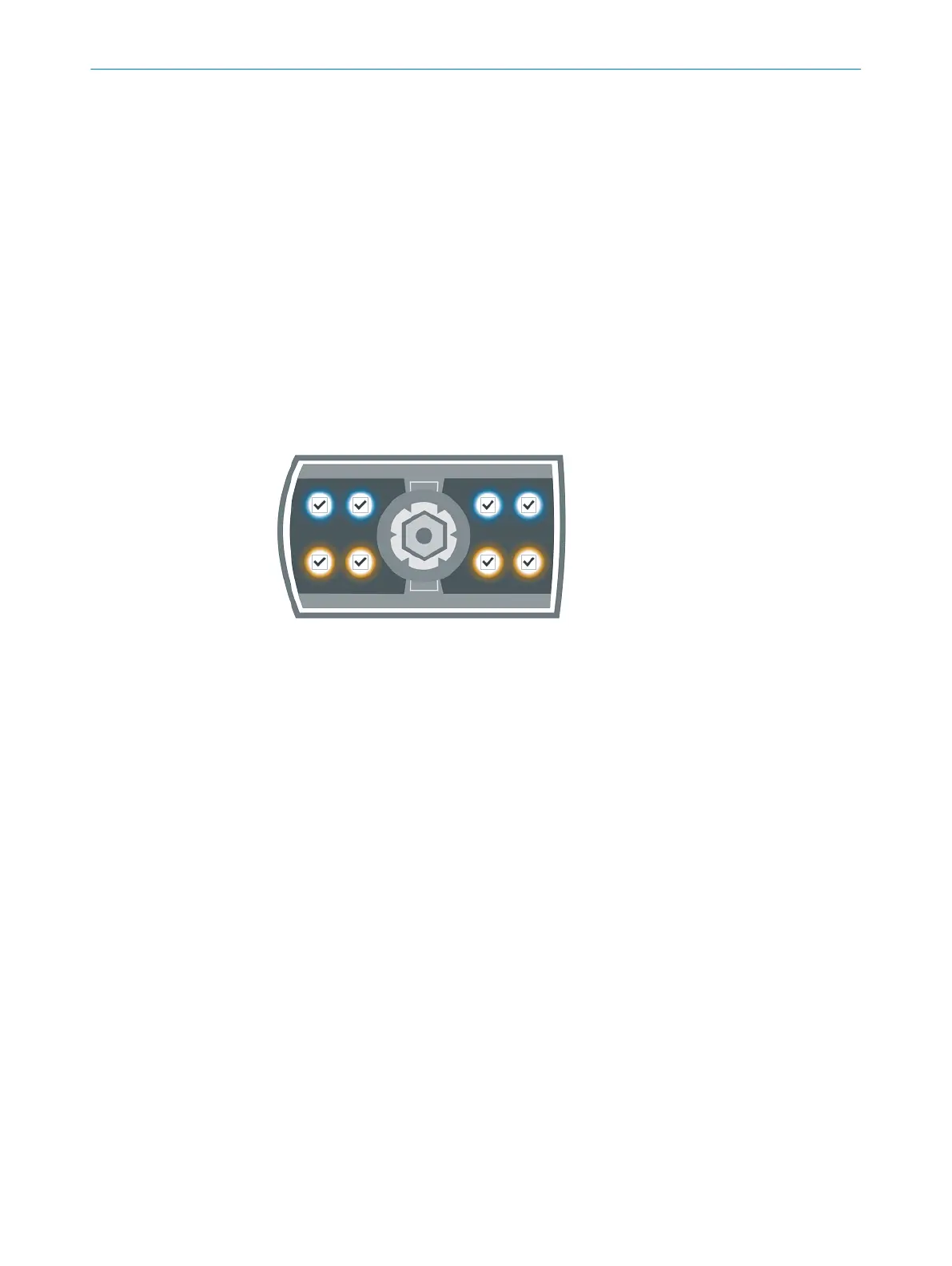
The PLOC2D types PLOC2D-611-6RB/12RB have an internal (integrated) illumination
option to enable or disable individual lights, see figure 26, page 56. Mark the lights
that are to be enabled when running the system.
Figure 26: InspectorP611 internal illumination settings
7.2.6.5 Diagnostics
The fieldbus monitor is found in the Diagnostics section.
For implementation details of the fieldbus protocol, see "PROFINET and EtherNet/IP
communication specification", page 77.
Fieldbus monitoring
This applies when the default Protocol version, "Using telegram ID", is selected in "Field‐
bus configuration", page 55.
•
The left part of the monitor represents the commands sent to the device.
•
The right part of the monitor represents the results sent from the device.
•
The two 64-byte registers represent data fields.
•
Mouse over the registers to see the parameter used for that specific bit or byte.
•
Runtime and system status, i.e. result data bytes 12 and 13, are visualized in the
right-most area.
7 OPERATION
56
O P E R A T I N G I N S T R U C T I O N S | PLOC2D 4.1 8020736/1K3Z/2023-06 | SICK
Subject to change without notice



 To Next Page