34 • Chapter 5 - Wiring Procedure ARTDriveG Instruction manual
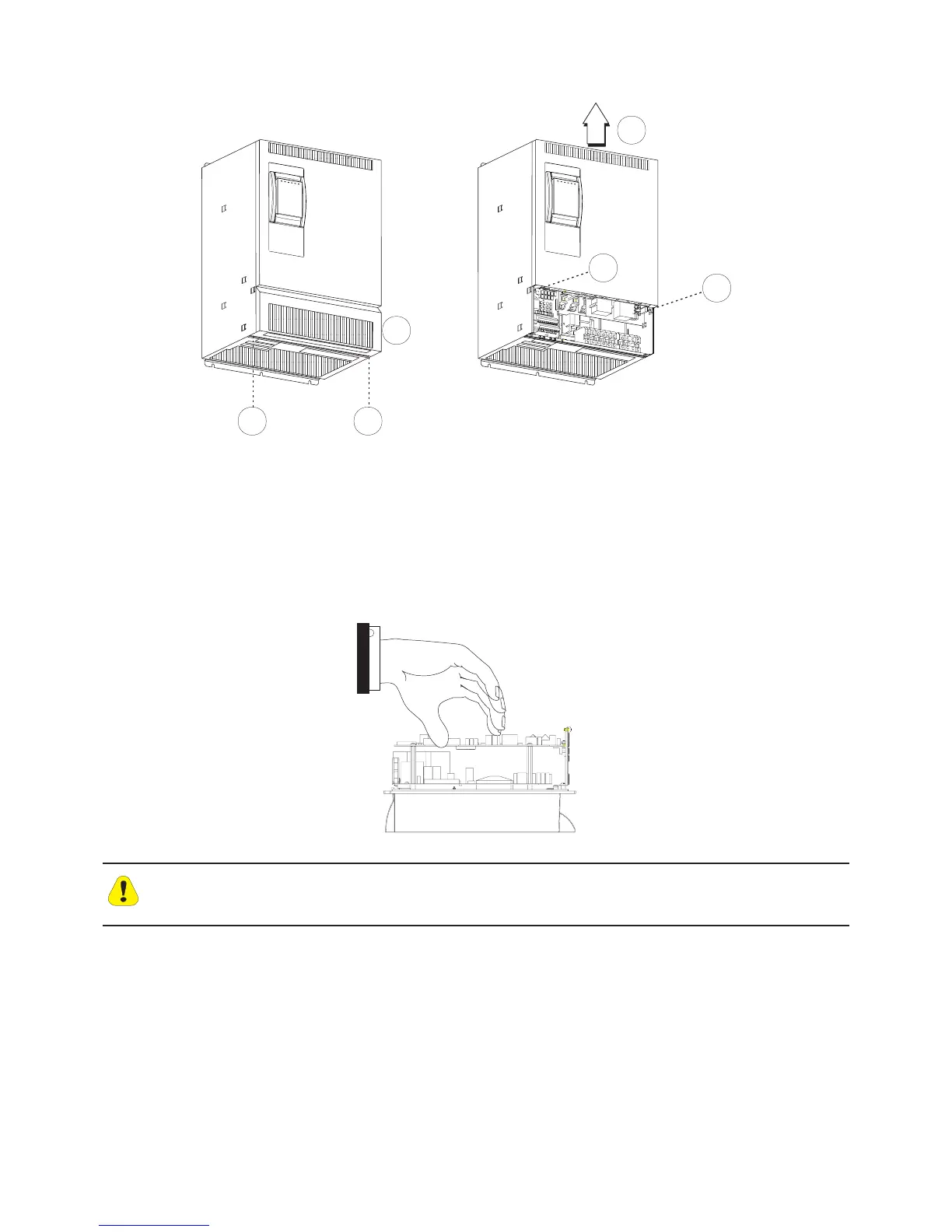
Figure 5.1.2: AGy Removing Covers for Sizes 4220...71320 (230V...480V) and 4025...5075 (575V)
2 2
1
3
3
4
Sizes 4220...71320 (230V...480V) and 4025...8200 (575V)
The terminal cover of the device must be removed in order to fit the electrical connections: unscrew the two screw (2) and
remove the cover (1).
The top cover must be removed in order to mount the option card and change the internal jumper settings: unscrew the
two screw (3) and remove the top cover by moving it as indicated on figure (4).
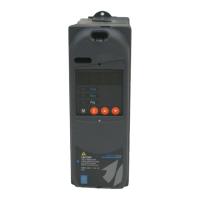
In order to avoid damages of the device it is not allowed to transport it by handling on its cards !
Caution


 To Next Page