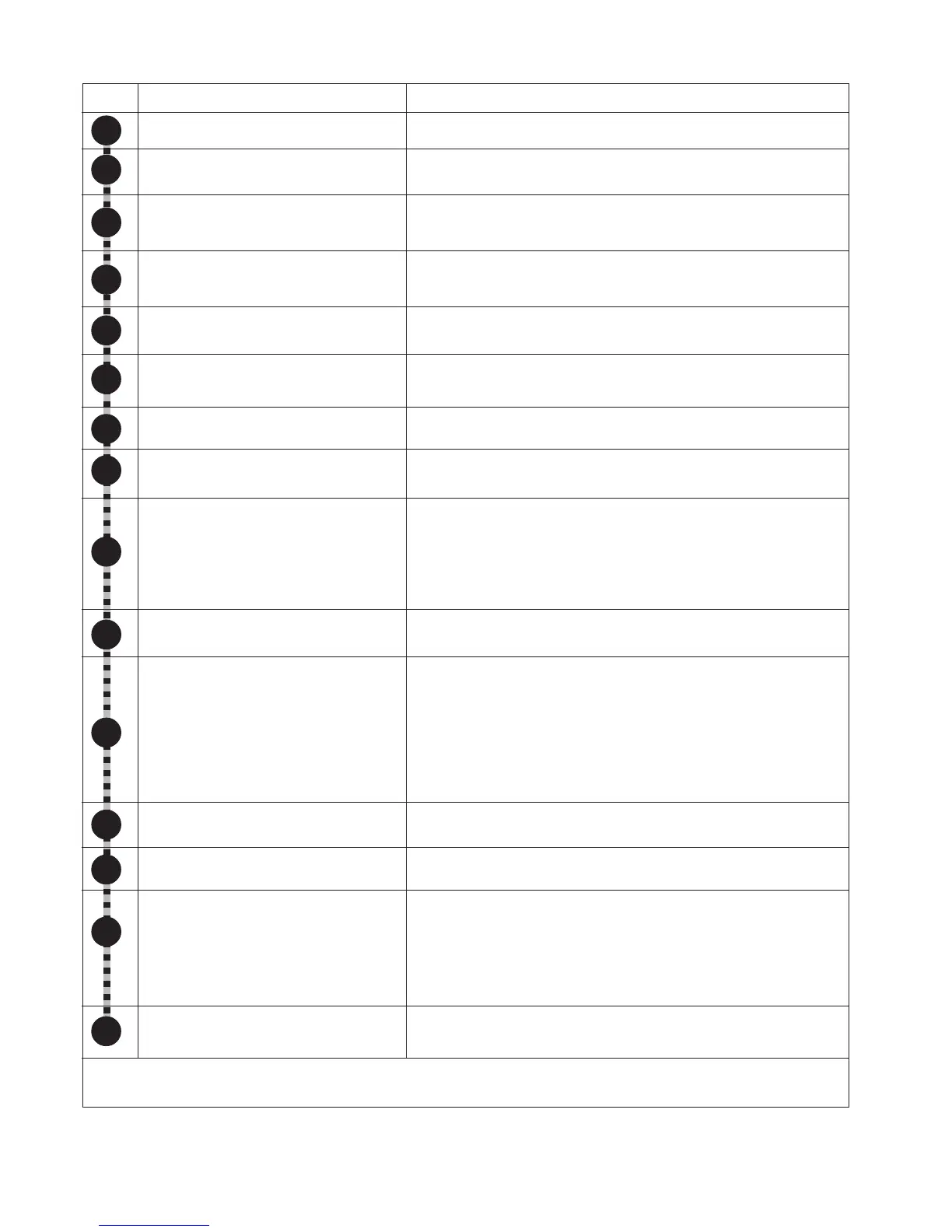
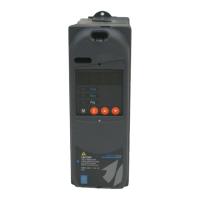
64 • Chapter 6 - Drive Keypad Operation ARTDriveG Instruction manual
6.6 Quickstart Procedure
NOTE!
Refer to chapter 7.3 of this manual to enable the automatic boost function (S.401) and the settings of the motor
slip compensation (S.450 & S.451).
1
Step
Operation
Go to the menu S - Startup
Set the drive main voltage
Set the drive main frequency
Set the maximum drive output voltage
applied to the motor.
Set the motor rated frequency
Set the motor rated current
Set the motor pole pairs
Set the motor power factor
Set the drive main command
START&STOP level sensitive signal
(P.003=1 Default)
Set the drive maximum frequency
reference
Set the drive main reference
Set the drive acceleration and
deceleration ramp times
Set the drive manual boost %
Enable the motor stator resistance
autotune
NOTE! If S.401=0 (default) go to step 15
(the measurement of the stator
resistance is not needed).
Save the drive parameters
Description
Scroll drive menu using "Prg" button, until Startup menu
Enter the parameter S.000 to set the drive main voltage: 230V,
400V and 460V only for AGy..-4; 575V only for AGy..-5.
Enter the parameter S.001 to set the drive main frequency:
50Hz or 60Hz.
Enter the parameter S.100 to set the motor rated voltage
(nameplate data).
Enter the parameter S.101 to set the motor rated frequency:
(nameplate data).
Enter the parameter S.150 to set the motor rated current
(nameplate data).
Enter the parameter S.151 to set the motor pole pairs (poles/2).
Enter the parameter S.152 to set the motor power factor
(nameplate data).
Enter the parameter S.200 to select the source of the drive
command:
[0] selection = START&STOP via keypad (+24V between terminal
5 and 8 is always required as interlock). (default)
[1] selection = START&STOP via terminal
Enter the parameter S.201 to set the maximum frequency reference
Enter the parameter S.202 to select the source of the drive
frequency reference:
[1] selection = Analog input 1 reference
[3] selection = Digital reference via S.203 parameter (default)
NOTE! Enter the parameter S.203 to set the digital reference
value (if required).
Enter the parameter S.300 to set acceleration time (5sec=default)
Enter the parameter S.301 to set deceleration time (5sec=default)
Enter the parameter S.400 to set manual boost % at low speed
Enter the parameter S.900 to enable the motor stator resistance
autotune:
- enter the command with "YES" on the alphanumeric display
- enter the command with "do" on the 7 segments drive display.
Enter the parameter S.901 to enable the procedure of save
parameters in a permanent memory.
2
3
4
5
6
7
8
9
10
11
12
13
14
7
15
At this point, the drive is ready to run. Giving a Start command, according to the setting of step 9, the motor will rotate at
the frequency programmed in step 11, default value is the AC input mains frequency.


 To Next Page