ARTDriveG Instruction manual Chapter 7 - Parameters Description • 65
Menu d - DISPLAY
Menu S - STARTUP
Menu I - INTERFACE
Menu F - FREQ & RAMP
Menu P - PARAMETER
Menu A - APPLICATION
Menu C - COMMAND
Menu H - HIDDEN
Menu of read-only parameters (display)
Menu for basic drive start up
Menu of input/output settings (digital/analog, serial, etc.)
Menu of multi frequencies and ramps settings
Menu for drive regulation and optimization
Menu for PID function settings
Menu of control-type parameters (Save, Load default, etc.)
Menu not available on the keypad. It is reserved to set the drive parameters
through Serial line and/or through Field bus cards.
Chapter 7 - Parameter Description
7.1 Parameters List
Legend of drive menu contents.
NOTE!
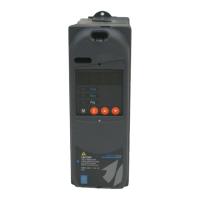
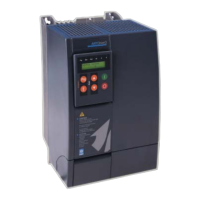
In this chapter, the functions of each drive parameter are described. Depending on the keypads type,
only the "parameter code" will be displayed for the KBG-1 (7 segments display), and for the KBG-LCD
(alphanumeric LCD display) the "parameter code and name" will be displayed (see chapter 6).
In any case, chapter 7 describes the code and the name of each single parameter.


 To Next Page