Expansions and configuration
10.4 Installing drives
SIMATIC Rack PC 547B
62 Operating Instructions, 12/2007, A5E01127519-02
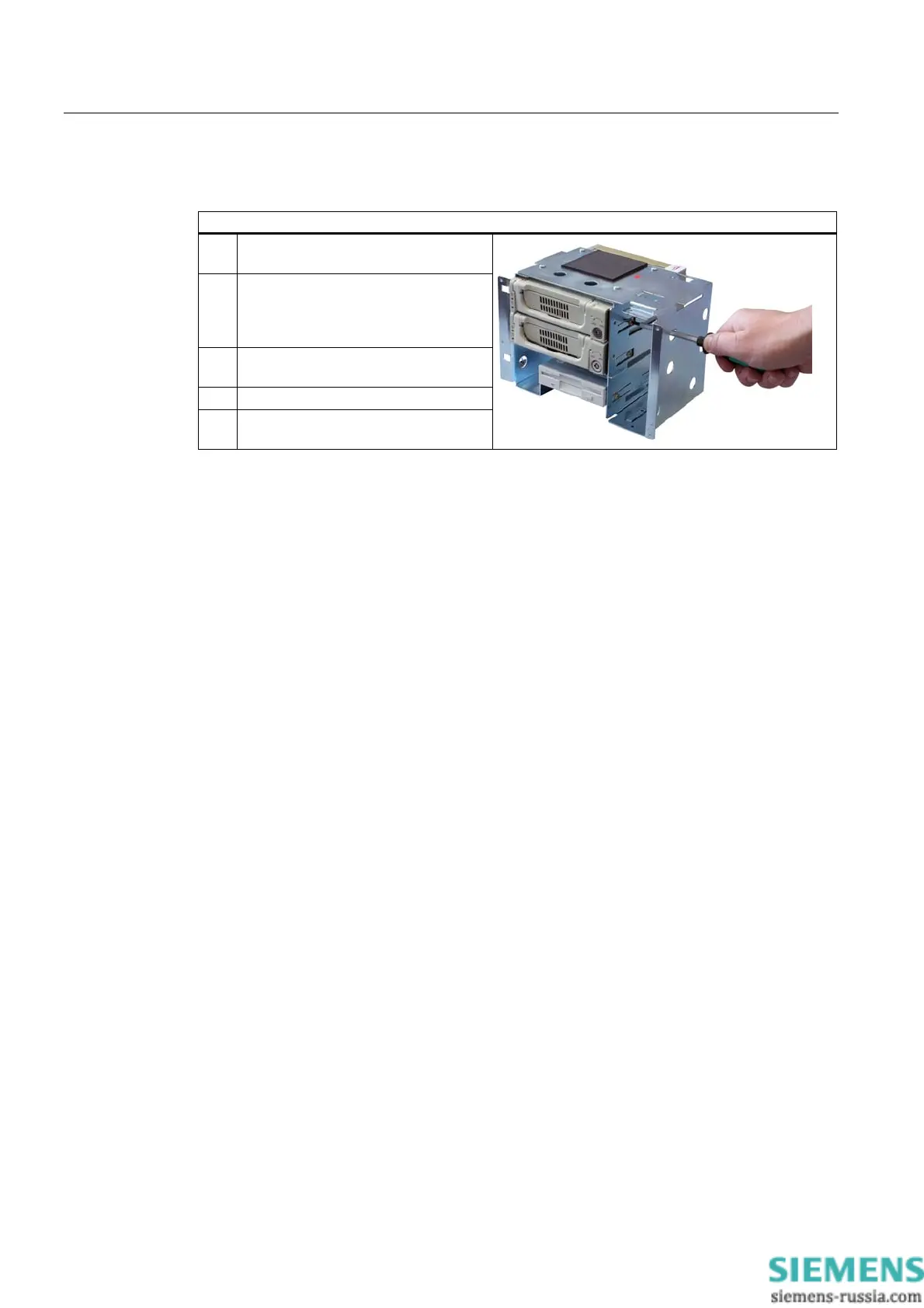
Installing drives or removable cartridges
Steps for installing a disk drive in a horizontal drive bay
1 Slide the disk drive into the carrier from
the front.
2 Remove any vertical drive bay The
only way to get at the mounting screws
on the right side of the drive is through
the openings of the vertical carrier.
3 Mount the disk drive into the drive bay
using four screws.
4 Insert the drive bay module again.
5 Connect the power and data cables to
the disk drive.














 To Next Page