Maintenance and service
11.2 Reinstalling the software
SIMATIC Rack PC 547B
82 Operating Instructions, 12/2007, A5E01127519-02
11.2.6 Recovery of Windows Vista
To recover Windows Vista, there is a full graphical user interface available. It may take
several minutes before the first input window appears. In this window, you can set the time
and currency formats and select the keyboard language.
English is the basic language and other languages can be installed later with the MUI. The
MUI is on the recovery DVD.
Now follow the on-screen instructions. It may take several minutes before the next prompt for
the product key is displayed.
Note
Due to the previous activation, you do not need to enter the product key (COA number). This
is entered automatically during the installation.
Setting up and formatting partitions
After you have installed a new hard disk, or if partitions are faulty, or when you wish to
change the partitioning on your hard disk, you need to create or reconfigure partitions on the
hard disk.
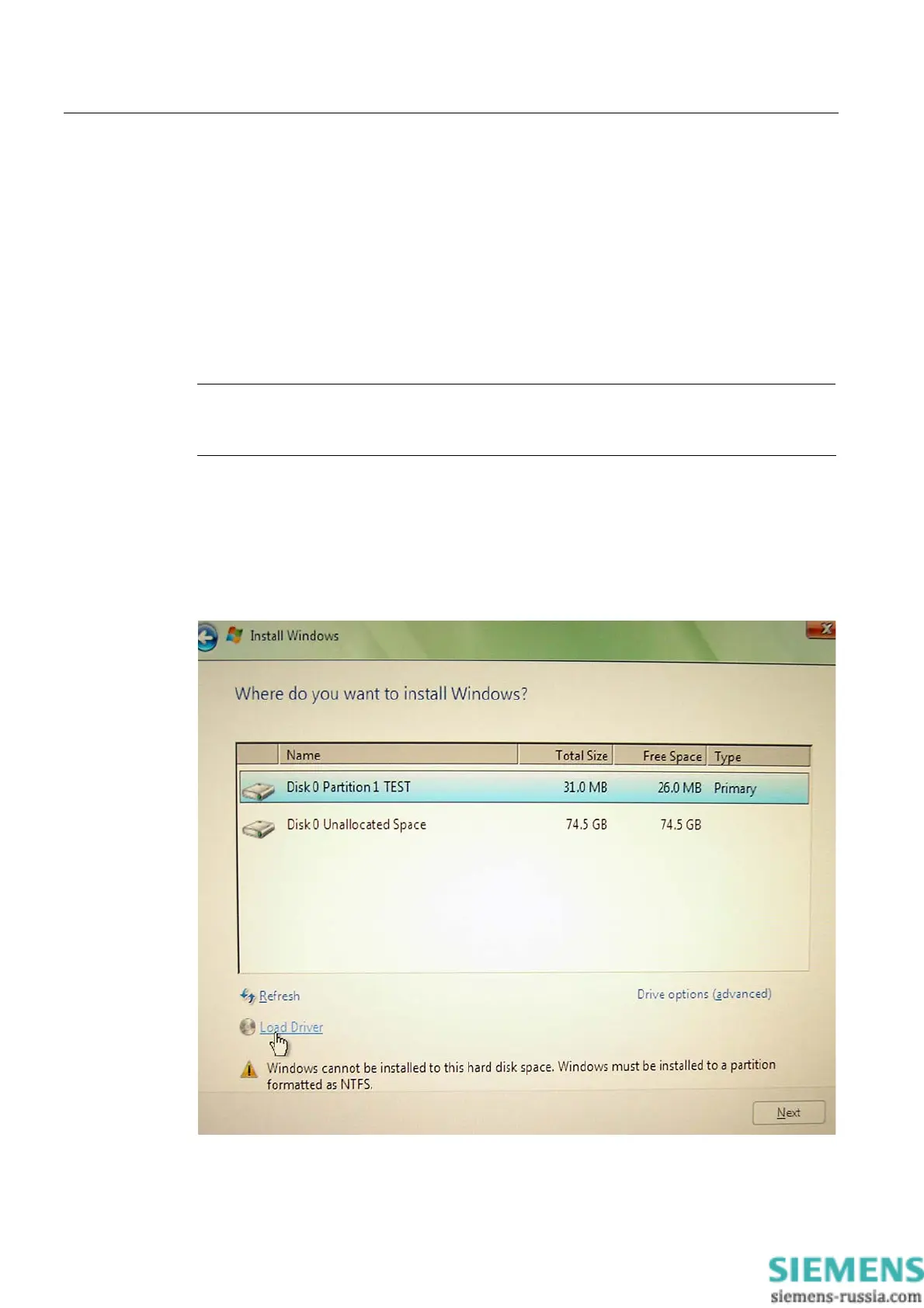
In the next dialog box, you can set up the hard disk according to your requirements and add
controllers that are not yet known to the system.














 To Next Page