Expansions and configuration
10.4 Installing drives
SIMATIC Rack PC 547B
Operating Instructions, 12/2007, A5E01127519-02
63
10.4.3 Installing and removing a hard disk
Preparations
1. Unplug the device from mains and disconnect all cables.
2. Open the device
Installing a drive
How to install a drive
1 Connect the power and data cables
to the disk drive.
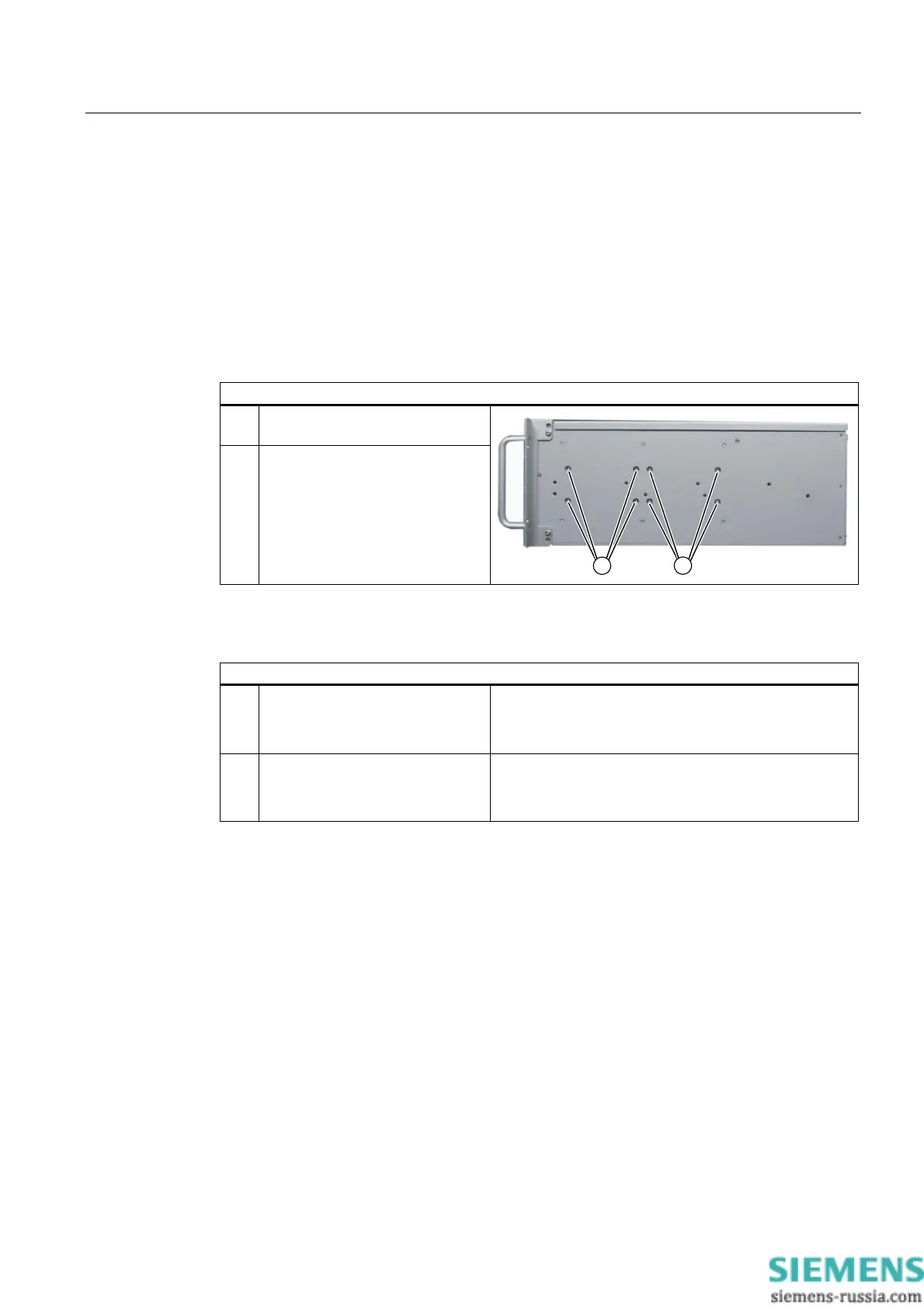
2 Hold the drive on the drive bay
plate and secure it with 4 screws
(1) or (2).
Removing drives
How to remove a drive
1 Disconnect the power and data
cables from the drive.
2 Remove the four screws (1) or (2)
and take the drive out of the
housing.














 To Next Page