Maintenance and service
11.1 Removing and installing hardware components
SIMATIC Rack PC 547B
Operating Instructions, 12/2007, A5E01127519-02
73
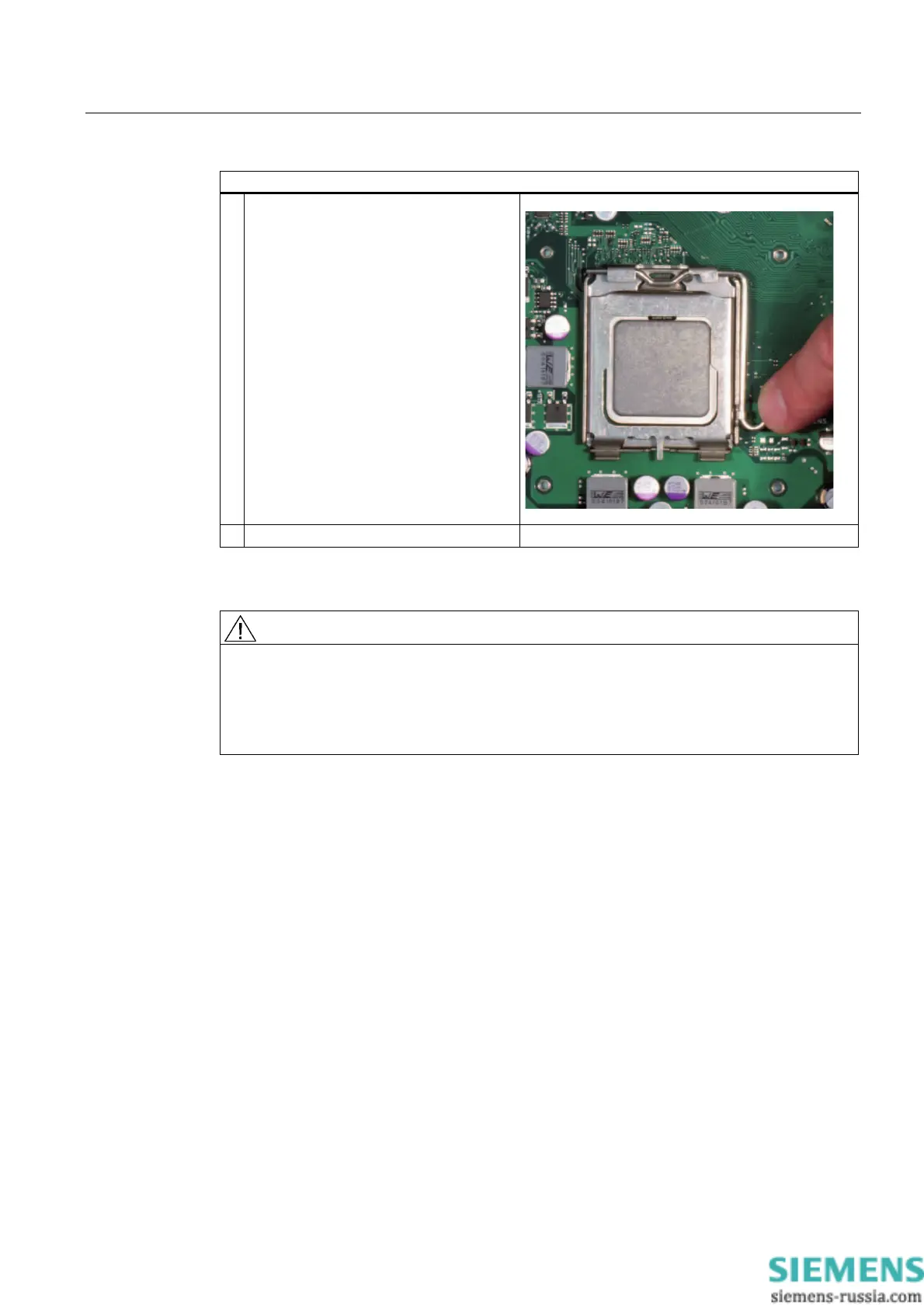
How to remove the processor
4. Unlock the CPU socket and lift off socket
cover.
5. Remove processor.
Additional instructions can be found in the supplied Documentation & Drivers CD in the
D2156-S21 manual.
CAUTION
Operating a processor at a frequency higher than it specified speed can result in damage to
the device and the loss of data.
Only certified and approved processors can be used with the supplied motherboard. For
more information contact your local Siemens representative.
http://www.siemens.com/automation/partner














 To Next Page