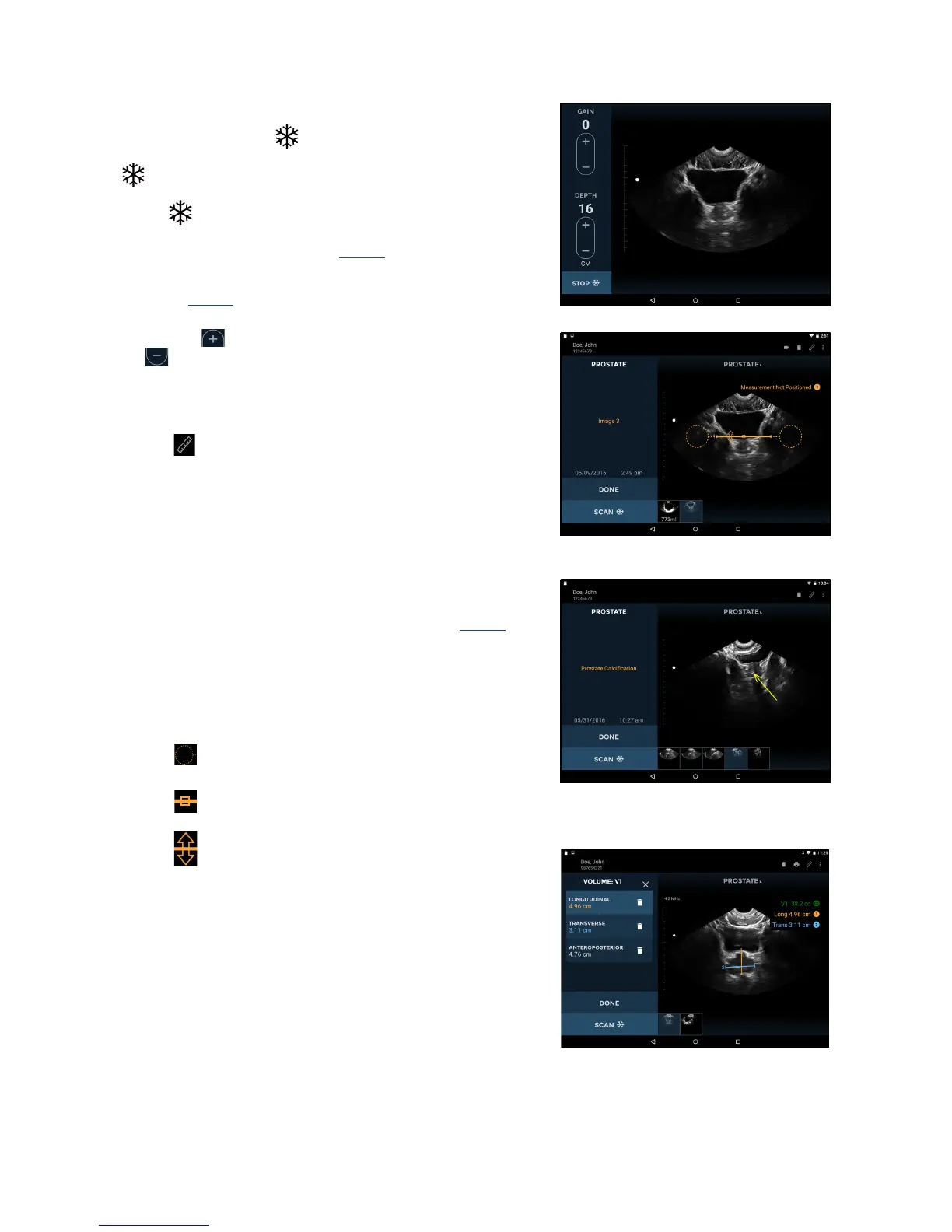
Fig 3.3 Ultrasound Scanning
P003948 Uscan User Manual Page | 25
Ultrasound Scanning
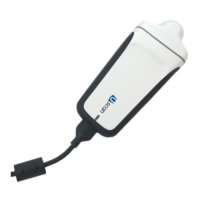
The probe Scan butt
on corresponds to the Orientation
Icon
on the display. The convention is for the Scan button
to be on the patient's right for transverse scans, and
toward the head for sagittal
or coronal scans. Tap the Scan
button
to start (unfreeze) and stop (freeze) ultrasound
scans. The image automatically generated is a sec
tor or pie
shape of approximately 120º (see Fig
3.3).
Controls for changing gain (brightness) and depth are
pro
vided (Fig
3.3).
Fig 3.4 Distance Measurement
Tapping the symbol increases the gain or depth. Tapping
the
symbol decreases the gain or depth.
Use a two finger pinch to zoom in or out of images.
Ultrasound measurement
Tap the
Measurement icon to insert calipers, arrows, or
volume measurements on images:
Calipers measure a straight line
distance between two
points.
Arrows highlight part of the image, but do not perform a
me
asurement.
Volume Measurements measure an ellipsoid volume
using 3 caliper measurements (longitudinal, transverse,
and anteroposterior) a
cross two images (see Fig
3.6).
The longitudinal and transverse measurements are
positioned on t
he first image, and the anteroposterior
measurement positioned on the second image. The first
and second images must be orthogonal.
Move the caliper or arrow using the:
Circular handle to position each end of the caliper in
the correct place.
Square handle in the middle to move the entire
caliper around the screen.
Double-arrow handle to rotate the caliper around its
Fig 3.6 Volume Measurement
middle.
You can insert four measurements per image. Tap the image
outside t
he shape to end editing that shape. Tap a shape to re-
select it for editing.
The units of measurement are cm for distance and cc for volume.


 To Next Page