P003948 Uscan User Manual Page | 33
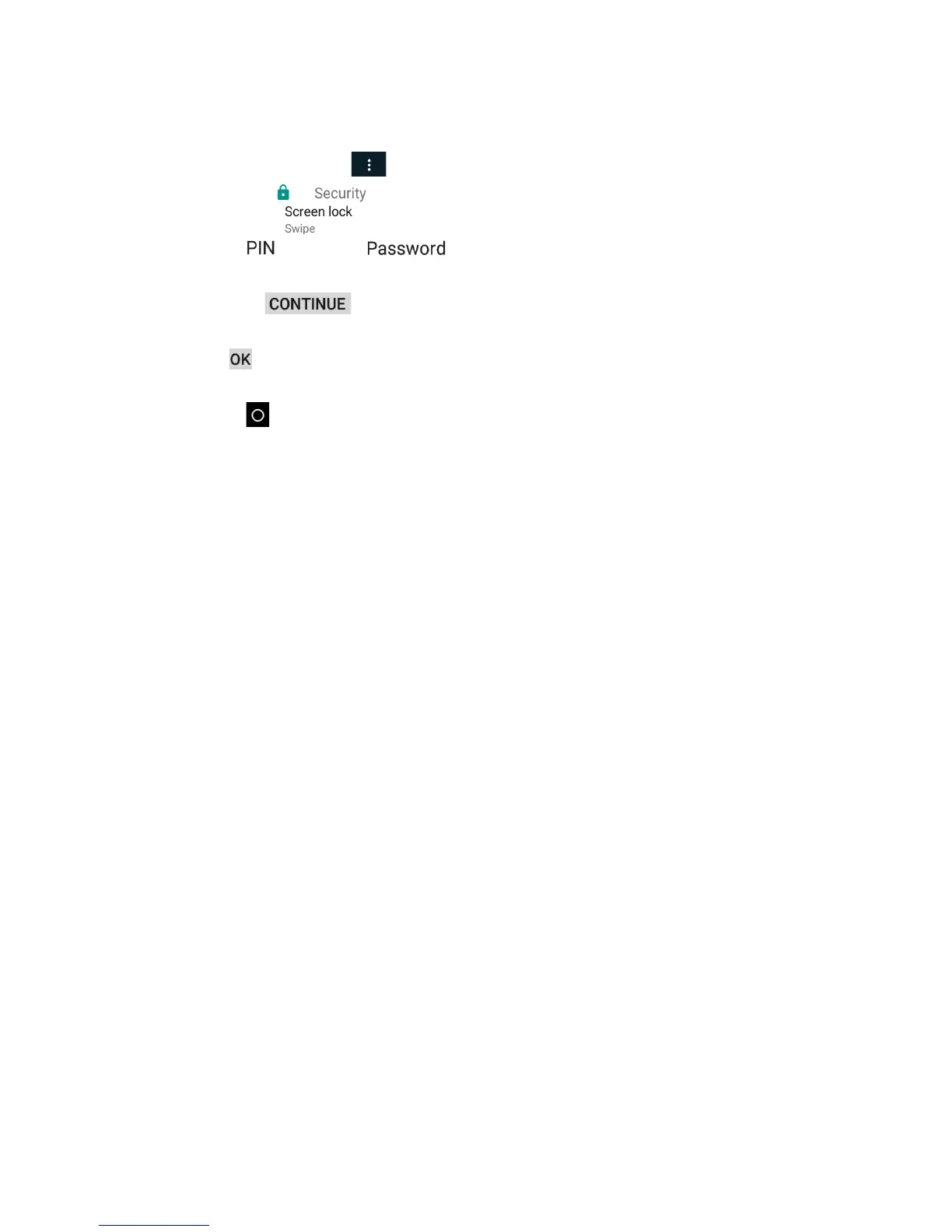
Setting a Device Password
To set a device pin or pass
word as follows:
1. From the Home
screen tap Uscan menu, tap Settings, and select System Settings.
2. Select Security
.
3. Tap Screen lock
.
4. Select Pin
or Password .
5. Enter the pin or password.
6. Tap Continue
7. Confirm the pin or password.
8. Tap OK
9. Select your notification content prefe
rence.
10. Tap Home
to return to Uscan Home screen.


 To Next Page